
Your child can ask a chatbot to write a game in seconds. So you might wonder: is it still worth it to learn coding in the AI era? Many parents now hear that AI will do all the programming soon.
That worry is real, and it’s costly if you get the answer wrong. Kids who only use AI tools can’t tell when an answer is broken. They copy, paste, and stay stuck. Kids who understand code can guide AI, fix its mistakes, and build their own ideas.
This guide shows you what the data actually says. You’ll see why coding matters more now, not less. You’ll also get an age-by-age path your child can follow, starting with the right online coding classes for kids and teens.
Learning to code used to mean memorising syntax. Today, it means something bigger. Your child learns how computers think, so they can direct AI with confidence.
Think of AI as a very fast assistant. It drafts code quickly. But someone still needs to plan the project, spot errors, and decide what “good” looks like. That someone should be your child.
Our guide to AI literacy for kids explains the third skill in depth. Together, these three turn a curious child into a confident creator.
This is the question most parents ask first. The short answer: AI is changing how people code, not whether coding matters.
In Stack Overflow’s 2025 survey of nearly 50,000 developers, 84% said they use or plan to use AI tools, up from 76% a year earlier. Yet only 33% trusted the accuracy of AI output. The top complaint? 66% said AI answers are “almost right, but not quite.”
“Almost right” is the key phrase. Only someone who understands code can find what’s wrong. That’s why human skill is rising in value, not falling.
The World Economic Forum’s Future of Jobs Report 2025 agrees. It lists AI and big data as the fastest-growing skills, followed by cybersecurity and technology literacy. Analytical thinking remains the top core skill employers want.
| Task | What AI does well | What your child must bring |
|---|---|---|
| Writing code | Drafts common patterns fast | Plans the logic and structure |
| Debugging | Suggests possible fixes | Knows which fix is actually right |
| Building products | Generates starter templates | Decides what to build and why |
| Safety and ethics | Follows rules it’s given | Judges fairness, privacy, and impact |
| Creativity | Remixes existing ideas | Imagines something new |
Key takeaway: AI rewards people who understand code. It doesn’t replace them.
For a closer look at how human thinking compares with machine thinking, read AI vs human intelligence in kids’ education.

Every program is a puzzle. Kids learn to break problems down, test ideas, and try again. These habits carry into maths, science, and everyday decisions. It’s why many parents ask is coding really helpful for kids, and the answer keeps getting stronger.
AI makes confident mistakes. A child who reads code can spot a bug in seconds. That’s a real advantage in school projects today and in careers tomorrow.
Most AI tools are built with Python. When your child learns Python, they can build their own chatbot or image classifier. Try our step-by-step guide on how to make AI in Python to see what that looks like.
Kids already spend hours on screens. Coding flips that time from consuming to creating. Instead of just playing games, your child designs them. Our screen time alternatives guide shares more ideas.
Software, robotics, data science, and AI engineering all need coding. Even non-tech careers now use code and automation. Explore the best STEM careers for kids to see how wide the options are.
Real projects stand out. A teen with a portfolio of apps or AI models shows initiative and depth. Learn more in our guide on coding for teens and university chances.
Code rarely works the first time. Kids learn that errors are part of progress. Each fixed bug builds the quiet confidence that says, “I can figure this out.”
Every child will use AI. The real question is whether they’ll only use it, or also create with it. Here’s how the two paths compare.
| AI User | AI Creator | |
|---|---|---|
| What they do | Types prompts and copies answers | Plans, codes, and improves solutions |
| When AI is wrong | Gets stuck or doesn’t notice | Spots and fixes the error |
| Skills built | Prompting basics | Logic, coding, AI literacy, problem solving |
| Creativity | Limited to what the tool suggests | Builds original games, apps, and models |
| Future value | Common and easy to replace | Rare, respected, and in demand |
Prompting is a useful skill, and our prompt engineering for kids guide teaches it well. But prompting works best on top of coding knowledge, not instead of it.
Still weighing AI classes against coding classes? Our comparison of AI vs coding classes for kids breaks down which to start with.
There’s no single “perfect” age. But each stage has a natural starting point. Here’s a simple roadmap, based on our best age for kids to start coding guide.
| Age | Focus | Recommended path |
|---|---|---|
| 5–7 | Logic through play, sequencing, patterns | Little Coder · Coding for 5-year-olds |
| 7–9 | Visual coding, games, animations | Scratch programming course · Classes for 7-year-olds · 8-year-olds |
| 9–11 | First text code, Python, simple AI | Python course for kids · Classes for 9-year-olds · 10-year-olds |
| 11–13 | AI, machine learning, web and app building | AI & machine learning course · Classes for 11-year-olds · 12-year-olds |
| 13–15+ | Advanced Python, AI engineering, full stack | Senior Coder programs · Advanced Python & AI Foundations |
Not sure where your child fits? Our checklist on signs your child is ready to learn coding can help. For AI readiness specifically, see is your child ready for AI.
Turn Screen Time Into Skill Time
Give your child a head start in the AI era with a personalised, mentor-led coding class. Book a Free Trial Class →
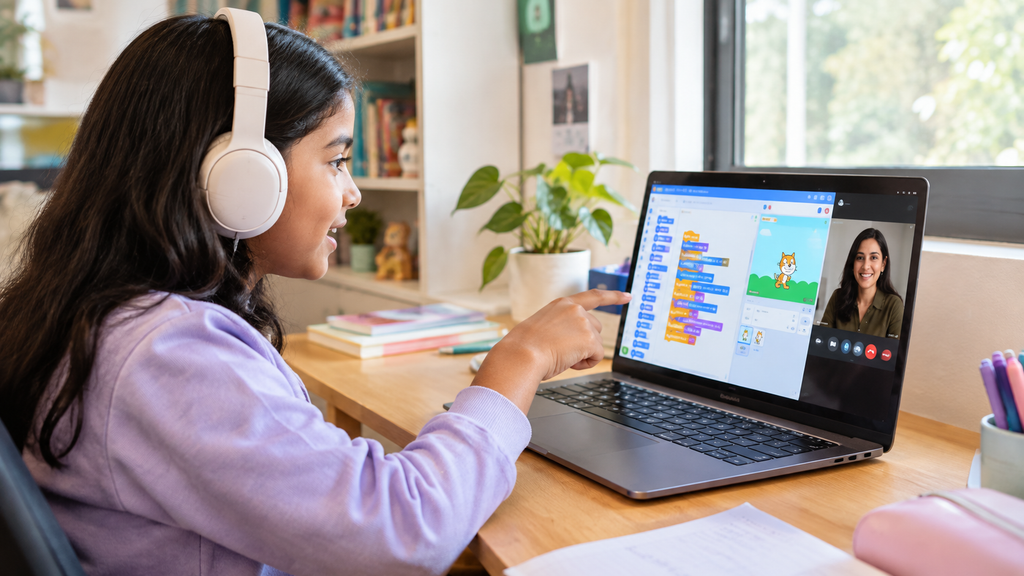
To help your child build real AI-era skills, follow these steps:
❌ Mistake 1: Assuming AI makes coding pointless
❌ Mistake 2: Letting kids copy AI code without understanding it
❌ Mistake 3: Starting with a language that’s too hard, too soon
❌ Mistake 4: Choosing apps over real learning
❌ Mistake 5: Waiting until high school
❌ Mistake 6: Believing coding myths
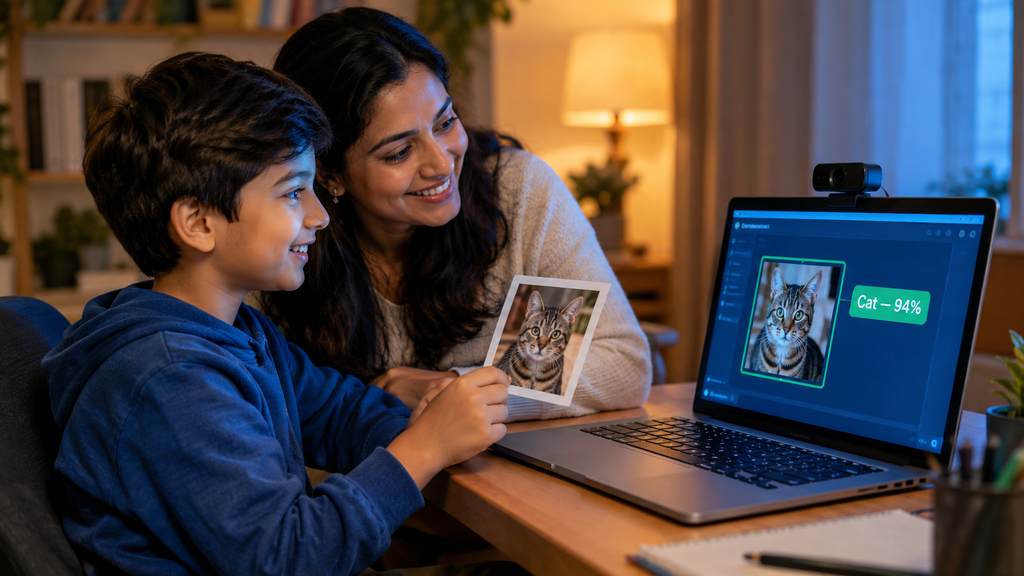
This is an illustrative example of a typical learning path, not a specific student record.
Meet Aarav, 10. He loved YouTube and Minecraft, and he’d started asking a chatbot to “make him a game.” The games rarely worked, and he didn’t know why. His parents worried he was using AI as a shortcut.
Here’s how his path unfolded:
The biggest change? Aarav stopped seeing AI as magic. He started seeing it as a tool he could shape. And his parents saw weekly progress updates the whole way.
That’s the difference between using AI and creating with it.
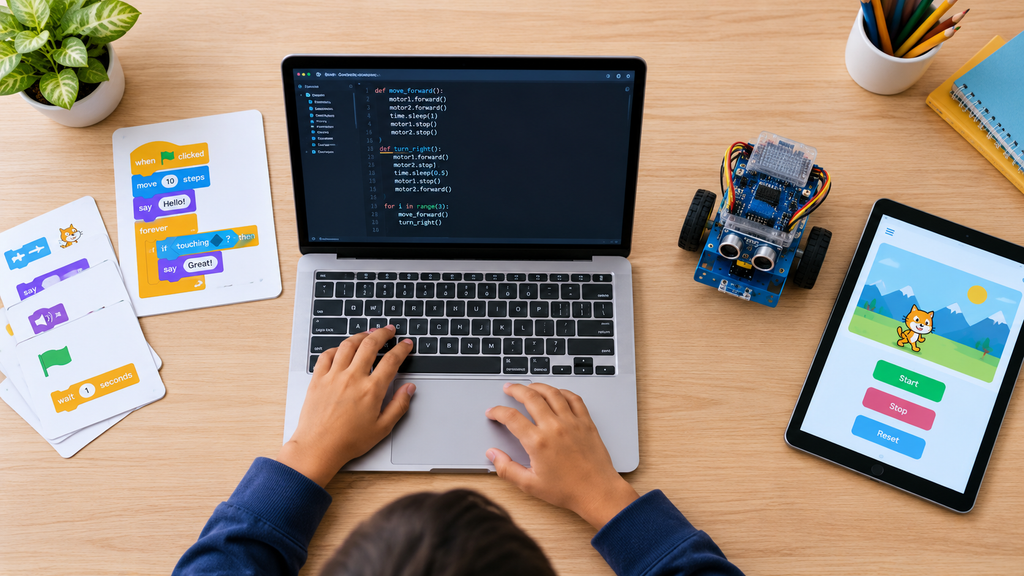
ItsMyBot offers personalised, industry-level courses that adapt to your child’s pace and potential. Every path keeps parents informed at each step. Here’s how our programs map to AI-era skills.
See every option on our all courses page.
AI hasn’t made coding less important. It’s made understanding code more valuable. When your child learns to code, they learn to think clearly, question answers, and build their own ideas.
The AI era belongs to curious builders. Give your child the tools to lead it, starting with a free coding trial class.
Yes. AI can draft code, but it often produces answers that are almost right. People who understand code can spot errors, guide AI, and build original ideas. Employers also rank analytical thinking and technology skills among the most valuable to 2030. Coding builds both, which makes it more useful now, not less.
AI is changing how programmers work, not removing the need for them. Most developers now use AI tools daily, yet few fully trust the output. Humans still plan projects, check quality, and make judgement calls. Kids who learn coding today will be the people who direct AI tomorrow.
Kids can start logic-based coding from age 5 with playful, visual activities. Ages 7–9 suit Scratch, and ages 9–11 are a great time for Python. Teens can move into AI and full-stack development. See our guide to the best age for kids to start coding for details.
Start with coding basics, then add AI. Coding builds the logic that makes AI understandable. Once your child knows Python, AI and machine learning concepts click much faster. Our comparison of AI vs coding classes for kids explains the best order for different ages.
Python is the best first text language for most kids. It’s readable, beginner-friendly, and powers most AI and machine learning tools. Younger children should begin with Scratch, then move to Python. Explore our Python course for kids to see a structured path.
Yes, with the right approach. AI works well as a hint tool or practice partner. The key is making sure your child understands and can explain the code. A mentor-led course helps kids use AI responsibly. Our AI for kids parent guide covers safe, smart use.
ItsMyBot offers personalised, industry-level courses that adapt to each child’s pace. Kids learn by building real projects, from Scratch games to Python AI models. Parents receive progress updates throughout. You can try a free trial class to see the approach first-hand.
Ready to help your child grow from AI user to AI creator?
Book a Free Demo Class →
Online coding, AI, and robotics classes that help kids ages 6–18 build real skills — and confidence — one project at a time.
No commitment · Live class with an expert teacher
© ItsMyBot 2026. All Rights Reserved.