📋 Quick Overview (5W1H)
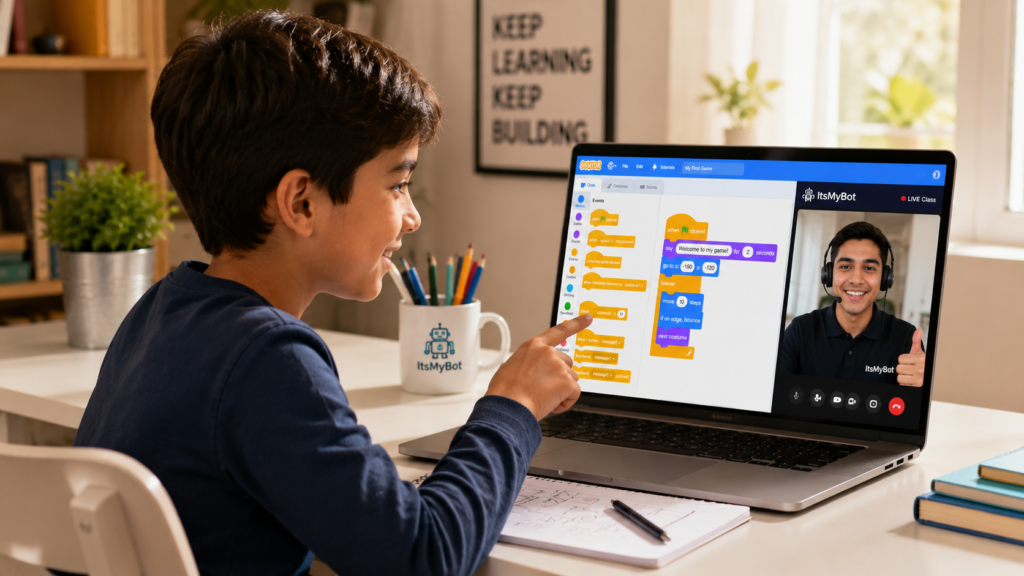
What: A block-based visual programming platform where kids create games, animations, and stories.
Who: Children aged 5–15, beginners with zero coding experience.
Why: It’s the most accessible first step into coding — and it builds real computational thinking.
When: Available year-round online; ideal to start as young as age 7.
How: Kids drag and connect code blocks to build interactive projects — no typing required.
Your child loves games and creative projects — but you’re not sure where to start with coding. Traditional text-based programming feels too complex, and you watch the time pass wondering if your child is falling behind in skills that will matter most in their future.
That uncertainty is real. Kids who don’t build computational thinking early often find it harder to catch up later — and the gap widens with every year. The question isn’t whether your child should learn to code. It’s how to start them right.
Scratch coding for kids is that answer. Developed by MIT, Scratch is the world’s most popular free coding platform for children. It turns programming into a visual, creative experience — letting your child build real projects from day one. This complete guide walks you through everything: what Scratch is, how it works, what kids build, and how to take their skills further.
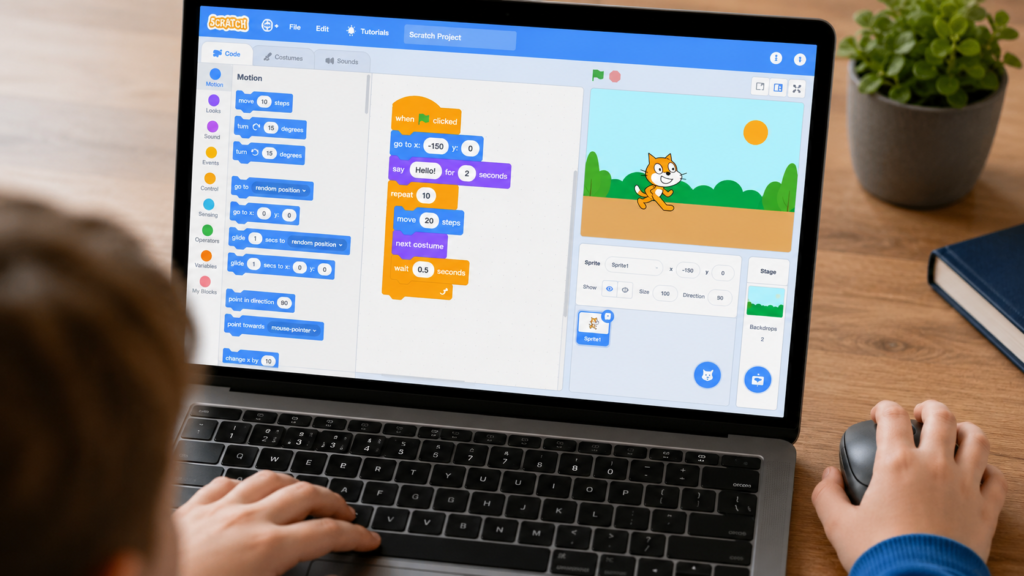
Scratch is a block-based visual programming language created by the Lifelong Kindergarten Group at MIT Media Lab. Instead of typing complex code, children drag colourful blocks together — just like digital LEGO — to create interactive stories, animations, and games. Curious about the language behind it? Read our guide on what language Scratch uses.
It’s currently used by over 100 million registered users worldwide. The platform is free, browser-based, and designed specifically for children aged 8–16 — though kids as young as 5 can start with ScratchJr on tablets.
At ItsMyBot, we use Scratch as the foundation of our Little Coder and Junior Coder programmes — because it turns screen time into skill time, right from the first session.
Explore our Little Coder programme
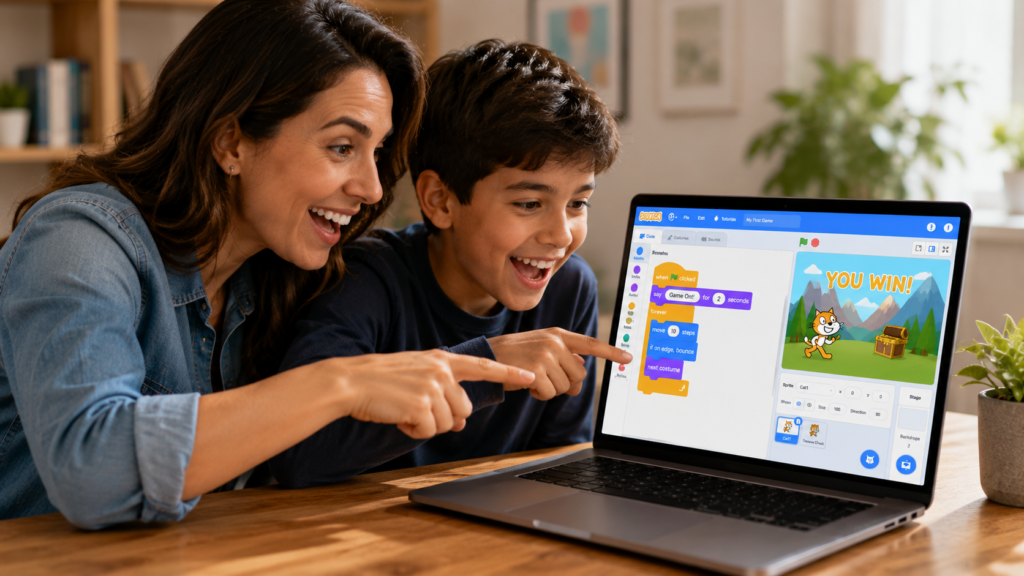
One of the most common questions parents ask is: “Is my child the right age to start Scratch?” The answer is almost always yes — Scratch adapts to different developmental stages beautifully.
ScratchJr is a simplified, tablet-friendly version of Scratch designed for the youngest learners. Children tap and sequence colourful blocks to animate characters. It builds spatial reasoning, sequencing, and basic cause-and-effect thinking.
This is the sweet spot for starting Scratch. Children at this age can follow step-by-step logic, understand sequences, and build simple projects like an animated greeting card or a basic platform game.
Older children can build more ambitious Scratch projects — multiplayer games, data visualisations, and interactive quizzes. At this stage they’re ready to learn variables, custom blocks, and event broadcasting, which closely mirror real programming concepts.
Getting started with Scratch is genuinely fast. Here’s exactly what to do:
For a full guided walkthrough, read our blog: How to Set Up Scratch 3.0 for Kids in 10 Minutes. New to Scratch entirely? Our complete guide to using Scratch covers the full interface from scratch (no pun intended).
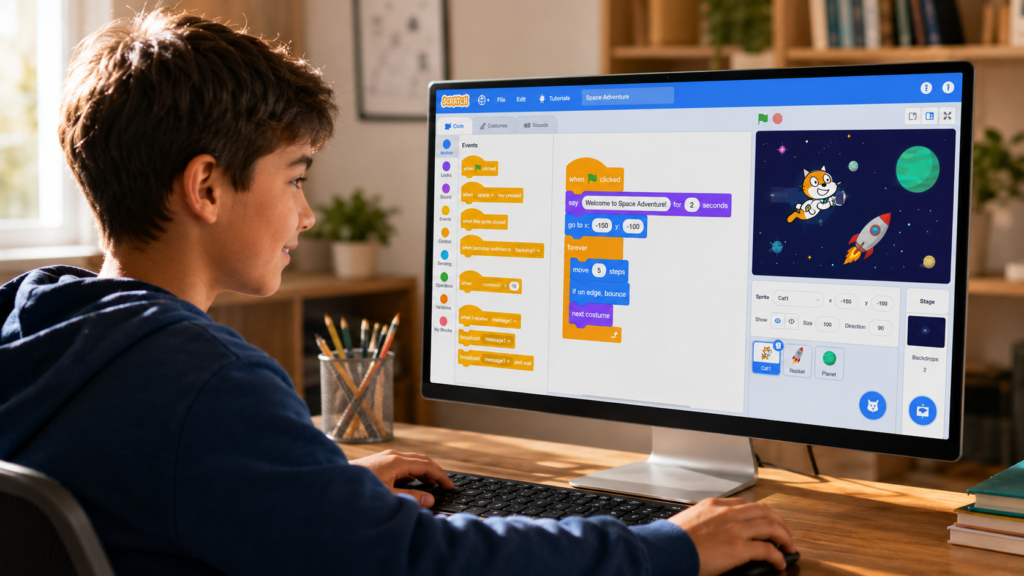
Parents often wonder: “Is Scratch real coding, or just a toy?” The answer — it’s both. Scratch introduces every major concept your child will use in Python, JavaScript, and beyond.
The best way to build excitement? Show your child what’s possible. Here are real Scratch projects organised by skill level.
| Platform | Best Age | Skill Level | What Kids Build |
|---|---|---|---|
| Scratch | 7–13 | Beginner–Intermediate | Games, animations, stories |
| ScratchJr | 5–7 | Beginner | Simple animations |
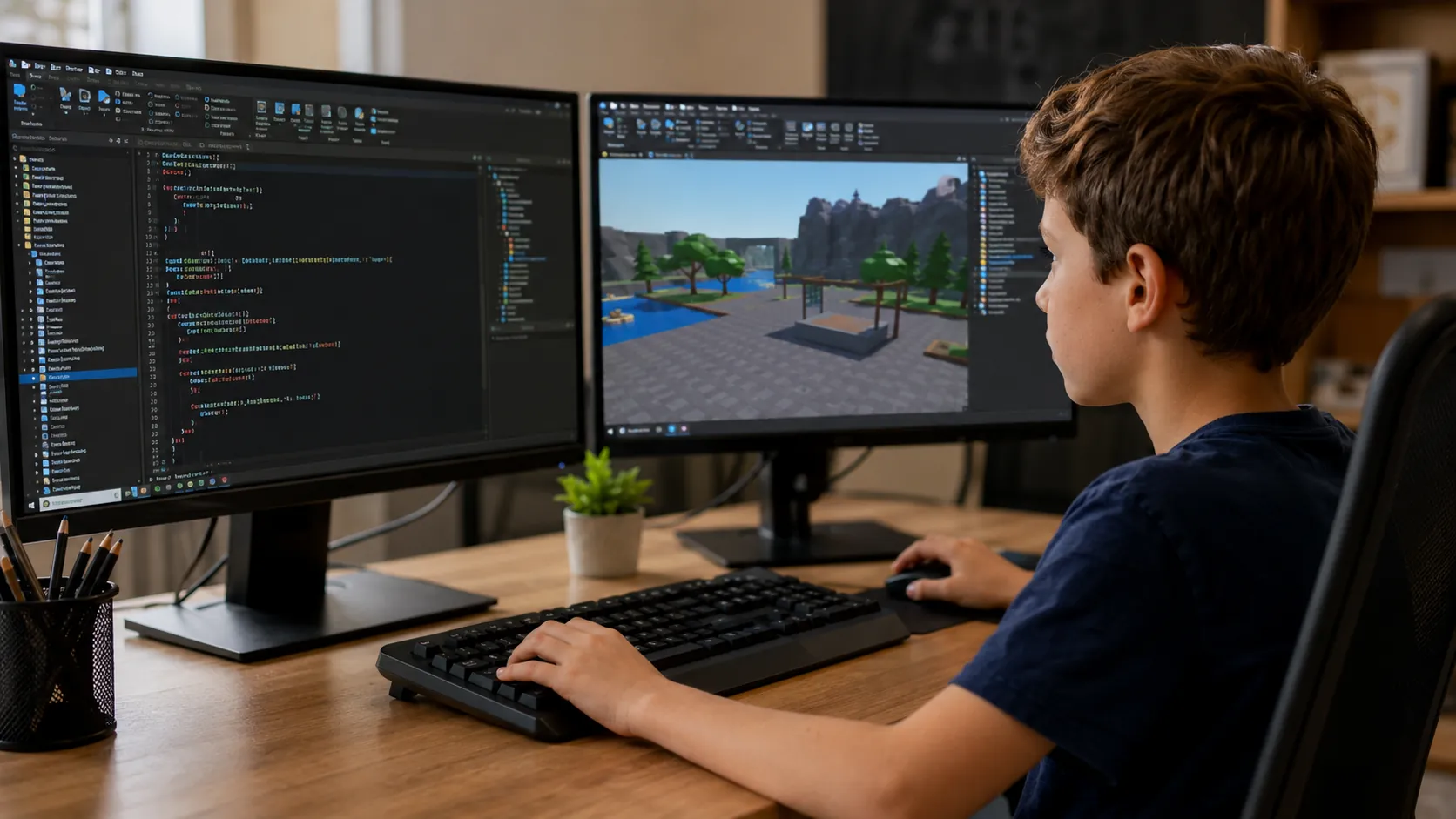
| Roblox Studio | 10–16 | Intermediate–Advanced | 3D multiplayer games |
| Python | 12+ | Intermediate–Advanced | Apps, data, AI |
| JavaScript | 13+ | Intermediate–Advanced | Websites, web games |
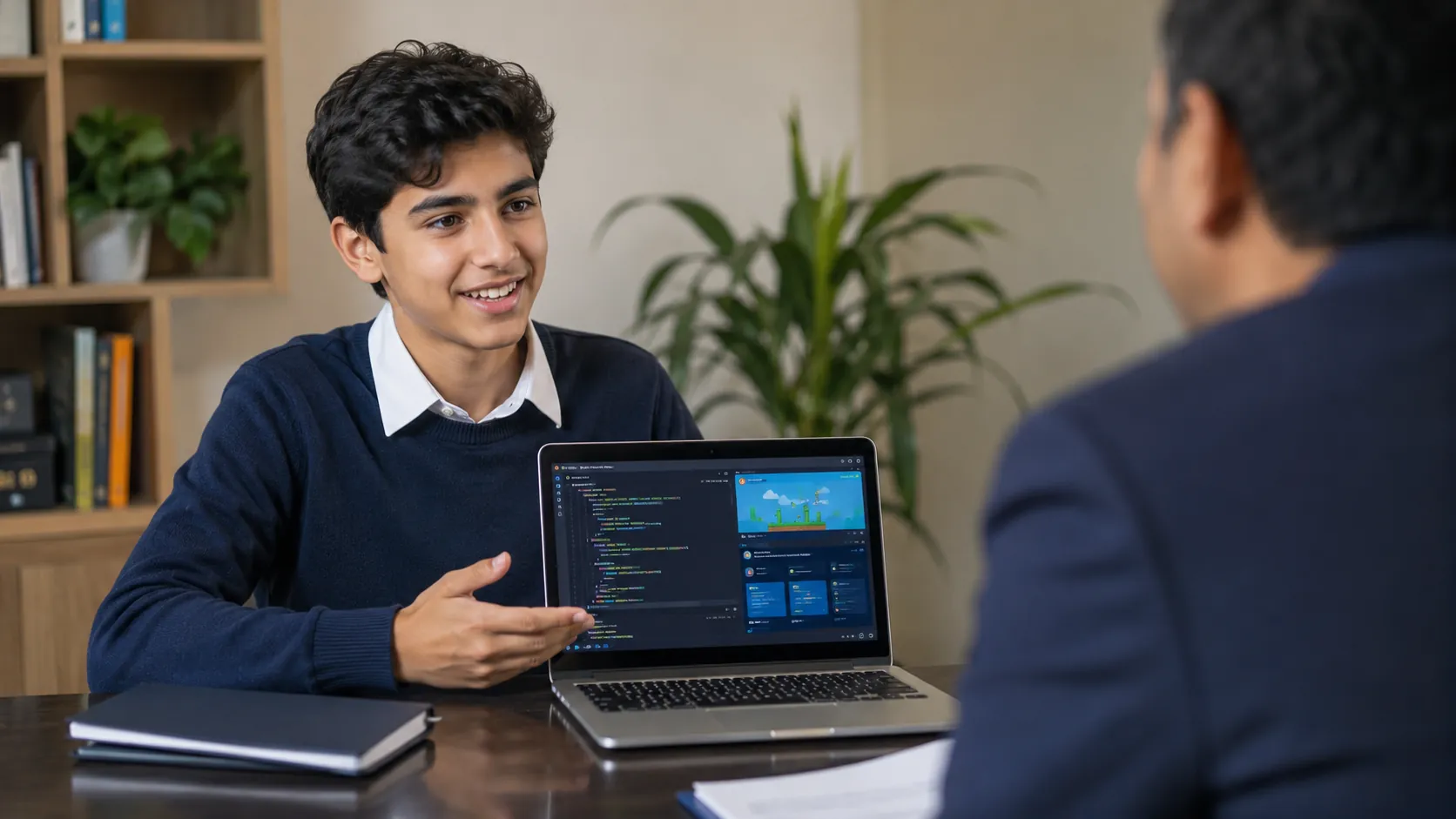
Scratch is the ideal starting point — but it’s not the final destination. Once your child is confident with Scratch, the next step is structured progression. At ItsMyBot, we guide children from Scratch through to Python, JavaScript, and beyond through our coding classes for kids. If you’re wondering when your child is ready to make that jump, our breakdown of block-based vs text-based coding for kids explains the difference clearly. Some parents also ask about PictoBlox — our Scratch vs PictoBlox comparison breaks down which suits younger learners better.
At ItsMyBot, we don’t just teach children to follow instructions — we teach them to think like builders. Our approach combines industry-level mentorship with a personalised pace that adapts to each child’s learning style.
We offer courses designed for every age group — from our Little Coder programme (ages 5–8) to our Junior Coder programme (ages 8–12). Your child’s coding journey starts here.
If your child is just starting out, our complete guide to using Scratch is the best first read — it covers the full interface clearly. From there, specific tutorials like how to use broadcast messages in Scratch and how to move a sprite smoothly help your child level up one skill at a time.
For more ambitious builds, our guides on physics-based games in Scratch and rainfall effects show what’s possible once the basics are solid.
Our Little Coder programme is built for children aged 5–8 starting with Scratch. Children aged 8–12 ready for structured progression will thrive in our Junior Coder programme. See all options on our coding classes for kids page, or book a free trial class to get started.
Scratch is a free, block-based visual programming language developed by MIT. Children drag and connect colourful code blocks to create games, animations, and interactive stories — learning real programming concepts without typing code. It’s the world’s most popular first coding platform for children aged 7–16.
Most children are ready to begin Scratch at age 7–8. Children as young as 5 can start with ScratchJr on tablets. By age 10–12, motivated learners can tackle advanced Scratch projects that mirror professional game design logic. There’s no “too early” if the child is curious and guided well.
Scratch teaches genuine programming concepts: loops, conditionals, variables, events, and parallelism. These are the same foundations used in Python, JavaScript, and every major language. It’s not a toy — it’s scaffolding that makes real coding accessible and fun for young learners.
A child can build their first simple project in under an hour. With consistent weekly practice — even just 60 minutes per session — most children build confident, independent projects within 3–6 months. Structured coaching with a mentor accelerates this significantly.
Yes. Scratch runs entirely in a browser at scratch.mit.edu — no downloads needed. ItsMyBot offers live, mentor-led online sessions where children learn Scratch with personalised guidance, real-time feedback, and structured progression from beginner to advanced projects.
After Scratch, the natural progression is Python for text-based coding, then JavaScript for web development, and eventually specialist areas like AI, robotics, or game development. ItsMyBot guides children through this entire pathway with structured, age-appropriate courses.
Yes — the Scratch platform at scratch.mit.edu is completely free. Children can create, save, and share projects without paying. However, for structured learning with mentor guidance and a personalised curriculum, a supported programme like ItsMyBot accelerates progress far beyond self-directed exploration.
Scratch uses block-based programming and focuses on 2D games, animations, and stories. Roblox Studio uses Lua scripting and creates 3D multiplayer games. Scratch is the ideal starting point; Roblox is a natural next step for children ready to advance.
Every great coder started somewhere — and Scratch coding for kids is the most effective, engaging starting point available today. Your child can start building real projects this week, with expert guidance that grows with their ability.
At ItsMyBot, we’ve built a structured pathway from first block to future-ready skills. We don’t just teach coding — we build confidence, creativity, and the kind of thinking that opens doors.
Book a Free Demo Class and see the difference structured, mentor-led Scratch coding makes for your child. Claim your free trial class Explore all coding courses
Your child’s coding journey starts with a single block. Make sure it’s guided by the right mentor. Book your free demo at ItsMyBot today

Online coding, AI, and robotics classes that help kids ages 6–18 build real skills — and confidence — one project at a time.
No commitment · Live class with an expert teacher
© ItsMyBot 2026. All Rights Reserved.