
Updated July 2026 · 7 min read
Quick Overview
Your child started their coding class excited. Then, somewhere around week three, the enthusiasm started to dip. You’re wondering if you made the right call — or if coding just isn’t for them. Here’s the truth: keeping kids motivated in coding isn’t about your child’s personality. It’s about the environment you create around the learning.
Most children who quit coding do so before they hit the breakthrough moment — the session where something clicks and they suddenly can’t get enough. This guide gives you the strategies to bridge that gap, based on what actually works for kids aged 5–10 in structured online coding classes.
Table of Contents
Before fixing the problem, understand it. Motivation doesn’t usually disappear because coding is hard. It disappears because of one of these reasons:
Wrong difficulty level
Too easy = boredom. Too hard = overwhelm. Both kill curiosity. The sweet spot is a challenge the child can almost — but not quite — solve on their own.
No visible output
Children need to build something they can show. Sessions that end with theory and no product leave kids wondering what they actually did.
Missing connection to interests
A child who loves animals but spends three sessions coding a calculator loses interest fast. Relevance is fuel.
No celebration of wins
Children are deeply motivated by recognition. A parent who notices and celebrates each project gives that child a reason to build the next one.
Let them choose the project. Ask your child what they’d build if they could build anything. Then find a class that builds it. Interest-led projects are finished. Assigned projects are abandoned. Explore the kinds of things kids build in our Scratch projects for kids gallery.
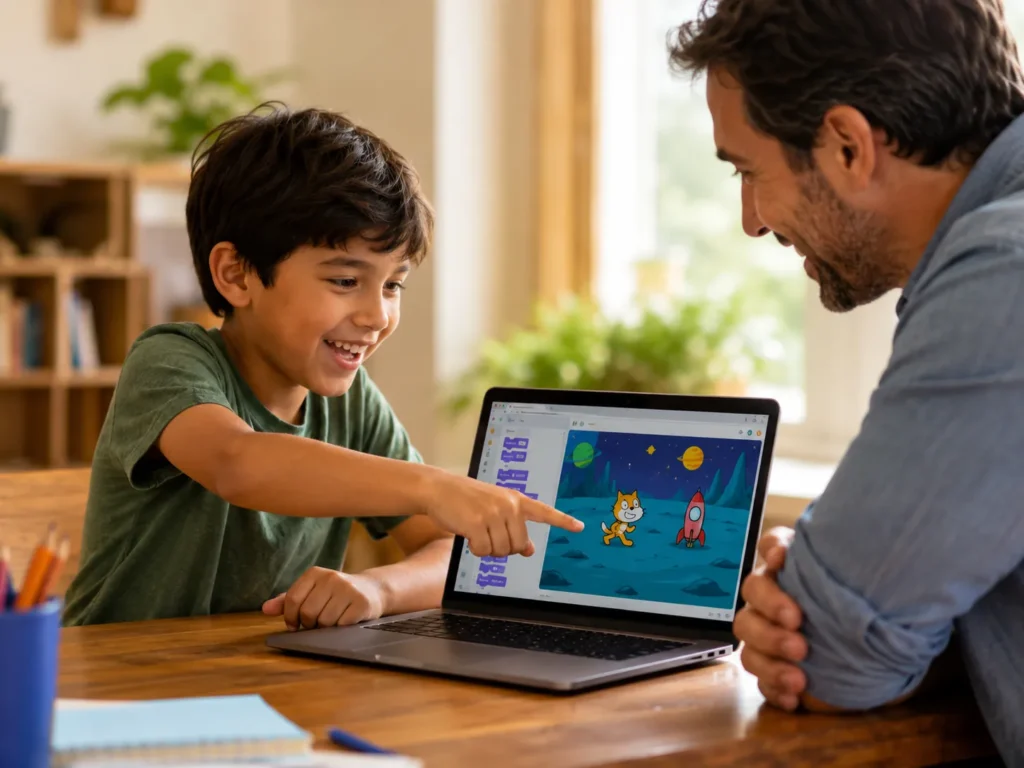
Ask to see what they built — every single time. “Show me what you made today” sends a powerful message: this matters. Your genuine interest is the most powerful motivator in your child’s coding journey.
Keep a consistent session time. Irregular scheduling breaks momentum. A weekly slot — same day, same time — creates a routine that the brain starts to prepare for. Coding becomes part of life, not an interruption to it.
Reframe “I can’t do this” as “I can’t do this yet.” The word “yet” is one of the most powerful things you can add to a discouraged child’s vocabulary. Coding is full of failure — teaching kids to see stuck moments as progress builds a mindset that lasts a lifetime.
Connect coding to what they already love. Minecraft fan? There are coding projects for that. Dance obsessed? Animated characters. Space lover? Space-themed games. ItsMyBot mentors tailor every project to your child’s world — see our guide on beginner Roblox game projects for kids.
Share their projects with family and friends. A grandparent who plays the game your 7-year-old built is one of the most powerful motivators you have. Public recognition of their work makes children want to build bigger, better things next time.
Commit to 8 sessions before making a judgment. The first four sessions are the hardest. The breakthrough moment — when something suddenly clicks — almost always happens between sessions 5 and 8. Pulling out before that means your child misses the part that makes it all worthwhile.
Sometimes motivation dips because the course isn’t good enough — not because your child isn’t interested. Watch for these warning signs:
The sweet spot for parental involvement in coding is simple:
Your child’s best session is always the next one.
Book a free demo at ItsMyBot — and watch what happens when a motivated child meets the right mentor.

What You Now Know
Motivation dips in coding are normal — and fixable. The most effective strategies are simple: let them choose the project, celebrate every win, keep sessions consistent, and commit to at least 8 sessions before making a judgment call.
The breakthrough moment — when coding stops being a chore and becomes something your child can’t wait to get back to — almost always comes if you stay the course. Don’t let them quit just before that happens.
At ItsMyBot, we keep children motivated because every session is personalised, every project is theirs, and every parent stays informed. Start with a free demo today.
The right course keeps itself. Let your child try one session.
My child says they hate coding now — should I stop the classes?
Not immediately. First, find out why. Is the project boring? Is the pace wrong? Is a session too long? “I hate it” often means “I’m stuck” or “I’m bored with this specific thing.” Try adjusting the project first before stopping the class entirely.
How often should my child have coding sessions to stay engaged?
One live session per week is the minimum for meaningful progress. Two sessions per week (or one session plus 30 minutes of free exploration) builds momentum faster. Consistency is more important than intensity at the early stages.
What’s the difference between a child who’s not motivated and one who’s in the wrong course?
A child who’s not motivated but in the right course will usually still engage during the session — they’re just reluctant to start. A child in the wrong course disengages during the session itself. If the mentor can’t pull them in once things start, that’s a course problem, not a child problem.
How do I make coding feel less like school work for my child?
Stop asking “how was your coding lesson?” and start asking “what did you build today?” Language matters. Framing coding around creation — not education — keeps it in the same mental category as play. Celebrate the output, not the hours sat.
At what point is it okay to let my child stop coding classes?
If after 8 genuine sessions with a quality, personalised course your child still shows zero interest, it may not be the right time. But pause — not quit. Children’s interests cycle. A child who walks away at 7 often comes back at 10 and flies. Keep the door open.

Online coding, AI, and robotics classes that help kids ages 5–16 build real skills — and confidence — one project at a time.
No commitment · Live class with an expert teacher
© ItsMyBot 2026. All Rights Reserved.