
Your child spends hours every day on a screen. The question isn’t whether technology is part of their future — it’s whether they’re building it or just consuming it. When it comes to AI vs coding classes for kids, most parents aren’t sure where to start, which path to choose, or whether their child even needs to pick just one. This guide answers all of that — clearly, honestly, and without the jargon. By the end, you’ll know exactly which direction makes sense for your child right now.
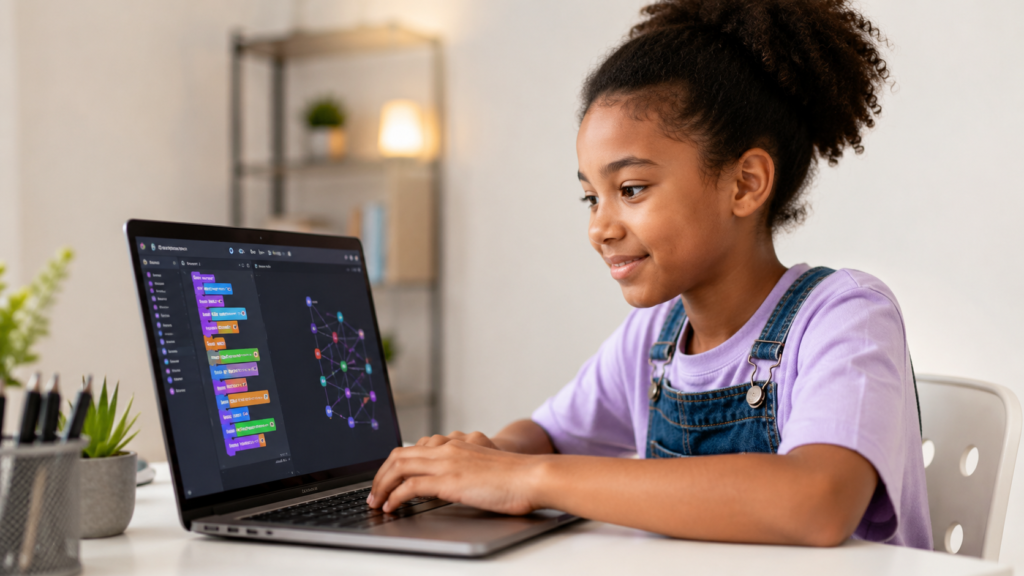
Before comparing the two, it helps to understand what each actually involves — because they’re related, but they’re not the same thing.
Coding classes teach children how to communicate with computers using programming languages. Kids start by learning how to give a computer a set of instructions — and then they watch those instructions come to life as games, animations, apps, or websites.
Depending on your child’s age, they might start with:
Coding builds core thinking skills: logic, sequencing, debugging, and creative problem-solving. It’s the foundation every other digital skill sits on top of. Explore coding classes for kids at ItsMyBot to see how we structure each level of learning.
AI classes go a step further. Kids learn how artificial intelligence systems work — and more importantly, how to build them. They explore topics like:
AI classes at the introductory level don’t require a computer science degree. But they do require a basic understanding of programming logic — which is why coding is almost always the first step. See our AI course for kids and the Young Innovators AI Lab to explore what AI learning looks like at ItsMyBot.
Not every child is ready for AI on day one — and that’s completely fine. Here’s how to think about where your child fits.
Our Little Coder programme is designed for beginners aged 5–8, while the Junior Coder path supports ages 8–11 who are ready for more structure. For teens, the Senior Coder programme takes skills to a professional level.
Our AI machine learning classes for kids and teens guide students through real AI projects in a structured, age-appropriate way.
This is where the real difference shows. Both paths build valuable skills — but they develop different strengths.
| Skill | How It Develops |
|---|---|
| Logical thinking | Breaking problems into steps and writing instructions a computer can follow |
| Creativity | Building games, apps, animations, and websites from a blank page |
| Resilience | Debugging — finding and fixing errors — teaches persistence |
| Mathematical thinking | Variables, loops, conditionals, and functions all reinforce maths concepts |
| Project planning | Longer projects teach kids to plan, test, and iterate |
| Skill | How It Develops |
|---|---|
| Data literacy | Understanding how machines learn from examples and patterns |
| Critical thinking | Evaluating model outputs and understanding bias in data |
| Systems thinking | Seeing how AI fits into real-world products and decisions |
| Ethics and responsibility | Understanding the impact of AI on people and society |
| Innovation | Combining AI tools with coding to build genuinely new things |
For a broader look at skills your child can build across our programmes, explore our full course library.
Here’s everything in one place so you can make a fast, informed decision.
| Factor | Coding Classes | AI Classes |
|---|---|---|
| Best starting age | 5–6 (block-based) / 9+ (text) | 10–12+ |
| Prior knowledge needed | None | Basic coding concepts |
| Core focus | Building apps, games, websites | Training models, working with data |
| Tools used | Scratch, Python, JavaScript, C++ | Python, ML libraries, data sets |
| Career relevance | Software developer, game designer, web developer | AI engineer, data scientist, ML researcher |
| Creativity level | Very high — build anything you imagine | High — design intelligent systems |
| Difficulty curve | Gentle start, gradually more complex | Steeper — requires analytical thinking |
| ItsMyBot courses | Coding Classes | AI Course |
The takeaway: coding teaches your child how to build. AI teaches them how to make what they build smarter. Both matter. The order matters too.
Yes — and at ItsMyBot, many of our students do exactly that. But the path works best when it follows a natural progression.
Here’s the approach our mentors recommend:
Step 1 — Start with coding fundamentals. Your child learns variables, loops, functions, and logic. They build small projects and get comfortable with how programming works.
Step 2 — Introduce Python. Python is the bridge between coding and AI. It’s readable, beginner-friendly, and the most widely used language in the AI and data science world.
Step 3 — Begin exploring AI concepts. With Python in hand, kids can start working with real AI libraries — building models, training classifiers, and exploring how machines learn.
Step 4 — Combine both in real projects. The most exciting learning happens when your child uses coding and AI together — building a smart game, a chatbot, or an image recognition tool.
Our best online coding classes for kids and teens are structured to support this natural progression at every age. And our summer coding camp 2026 is a great way to accelerate through multiple skills in a short, intensive format.
Not Sure Which Path Is Right for Your Child?
Let them try a free demo class — our mentors will guide your child through both coding and AI concepts and recommend the perfect starting point based on their age, interests, and experience.
No commitment. No pressure. Just curiosity and confidence.

Age is the single biggest factor in choosing between AI and coding — and it’s the question we get most from parents.
Children at this age think in stories and play. Block-based coding tools like Scratch make programming feel like building with digital Lego. They’re creating real projects — animated stories, simple games — without even realising they’re learning logic.
Our best coding classes for 7-year-olds and best coding classes for 8-year-olds are specifically designed for this stage.
This is when kids move from block-based to text-based coding. Python becomes accessible, logic becomes more natural, and projects get more ambitious. Kids at this age are building games, websites, and simple apps.
Explore coding classes for 9-year-olds, 10-year-olds, and 11-year-olds in our junior age programme.
By 12, most kids who’ve been coding for a year or two are ready to explore AI. They understand enough programming to start working with data sets, training models, and building intelligent applications.
Our coding classes for 12-year-olds introduce advanced Python concepts that feed directly into AI and machine learning learning paths.
These are the patterns we see most often — and how to avoid them.
❌ Mistake 1: Starting with AI before coding AI without coding is like learning to drive on a motorway. Without programming fundamentals, kids struggle to understand why AI systems behave the way they do — and they can’t build anything independently. ✅ Fix: Start with coding first. Even 3–6 months of structured coding gives kids the foundation AI learning requires.
❌ Mistake 2: Choosing a course based on what sounds impressive “My child is learning AI” sounds exciting. But if your 7-year-old is sitting through concepts they’re not developmentally ready for, they’ll lose interest fast.
✅ Fix: Match the course to your child’s age and current skill level — not to what sounds most advanced. Our junior age courses are built around developmental readiness, not just age brackets.
❌ Mistake 3: Treating coding as less valuable than AI Coding is not the “old” skill and AI is not the “new” skill. Every AI engineer in the world writes code every day. Strong coding skills are what separate good AI practitioners from great ones.
✅ Fix: Value both equally. A child with strong coding skills and an introduction to AI is genuinely future-ready.
❌ Mistake 4: Waiting until secondary school to start Many parents assume tech education is a secondary school subject. But kids who start coding at 7–9 have years of creative confidence built up by the time they reach AI concepts.
✅ Fix: Start early. Our online coding workshop for kids is a low-commitment, high-impact way to get started at any age.
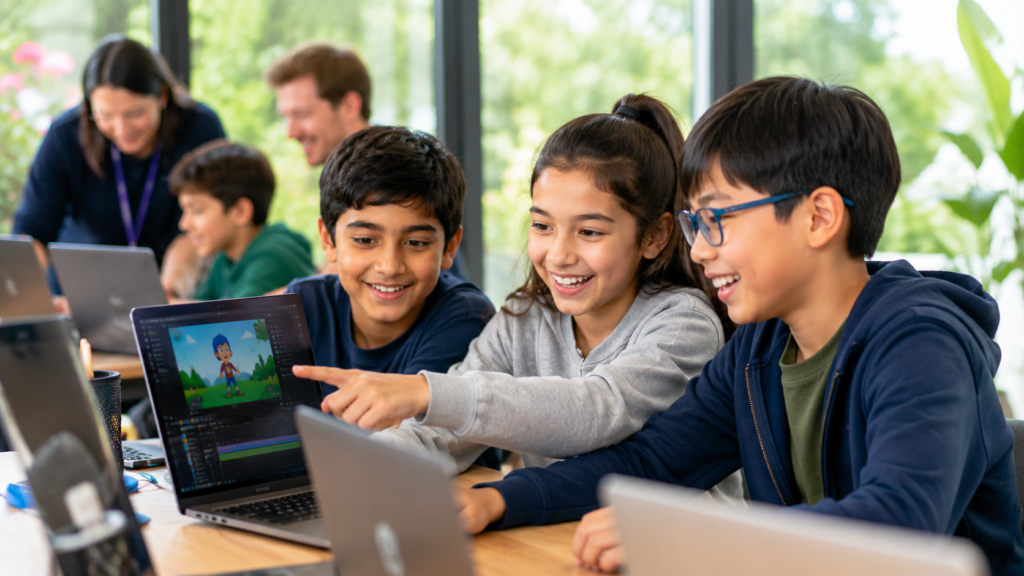
Use this simple decision guide:
| Your Child’s Situation | Recommended Starting Point |
|---|---|
| Age 5–8, no coding experience | Little Coder — block-based coding |
| Age 9–11, no coding experience | Junior Coder — Python fundamentals |
| Age 12–15, no coding experience | Senior Coder — text-based coding |
| Age 10+, knows basic coding | AI Machine Learning Classes |
| Age 12+, loves games and building | C++ Course for Kids or Roblox Game Development |
| Age 10+, loves gadgets and tech | Advanced IoT Course or Best IoT Classes for Kids |
| Any age, wants to try first | Book a free demo class |
Still unsure? Our mentors speak with hundreds of parents every month. A free demo class is the easiest way to let your child’s natural curiosity point to the right path.
Coding classes teach children to write instructions computers can follow — building apps, games, and websites. AI classes teach kids how machines learn from data to make decisions. Coding is the foundation; AI builds on top of it. Most children start with coding between ages 5–9, then add AI learning from age 10 onwards. Explore our coding classes and AI course to see both paths.
Coding can start as early as age 5 with block-based tools like Scratch. Text-based coding with Python becomes accessible from around age 9. AI classes are most effective from age 10–12, once a child has a comfortable understanding of programming fundamentals. Our junior age courses are grouped by age to ensure your child always learns at the right level.
Yes — a basic understanding of coding, especially Python, makes AI learning significantly more effective. Without it, kids can learn AI concepts at a surface level but can’t build or experiment independently. We recommend at least a few months of structured coding before moving to AI. Our mentors can advise you on readiness during a free demo class.
They can, but a structured progression works best. Most ItsMyBot students start with coding, build Python skills, and then naturally move into AI and machine learning. This path builds genuine understanding rather than surface familiarity. Our best online coding classes for kids are designed with this progression in mind.
Yes — provided your child is ready for them. AI literacy is quickly becoming as important as reading and writing for the next generation. Kids who understand how AI systems work — and can build with them — will be significantly better prepared for university and careers in tech, science, business, and beyond. Our Young Innovators AI Lab is built specifically for kids who are ready to go beyond basics.
Python is the clear starting point. It’s readable, beginner-friendly, and the most widely used language in AI, data science, and machine learning globally. Our online coding workshop for kids covers Python fundamentals in a structured, project-based way that prepares children for AI learning.
Yes. ItsMyBot offers a full learning path — from block-based coding for 5-year-olds right through to AI, machine learning, robotics, IoT, and full stack development for teens. Every course adapts to your child’s pace. Visit our full course library or book a free demo class to find the right starting point.
Conclusion
We’ve covered what separates AI and coding classes, who each path is designed for, which skills your child builds, the best starting age, and how to match your child’s situation to the right first step.
Getting this right matters. Kids who start early — on the right path, at the right pace — build a layer of confidence and competence that follows them through school, university, and into their careers. Kids who wait, or who start on a path that doesn’t match where they are, often disengage before they’ve had a chance to discover how much they enjoy it.
Your child’s perfect starting point is one conversation away. Book a free demo class at ItsMyBot and let a mentor help you find it together.
Turn your child’s screen time into skill time — start their journey with ItsMyBot today.
Get Started Free →

Online coding, AI, and robotics classes that help kids ages 6–18 build real skills — and confidence — one project at a time.
No commitment · Live class with an expert teacher
© ItsMyBot 2026. All Rights Reserved.