✦ Junior Coder · Level 1 · Ages 7–12

Fundamentals of Scratch Programming for kids

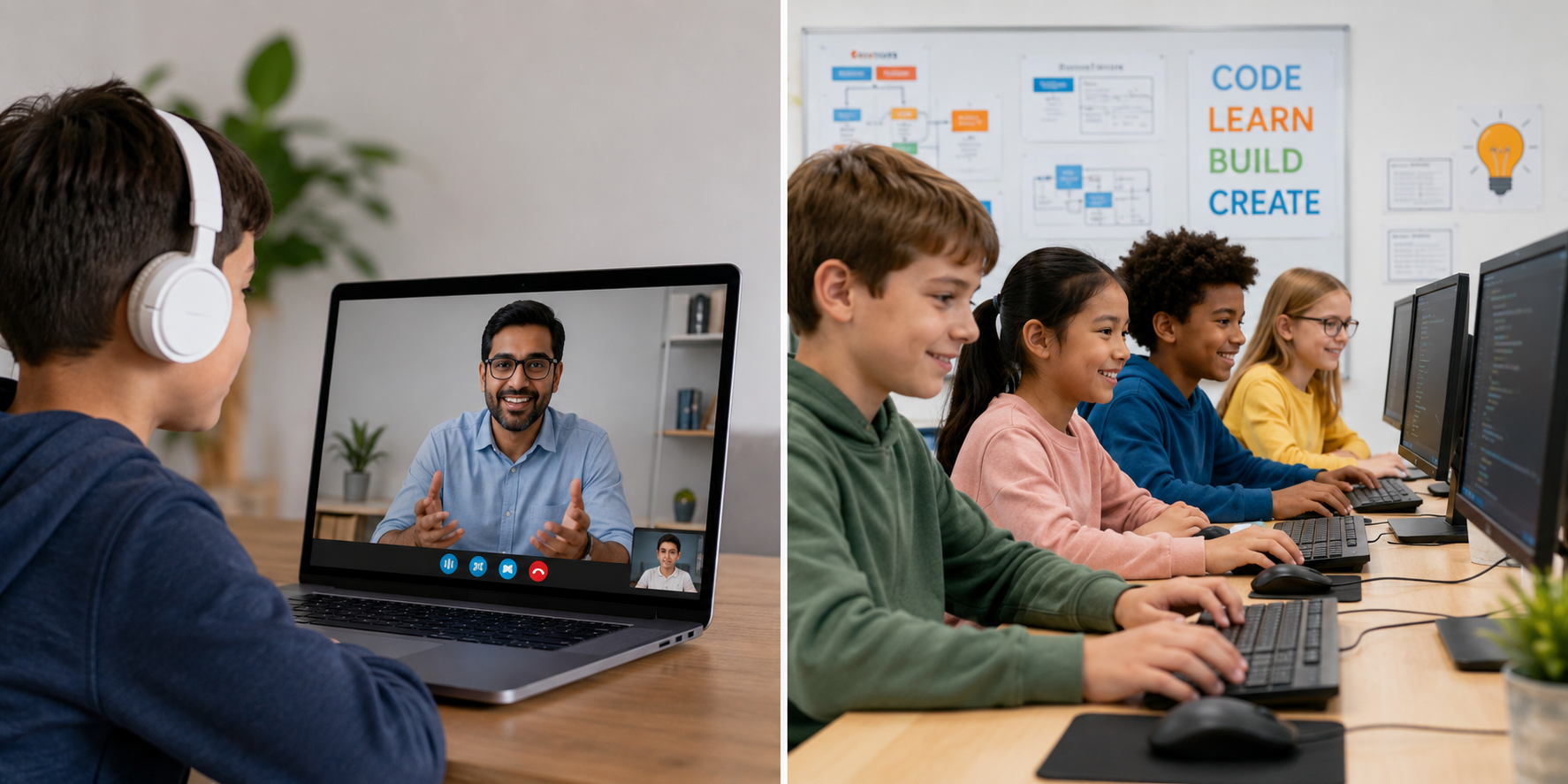
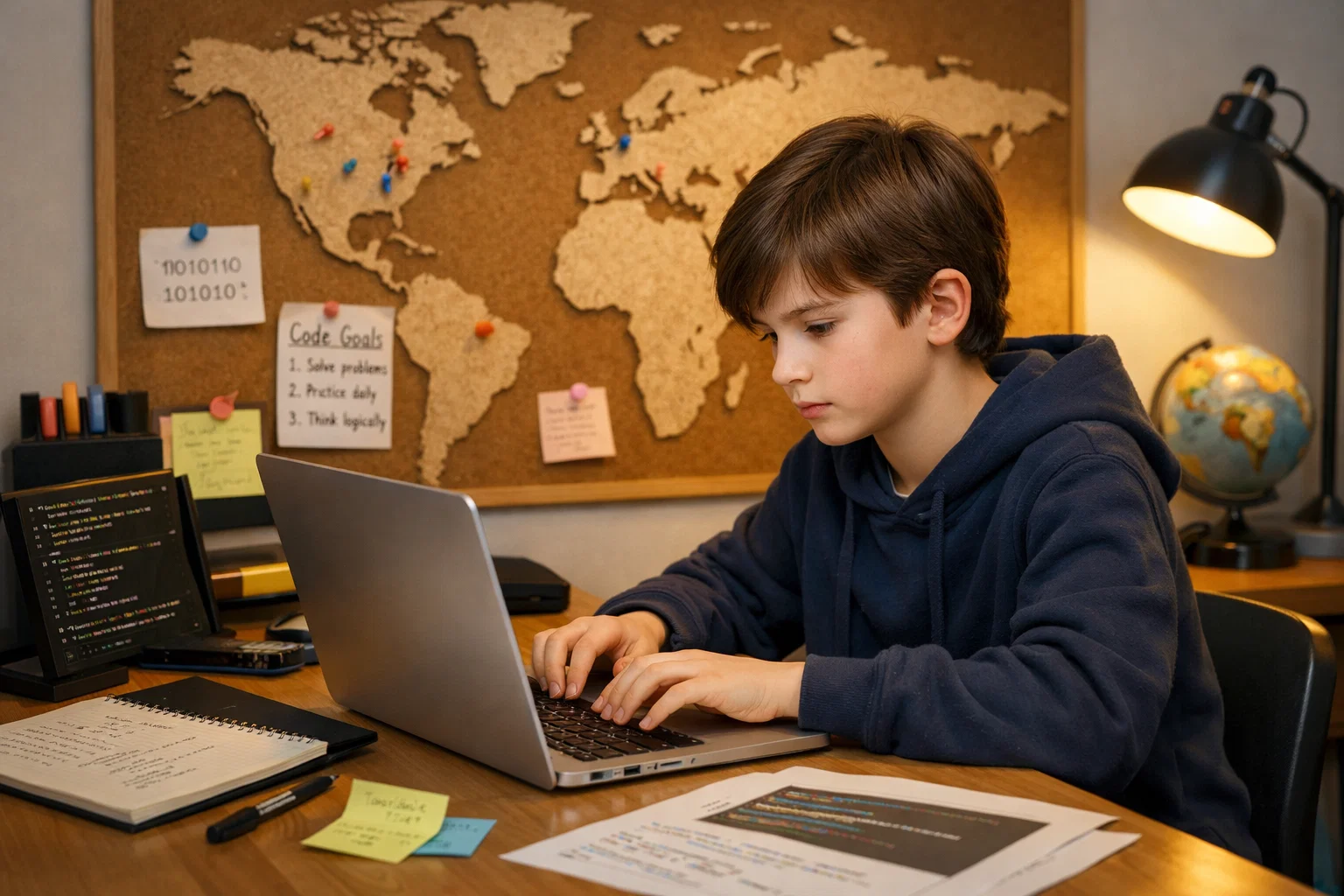
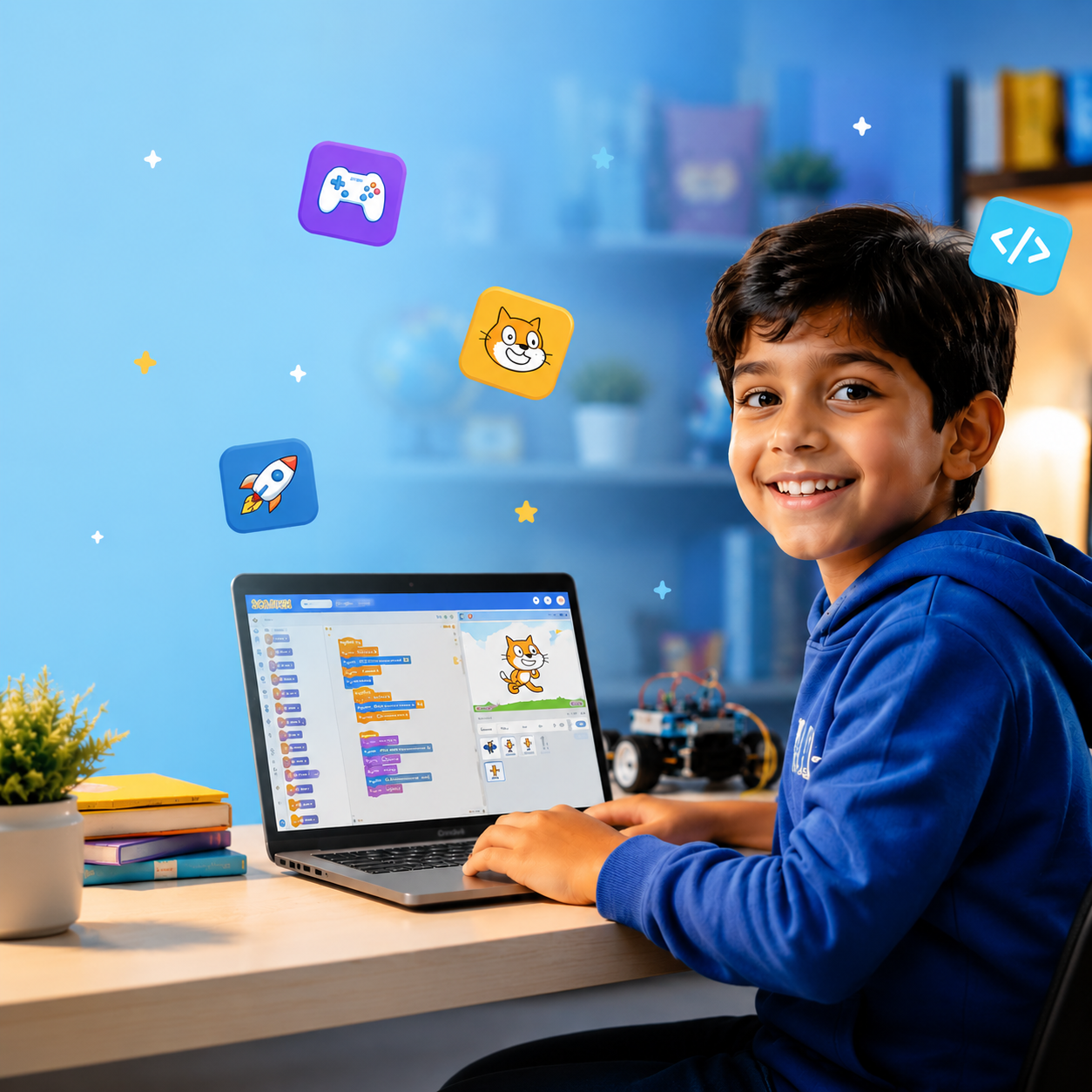
Your child's coding journey starts here. In this hands-on, live, personalized course, kids aged 7–12 learn to think like programmers - through games, animations, and interactive stories they build themselves. No typing skills needed. Just curiosity.
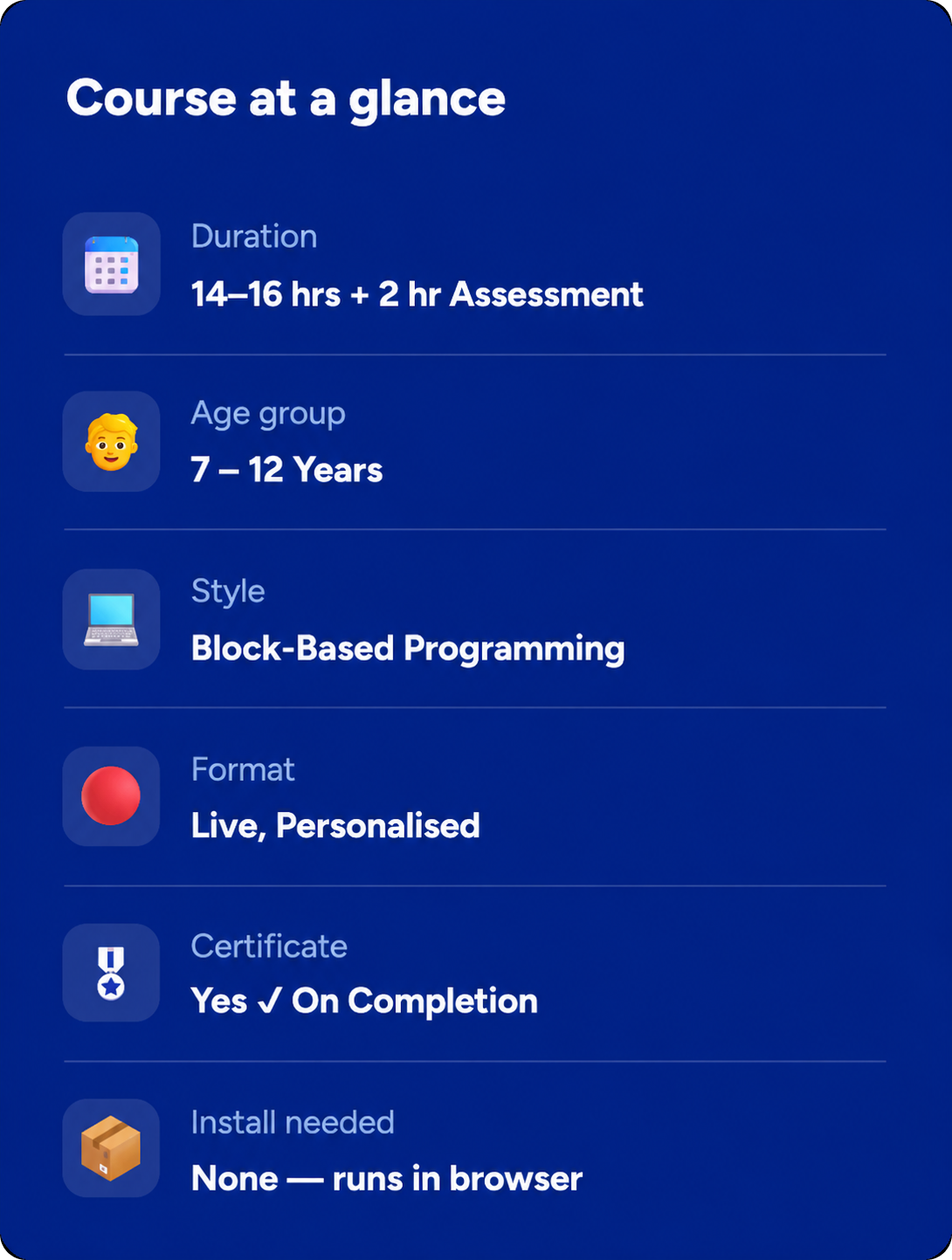
⏱ 14–16 Hours
🔴 Live Classes
📱Block-Based
🎖 Certificate
Rated 4.8/5
on TrustPilot
Rated 4.8/5
on Google
500,000+
Hours of learning
40+
Countries

Junior Coder

Ages 7–12
Curriculum Designed By Educators And Technologists Who Worked For Tech Leaders
About Course

What Is This Course About?

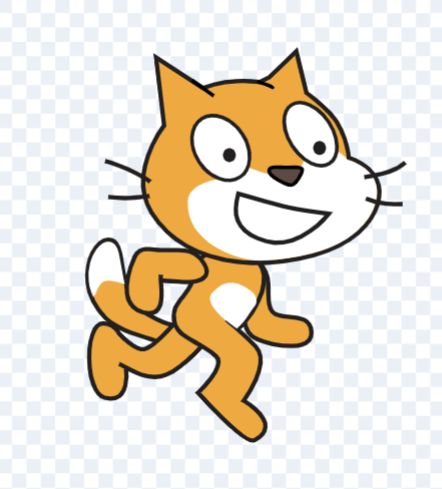
Scratch is the world's most popular programming language for kids, developed by MIT. It uses a drag-and-drop block interface so children can focus on the logic of coding - not the typing.
Scratch makes coding interactive, visual, and easy to understand for young learners. It provides a strong foundation in computational thinking, problem-solving, and programming concepts that help children confidently transition into other programming languages in the future.
Through this foundational program, children learn how coding works by creating animations, games, quizzes, and interactive stories in a fun and engaging way.
Every session is a live, personalised lesson with a dedicated instructor who adapts the pace, teaching style, and projects to your child's interests and learning abilities. By the end of this course, your child will have built real, shareable games and animations - and the confidence to keep going.
Book a Free Trial Class
Why This Course?

What Your Child Actually Gains

Programming Fundamentals
Learns core programming concepts including loops, conditionals, events, variables, functions, and data handling that apply across coding languages.
Project-Based Learning
Builds 12+ interactive projects while learning through activities, task-solving, creative applications, and real coding challenges.
Problem-Solving Skills
Develops computational thinking and problem-solving abilities that support learning in maths, science, and creative work.
Personalised Mentorship
Works with a dedicated instructor who provides real-time feedback, guidance, support, and a customised learning roadmap based on the child's abilities and interests.
Continuous Progress Tracking
Receives detailed teacher reports after every lesson, along with academic progress discussions after every 8 sessions and at the end of each level.
Recognised Achievement
Earns an ItsMyBot certificate of completion as a tangible achievement for their learning portfolio.
Why ItsMyBot

What Will Your Child Build?

A fully playable arcade game with scoring, lives, and sound effects

A Solar System animation demonstrating motion, timing, and direction

An interactive quiz game using variables and broadcast blocks

A digital drawing tool using the Scratch pen feature

A car dodge game using conditional logic and sensing blocks

A final custom game project chosen and designed by your child

Note: Exact projects may vary slightly based on your child's pace and interests. Instructors personalise project ideas to keep children motivated and creatively engaged.
Course Curriculum

10 structured modules + assessment

14–16 hours of live instruction. Each module builds on the last.

● Getting familiar with Scratch interface
● Understanding sprites and stage
● Motion and movement blocks
● Ask and answer blocks
● If–Else conditions in Scratch
● Keyboard interactions
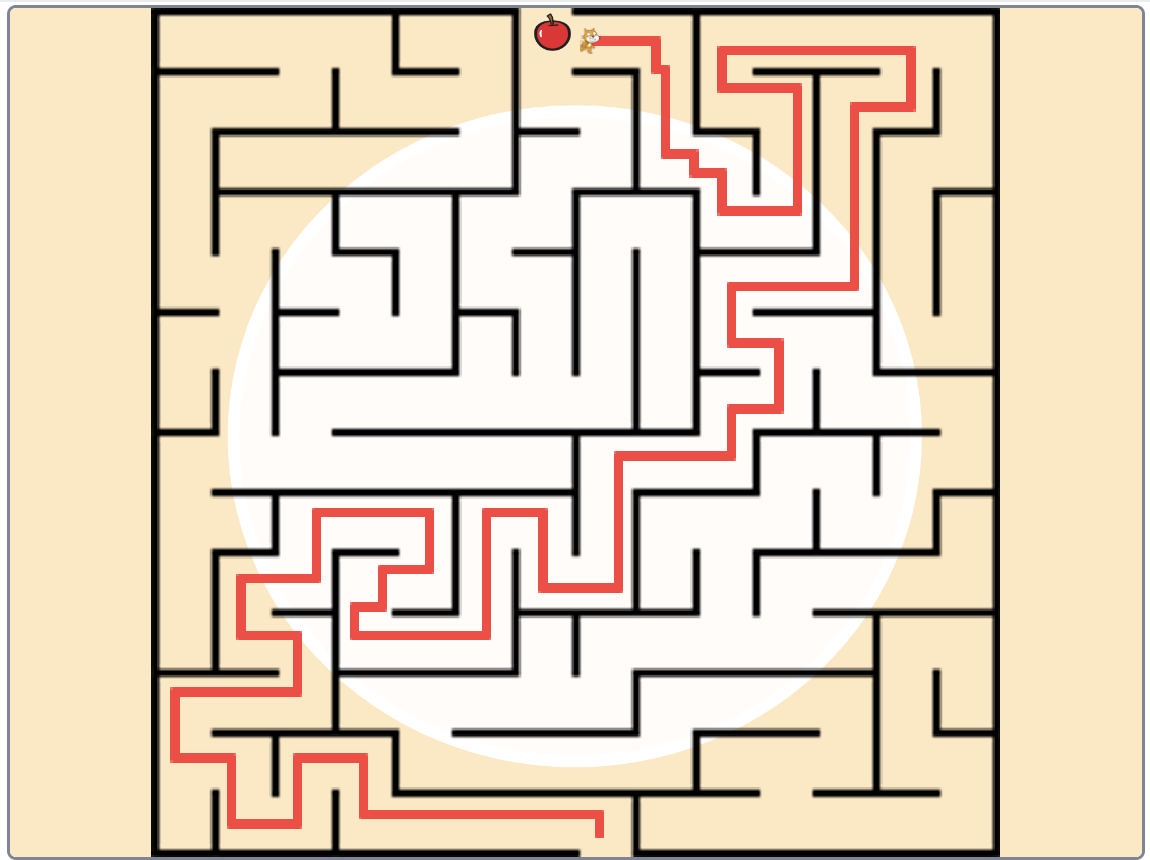
● Simple maze and movement activities
● Interactive greeting project

● Events and sequencing
● Variables and user inputs
● Broadcasting messages
● Costume changes and animations
● Basic condition handling
● Interactive storytelling projects
● Smart sprite movement
● Mini coding challenges

● Introduction to game design
● Flying sprite games
● Clicker game mechanics
● Collision detection
● Score tracking systems
● Motion control and timing
● Interactive gameplay logic
● Game-based activities

● Designing multi-level games
● Adding challenges and obstacles
● Player controls and game mechanics
● Creating game rules
● Timers and scoring systems
● Winning and losing conditions
● Interactive game animations
● Scratch gaming projects

● Introduction to mathematical operators
● Using numbers in Scratch
● Random values and calculations
● Coordinate systems
● Math-based game activities
● Shape and pattern creation
● Interactive number projects
● Logic-building exercises

● Working with variables and numbers
● Arithmetic operations in Scratch
● Building simple calculators
● Number guessing activities
● Score counters and tracking systems
● Interactive math games
● Using operators in projects
● Coding challenges with numbers

● Introduction to clones in Scratch
● Creating multiple objects automatically
● Clone movement and behaviors
● Building action games with clones
● Dynamic sprite duplication
● Obstacle generation systems
● Fast-paced gaming projects
● Clone-based activities

● Enhancing games using clones
● Multi-object animations
● Creating endless gameplay systems
● Interactive clone mechanics
● Enemy and object spawning
● Creative animation projects
● Advanced Scratch gaming logic
● Mini game development project

● Introduction to timers in Scratch
● Alarm and countdown systems
● Understanding lists in programming
● Storing and managing data
● High-score systems
● Interactive list-based projects
● Data tracking activities
● Timer-based coding games

● Introduction to custom blocks/functions
● Reusable coding concepts
● Understanding strings and text handling
● Interactive text-based activities
● Creating smart coding systems
● Combining logic, loops, and functions
● Final Scratch mini project
● Showcase and assessment activity

THE ITSMYBOT DIFFERENCE

Why Parents Choose Us

Every child learns differently. That's why we combine exceptional educators, personalised guidance, and continuous progress tracking to create a learning experience parents can trust and children enjoy.
Teacher Selection Rate of Just 3%
We only work with exceptional educators.
Progress Report After Every Class
Not monthly, not quarterly. After every session.
Flexible Scheduling
Classes fit around your family's routine, including weekends.
Free Parent Feedback Sessions
Academic counsellors discuss progress, learning behaviour, strengths, improvement areas, and next learning goals.
Personalised Learning Paths
Customised to your child's pace, interests, and learning abilities.
Rated 4.9/5 on TrustPilot
Trusted by parents across the globe.
Simple start

How it works

3 Easy Steps to Get Started:

1

Book a free trial

Fill in the form. An academic counsellor will schedule a free session and assess your child's current level and interests.
2

Get a personalised roadmap

Based on the trial, counsellors build a custom learning path — right pace, right projects, right instructor for your child.
3

Build, learn, and earn

Live sessions, progress reports after every class, parent feedback calls, and a certificate on completion. Your child keeps all their projects.
faqs

Get to Know Us Better

This course is designed for children aged 7 to 12 years. No prior coding experience is needed - just curiosity!

The learning modules span 14–16 hours, followed by a 2-hour project-based assessment. Most students complete it within 6–8 weeks.

All classes are live and personalised with a dedicated instructor. Your child receives continuous guidance, support, and attention throughout the sessions.

Your child will build interactive games, animated stories, puzzle projects, quizzes, and a final complete game - all in Scratch!

No downloads are needed. Scratch runs entirely in the browser. A laptop/tablet with internet is all you need.

We also encourage students to create their own Scratch account under teacher guidance and monitoring so they can save projects, continue practising, and share their creations with the world safely.

Yes! Upon successful completion and assessment, your child receives an ItsMyBot certificate of achievement.

Classes are flexible. You can cancel with prior notice and reschedule sessions later whenever it is convenient for you.

Book a FREE trial class through the form on this page. During the trial session, academic counselors will assess your child's current level and recommend the right starting point and learning path.

testimonials

Trusted by Parents like You!

I was extremely happy with the teacher and her approach to my daughter, like a close family teacher.
By Canavady
Rated 5/5
My daughter, Rishika is thoroughly enjoying the learning experience at ItsMyBot.

Ms. Poornima is teaching the program very well, at the right pace, making sure Rishika understands the concepts well. During the feedback session, she provided the details of Rishika’s strengths and areas of improvement giving me the confidence that she is well aware of how to guide her holistically.

The daily class reports and feedback gives a clear understanding of the progress in each class.

I also appreciate the excellent coordination, hassle free class scheduling and timely response to queries by Sandhya.

I would definitely recommend ItsMyBot to my friends and family.
By rehana
Rated 5/5
Enrolling my son in classes in September has been a great decision. The trial class helped us identify his interests, and Ms. Jiya's engaging approach has made learning enjoyable. I appreciate her encouragement for my son to draw and write, recognizing it as a positive habit for his development.

The flexibility of classes is a significant advantage, accommodating our unpredictable schedule. Ms. Jiya's understanding and willingness to reschedule when needed make the learning process enjoyable for both my son and us as parents.

I'm grateful for the positive environment Ms. Jiya creates, and we look forward to more enjoyable learning experiences. Kudos to the iTSMYBOT team for their exceptional responsiveness and clear lesson reports, contributing to a smooth and enriching educational journey for our son.
By Dimple Jain
Rated 5/5

Rated 4.7 out of 5 based on  65 reviews on Trustpilot

🚀 Hurry! Reserve Your FREE Trial Class Seat Today

Ready to Start Your Child's Coding Journey?

Book a FREE trial class and discover how fun, interactive coding can help your child build creativity, confidence, and problem-solving skills through real projects.
ItsMyBot
Empowering children with the right skills today enables them to drive innovation tomorrow. Join us on this exciting journey, and let's unlock the boundless potential within every child.
© ItsMyBot 2026. All Rights Reserved.