👉 Limited spots available - Join 1,000+ kids already coding with ItsMyBot.

Online coding classes for kids ages 7-12

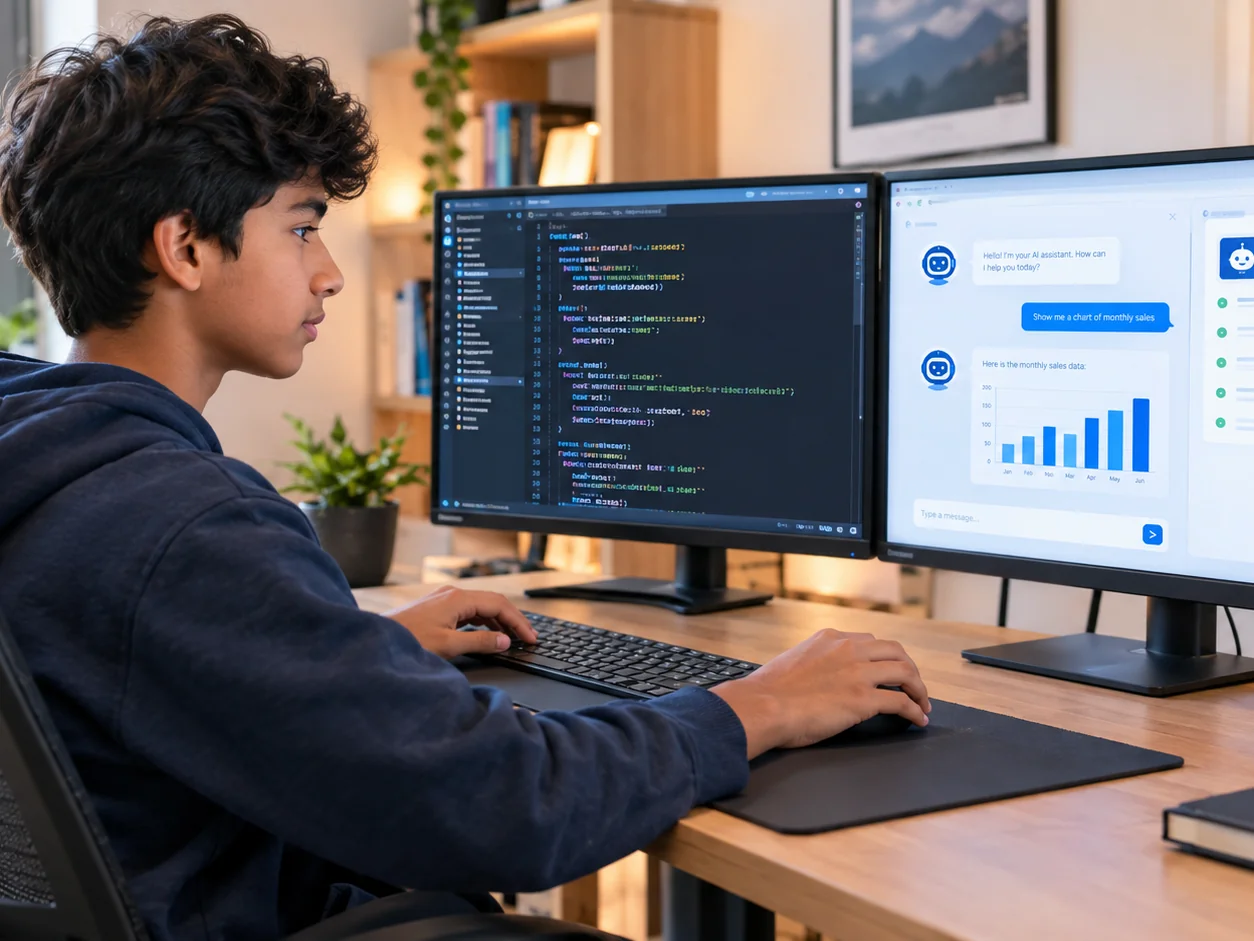
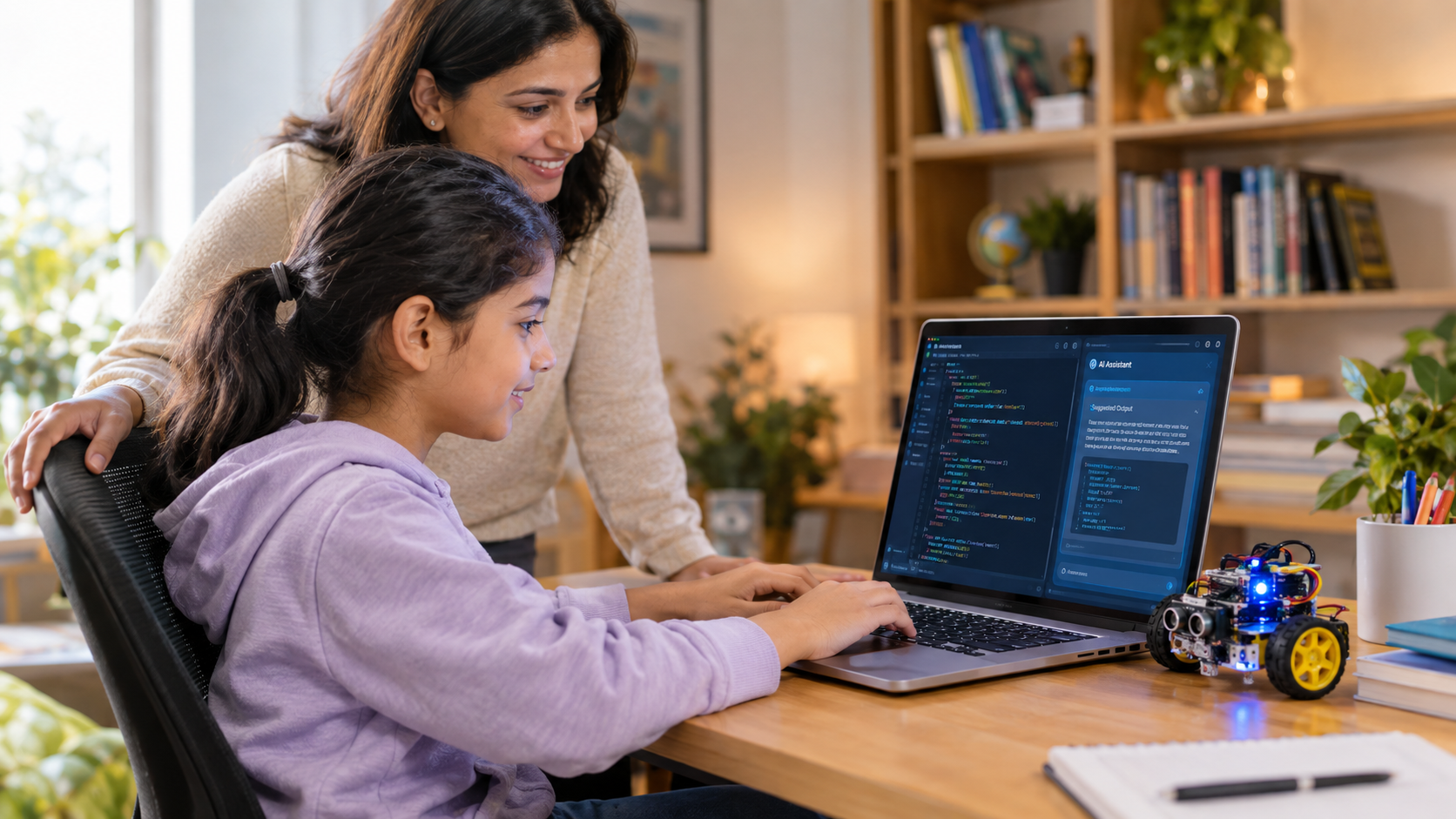
Our online coding classes for kids ages 7–12 help young learners progress from visual block-based coding to real programming through fun, hands-on projects. The Junior Coder program offers personalized learning paths across Scratch, app development, 3D design, AI and machine learning, web development, JavaScript, and Python.

Whether your child is a complete beginner or already has coding experience, they can start at the right level based on their skills, interests, and assessment.
  • Live 1:1 Class
  • Personalised Curriculum
  • 100% Online
Rated 4.9/5
on TrustPilot
Rated 4.8/5
on Google
Book a Free Trial Class

No commitment. No pressure. Your trial is free and comes with an honest recommendation. Pricing shared after the trial lesson.

Curriculum designed by educators and technologists who worked for tech-giants like

Summer Coding Camp 2026 — enrolment open

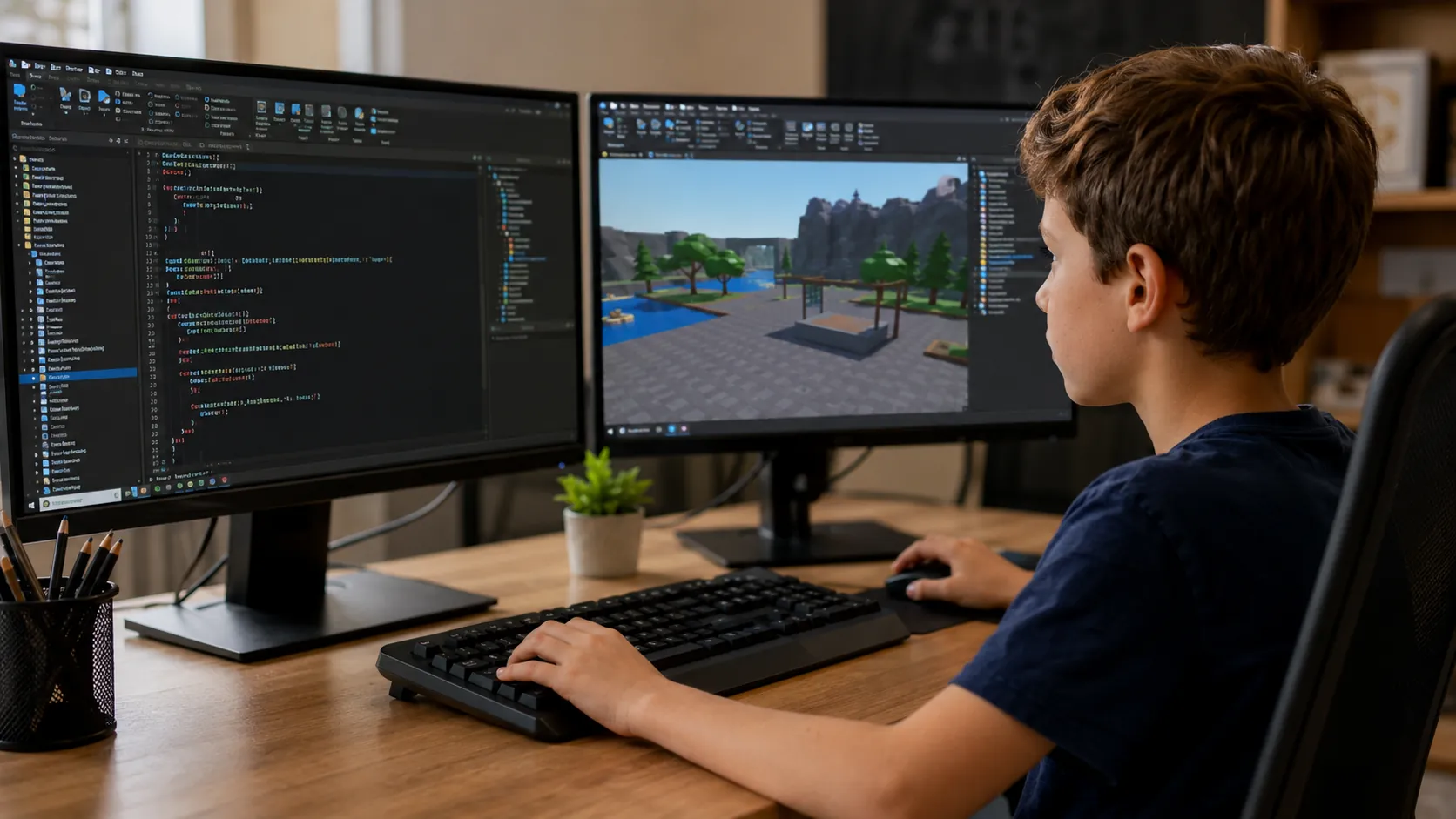
Live online classes in Scratch, Python, Robotics & Roblox for kids aged 6–18

Seats filling fast See camp details
Our COURSES

Explore Our Coding Classes for Kids Ages 7–12

Learn more about our customisable learning paths. Choose the learning path according to your child’s needs and goals.
🔀 Flexible entry: join any level based on prior experience and assessment
Recommended start
Level 1

Fundamentals of Scratch Programming

  • Creative problem-solving
Learning modules: 14-16 Hours
Assessment: 2 Hours
Highlights: Make coding fun by solving puzzles, creating interactive games, animations, and stories.Students benefit from visually appealing interfaces, and extensions to create projects using fundamentals of programming, Math, and Physics.
Level 2

App development for kids

  • UI Design and Apps
Learning modules: 22-24 Hours
Assessment: 2 Hours
Students will focus on the front-end development, and event-driven programming to create fun, utility, and data service applications. Gain the skill set to kickstart your text-based coding journey with the concepts of queries, databases, and cloud data storage
Level 3

3D Design and Animation for Kids

  • Interactive animation with 3D Models
Learning modules: 12-14 Hours
Assessment: 2 Hours
Visualize the wonders of 3D Modeling using block-coding. Learn how to create patterns, and animations with block coding.
Level 4

AI and Machine Learning for Kids

  • ML and Data Science Fundamentals
Learning modules: 20-22 Hours
Assessment: 2 Hours
Understand how AI works with real life applications and enhance the behavior with custom blocks. Learn the fundamentals of Computer Vision, NLP, Gesture Controlled games, and Text recognition with Teachable Machine.
Level 5

Fundamentals of web development

  • Web page design with HTML/CSS
Learning modules: 8-10 Hours
Assessment: 2 Hours
HTML/CSS block-based course introduces young learners to the basics of web development using visual blocks. Students will explore key concepts like HTML structure, elements, tags, and formatting while designing and styling fun, static web pages. Ideal for beginners, this course fosters creativity and foundational coding skills in a simplified way.
Level 6

Foundations of JavaScript

  • Game Development
Learning modules: 22-24 Hours
Assessment: 2 Hours
Kickstart your coding journey with Foundations of JavaScript using Code.org’s App Lab. Students learn core concepts through block-based guidance, then transition to writing real JavaScript. With fun challenges and mini-projects, kids create apps, animations, and games while building strong problem-solving and computational thinking skills.
Level 7

Block-to-Text with Python

  • Transition to text-based coding
Learning modules: 10 -12 Hours
Assessment: 2 Hours
Block-based Python course helps beginners grasp core programming concepts like data types, variables, and logic without worrying about syntax. Using a visual, drag-and-drop interface, students learn coding fundamentals in a fun, engaging way, making it easy to transition smoothly to text-based coding later on.
Our COURSES

Explore Junior Coder

Learn more about our customisable learning paths. Choose the learning path according to your child’s needs and goals.
This learning path empowers your child to become a tech whiz. Through fun, hands-on projects, they'll gain the confidence and skills to tackle modern technologies. It's the perfect way to nurture them.
Age group: 7 to 12
Programming Style: Block- based, Block-to-text based

Level 1: Fundamentals of Scratch Programming

  • Creative problem-solving
Learning modules: 14-16 Hours
Assessment: 2 Hours
Highlights: Make coding fun by solving puzzles, creating interactive games, animations, and stories.Students benefit from visually appealing interfaces, and extensions to create projects using fundamentals of programming, Math, and Physics.

Level 2: App development for kids

  • UI Design and Apps
Learning modules: 22-24 Hours
Assessment: 2 Hours
Students will focus on the front-end development, and event-driven programming to create fun, utility, and data service applications. Gain the skill set to kickstart your text-based coding journey with the concepts of queries, databases, and cloud data storage

Level 3: 3D Design and Animation for Kids

  • Interactive animation with 3D Models
Learning modules: 12-14 Hours
Assessment: 2 Hours
Visualize the wonders of 3D Modeling using block-coding. Learn how to create patterns, and animations with block coding.

Level 4: AI and Machine Learning for Kids

  • ML and Data Science Fundamentals
Learning modules: 20-22 Hours
Assessment: 2 Hours
Understand how AI works with real life applications and enhance the behavior with custom blocks. Learn the fundamentals of Computer Vision, NLP, Gesture Controlled games, and Text recognition with Teachable Machine.

Level 5: Fundamentals of web development

  • Web page design with HTML/CSS
Learning modules: 8-10 Hours
Assessment: 2 Hours
HTML/CSS block-based course introduces young learners to the basics of web development using visual blocks. Students will explore key concepts like HTML structure, elements, tags, and formatting while designing and styling fun, static web pages. Ideal for beginners, this course fosters creativity and foundational coding skills in a simplified way.

Level 6: Foundations of JavaScript

  • Game Development
Learning modules: 22-24 Hours
Assessment: 2 Hours
Kickstart your coding journey with Foundations of JavaScript using Code.org’s App Lab. Students learn core concepts through block-based guidance, then transition to writing real JavaScript. With fun challenges and mini-projects, kids create apps, animations, and games while building strong problem-solving and computational thinking skills.

Level 7: Block-to-Text with Python

  • Transition to text-based coding
Learning modules: 10 -12 Hours
Assessment: 2 Hours
Block-based Python course helps beginners grasp core programming concepts like data types, variables, and logic without worrying about syntax. Using a visual, drag-and-drop interface, students learn coding fundamentals in a fun, engaging way, making it easy to transition smoothly to text-based coding later on.

Transparent Pricing

Pay monthly.
Stay because you love it.

Most coding academies ask you to pay upfront for months - before your child has even had a single class. At ItsMyBot, we think that's backwards. You pay month to month, and you're always in control.

What you get
Other Academies
ItsMyBot
Monthly billing
Yes
Full upfront payment required
Often yes
Never
Freedom to pause anytime
Rarely
Always
Pricing based on your needs
Fixed plans
Personalised
📅

Month-to-Month Enrolment

Enrol and pay one month at a time. No annual lock-ins, no large upfront amounts. Your investment stays proportional to the value your child receives.

🔓

Full Flexibility, Always

Life happens. If your needs change after any month, you have complete freedom to adjust. We'd love for you to stay - but we'll never make you feel stuck.

Why don't we show fixed prices? Because we don't believe in one-size-fits-all. Different teachers bring different expertise, teaching methods, and experience - and that's reflected in how we price. The best way to find your fit is to take the free trial lesson first, meet your instructor, and then decide. Pricing is shared after the trial - transparently, with no pressure.

Start for free - no card required

Book Your Free Trial Lesson

No commitment. No pressure. Pricing shared after the trial lesson.

testimonials

Why Parents Choose Our Online Coding Classes for Kids

I was extremely happy with the teacher and her approach to my daughter, like a close family teacher.
By Canavady
Rated 5/5
My daughter, Rishika is thoroughly enjoying the learning experience at ItsMyBot.

Ms. Poornima is teaching the program very well, at the right pace, making sure Rishika understands the concepts well. During the feedback session, she provided the details of Rishika’s strengths and areas of improvement giving me the confidence that she is well aware of how to guide her holistically.

The daily class reports and feedback gives a clear understanding of the progress in each class.

I also appreciate the excellent coordination, hassle free class scheduling and timely response to queries by Sandhya.

I would definitely recommend ItsMyBot to my friends and family.
By rehana
Rated 5/5
Enrolling my son in classes in September has been a great decision. The trial class helped us identify his interests, and Ms. Jiya's engaging approach has made learning enjoyable. I appreciate her encouragement for my son to draw and write, recognizing it as a positive habit for his development.

The flexibility of classes is a significant advantage, accommodating our unpredictable schedule. Ms. Jiya's understanding and willingness to reschedule when needed make the learning process enjoyable for both my son and us as parents.

I'm grateful for the positive environment Ms. Jiya creates, and we look forward to more enjoyable learning experiences. Kudos to the iTSMYBOT team for their exceptional responsiveness and clear lesson reports, contributing to a smooth and enriching educational journey for our son.
By Dimple Jain
Rated 5/5

Rated 4.7 out of 5 based on  65 reviews on Trustpilot

faq

FAQs About Coding Classes for Kids Ages 7–12

The Junior Coder course is a live online coding program designed for children aged 7 to 12. It helps kids progress from visual block-based programming to more advanced concepts such as Scratch, app development, 3D design, artificial intelligence, web development, JavaScript, and introductory Python.

Children can start learning coding from around age 5 with age-appropriate visual programming tools. For children aged 7 to 12, coding education can progress beyond basic games and puzzles to structured programming concepts, app development, web design, AI projects, and the transition from block-based to text-based coding.

No. Children do not need previous coding experience to join the Junior Coder program. Beginners can start with visual block-based programming, while children with prior experience can enter at a more suitable level based on an initial assessment of their existing skills and knowledge.


Upon successful completion of our course, you are entitled to get a certificate from us. 

The Junior Coder learning path introduces children to Scratch programming, app development, 3D design and animation, AI and machine learning concepts, HTML and CSS for web development, JavaScript, and block-to-text Python. The curriculum gradually moves from visual programming toward real text-based coding.

In Scratch programming classes, children learn fundamental coding concepts by creating interactive games, animations, stories, and other creative projects. They develop skills in sequencing, loops, conditions, variables, events, debugging, and logical problem-solving through visual block-based programming.

Yes. Children aged 7–12 can learn introductory AI and machine learning concepts through age-appropriate, project-based activities. In the Junior Coder course, students explore real-world applications of AI, including computer vision, natural language processing, gesture-controlled games, text recognition, and projects using Teachable Machine.

Yes. Junior Coder students can learn both app development and web development. The app development level introduces front-end design, event-driven programming, queries, databases, and cloud data storage, while the web development level introduces HTML structure, elements, tags, CSS styling, and the creation of static web pages.

Yes. Python can be suitable for children aged 7–12 when introduced gradually. The Junior Coder program uses a block-to-text approach that helps beginners first understand concepts such as variables, data types, conditions, and programming logic visually before transitioning toward writing text-based Python code.

The course begins with visual programming, where children use drag-and-drop blocks to understand programming logic without worrying about syntax. As their skills develop, they progress to JavaScript and block-to-text Python, making the transition to written code more gradual and easier to understand.

Children can create interactive games, animations, digital stories, mobile apps, 3D models, AI-powered projects, gesture-controlled games, websites, JavaScript applications, and beginner Python programs. Students are also encouraged to develop their own projects to apply what they have learned independently.

Junior Coder classes are live and conducted online with an instructor. The program offers personalized learning paths, allowing lessons to be adapted according to a child's age, previous coding experience, learning pace, interests, and goals.

The Junior Coder program has seven learning levels with different durations. Individual levels range from approximately 8 to 24 hours of learning, with an additional 2-hour assessment for each level. The exact learning path and duration depend on the child's starting level, goals, pace, and selected courses.

Learning coding can help children strengthen logical thinking, computational thinking, creativity, problem-solving, persistence, debugging skills, and the ability to break complex problems into smaller steps. Project-based coding also gives children opportunities to apply mathematics, design, technology, and creative thinking.

Parents can book a free trial class during which an instructor evaluates the child's current understanding, coding experience, interests, and learning needs. Based on this assessment, the instructor recommends a suitable starting level and personalized learning path.

Yes. Parents can book a free trial class with no card or upfront commitment required. The trial allows the child to experience the teaching approach and helps the instructor assess their current level before recommending the most suitable course and starting point.

blogs you might like

ItsMyBot
Empowering children with the right skills today enables them to drive innovation tomorrow. Join us on this exciting journey, and let's unlock the boundless potential within every child.
© ItsMyBot 2026. All Rights Reserved.