✦ Online Coding Classes · Ages 5–16+

Best Online Coding Classes for Kids & Teens in 2026

Unlock Your Child's Potential with Expert-Led Programming Education

Every parent dreams of giving their child the tools to succeed in our digital world. At ItsMyBot, we've spent years crafting the best online coding classes for kids & Teens that don't just teach programming—they ignite creativity, build confidence, and prepare young minds for a future where technology literacy isn't optional, it's essential.

🔴 Online - Personalized Live Classes

💻 Free trial, no commitment

🎖 Certificate On Completion

Rated 4.8/5

on TrustPilot

Trustpilot

Rated 4.8/5

on Google

500,000+

Hours of learning

40+

Countries

Book a Free Trial Class

No commitment. No pressure. Your trial is free and comes with an honest recommendation. Pricing shared after the trial lesson.

Curriculum Designed By Educators And Technologists Who Worked For Tech Leaders
Tech Companies
Our courses

Explore Learning Paths

Choose the learning path according to your child’s needs and goals.

Young child learning coding with Little Coder
Ages 5–7

Little Coder

Play, Create & Learn Pathway

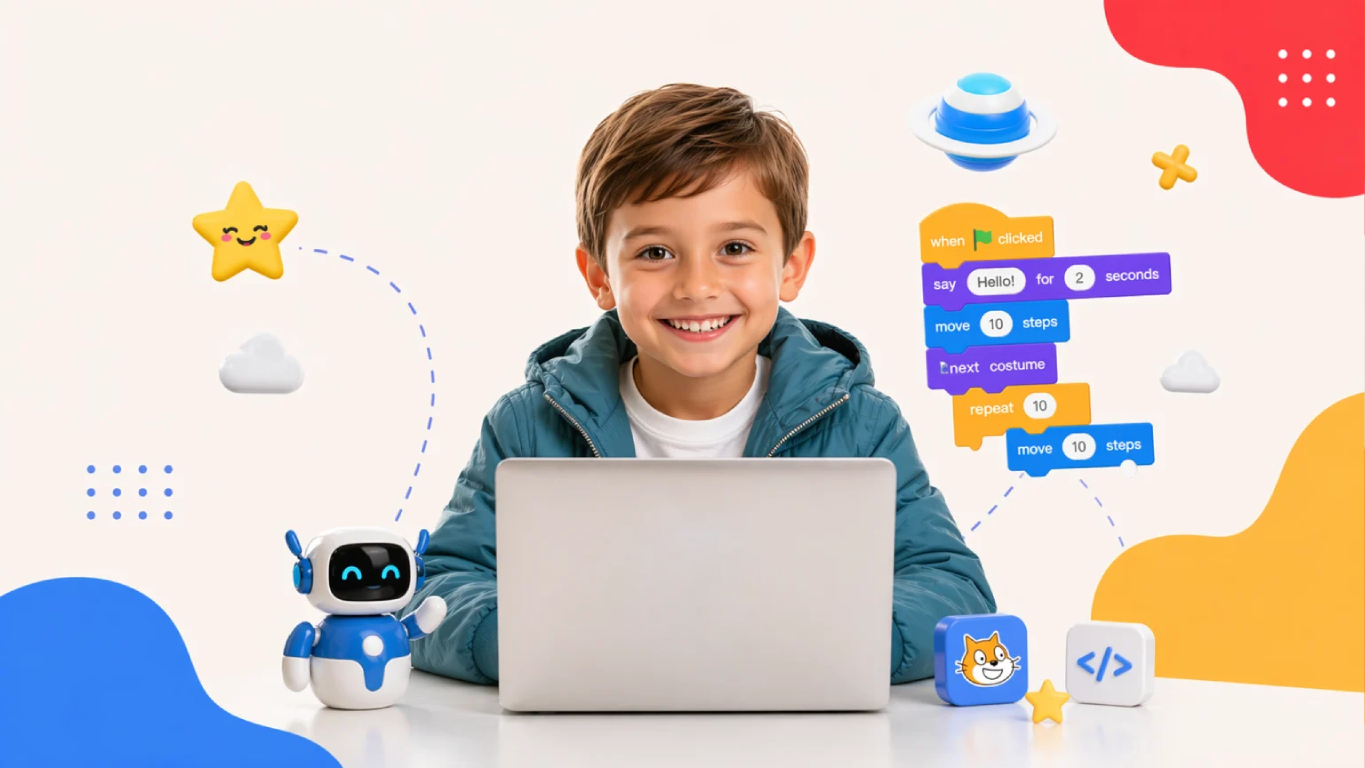
Scratch programming and app development with stories and games, using visual drag-and-drop coding. No typing needed.

  • Code.org coding adventures
  • Scratch stories, animations & games
  • First mobile apps

43 Hours + 2 Hours Assessment12 modules · Block-based with Scratch

Explore Little Coder
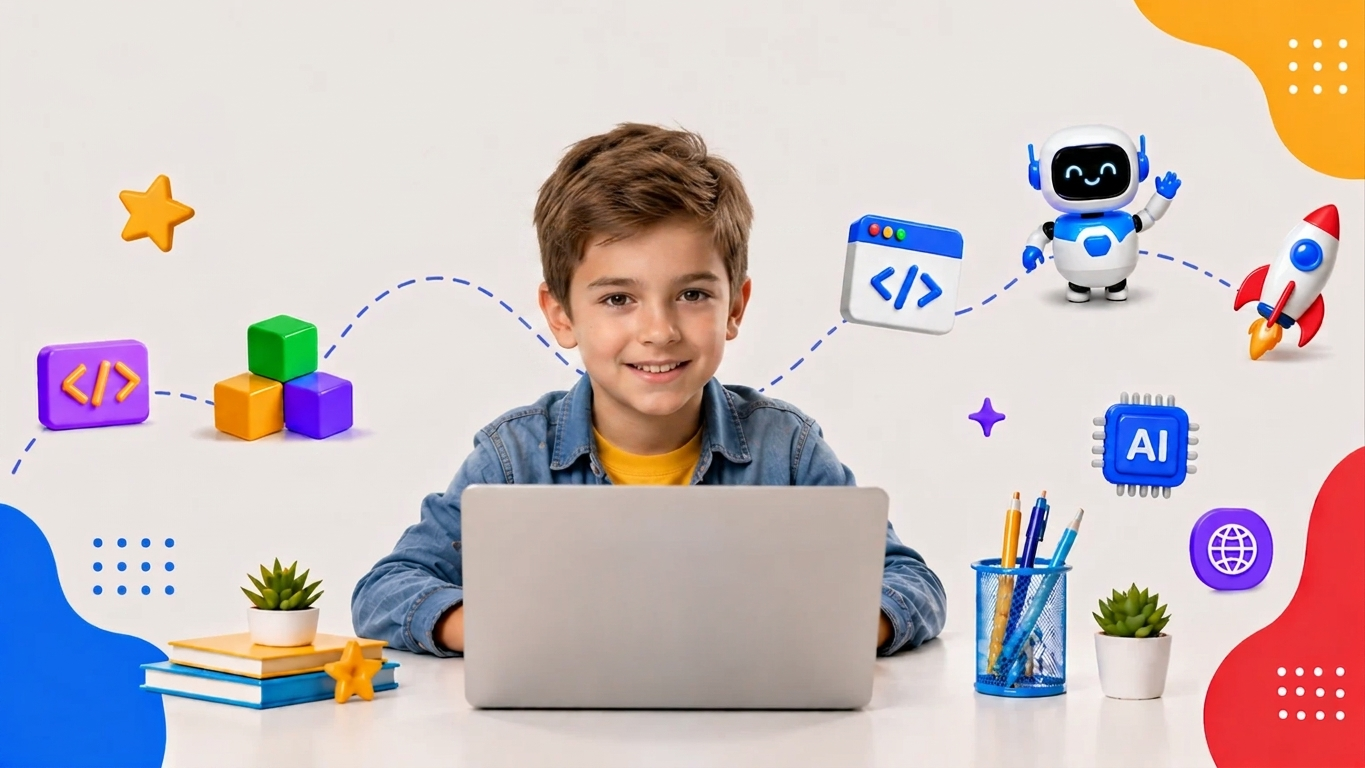
Children learning coding with Junior Coder
Ages 7–12

Junior Coder

Creative Coding & Technology Pathway

Progress from visual block-based coding to real programming through fun, hands-on projects.

  • Scratch, App Development & 3D Design
  • AI & Machine Learning with Teachable Machine
  • Web Development, JavaScript & Python

7 levels · approx. 8–24 Hours each+ 2 Hours Assessment per level

Explore Junior Coder
Teen learning programming with Senior Coder
Ages 10–15+

Senior Coder

Future Software Engineer & AI Developer Pathway

Build the skills behind AI, software engineering, data science and future technology careers.

  • Python Pathway: Python Foundations to the Advanced AI Engineer Program
  • Web Development Pathway: HTML & CSS, JavaScript, Full-Stack
  • Java & Android, C++ & Virtual Robotics

9 courses · 22–24 to 65 Hours eachAssessments built into every level

Explore Senior Coder
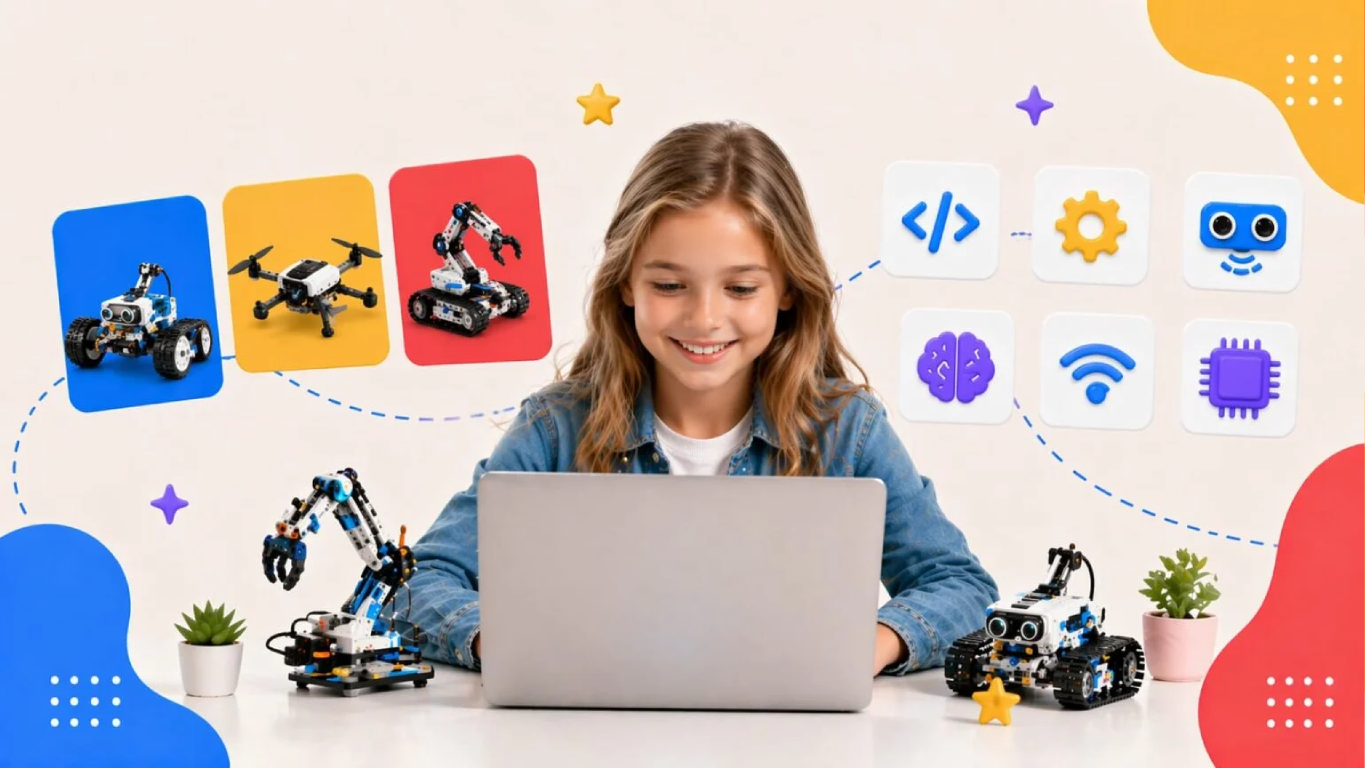
Child building a robot in a Robotics course
Ages 7–16+

Robotics Courses

Code meets the physical world

From a first circuit to intelligent systems, students build, program and engineer robots across four progressive levels.

  • Foundations: Electronics, Circuits & Arduino
  • Cruiser: Scratch with microcontrollers
  • Flyer: Python & MicroPython
  • Master IoT: IoT, AI/ML & cloud

4 levels · 22 to 58 Hours per course or stageBlock-based to Python

Explore Robotics
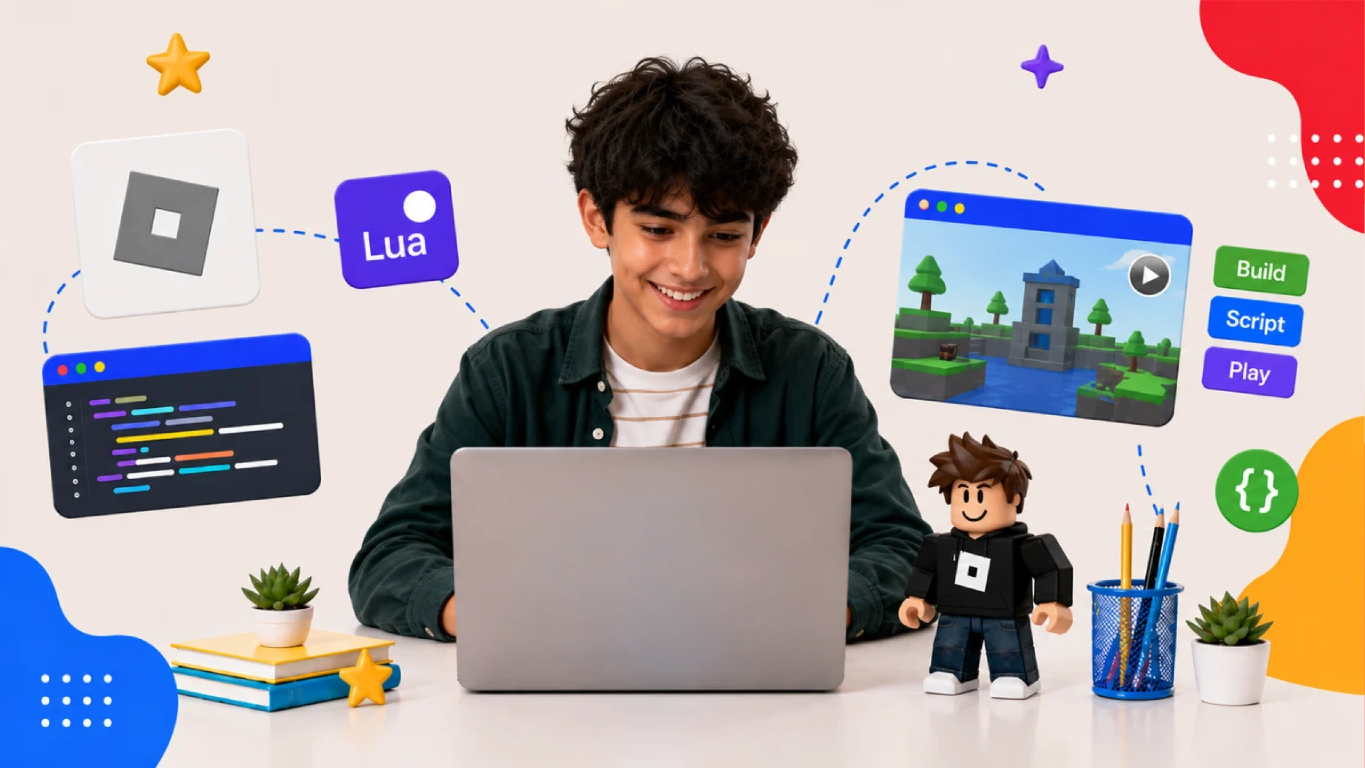
Student creating Roblox games
Ages 7+

Game Development

Design, Build & Publish Your Own Roblox Games

Turn game ideas into exciting Roblox experiences while learning game design, 3D world building and Lua programming.

  • 3D world building in Roblox Studio
  • Lua programming, NPCs & game AI
  • Publish your own playable Roblox game

45–50 Hours + 2–3 Hours AssessmentRoblox Studio with Lua programming

Explore Game Development
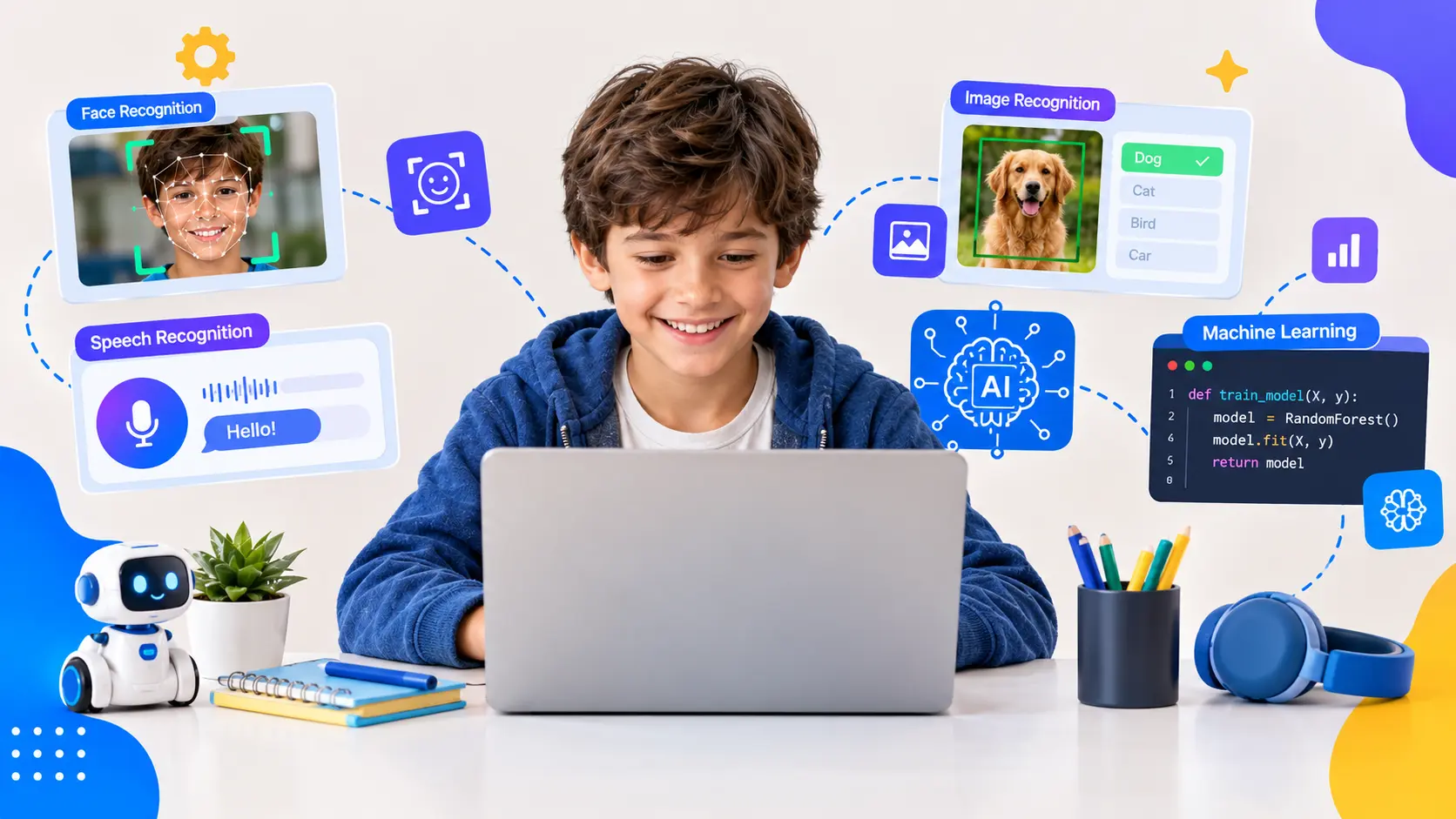
Student learning artificial intelligence
Ages 7–12 · 10–15+

AI & ML Courses

Junior Coder and Senior Coder AI courses

Three AI courses, from understanding how AI works to building AI-powered software and intelligent systems.

  • AI & Machine Learning for Kids (ages 7–12)
  • AI-Powered Software Development with Python
  • Advanced AI Engineer Program

3 courses · 20–22 to 65 Hours eachVisual coding to Python

Explore AI and ML

Not sure which course fits? The free trial lesson ends with a recommendation for the right course and starting level.

Book a Free Trial Class
The learning path

A Learning Path That Grows With Your Child

Start with the right stage for your child’s age, then move on to more advanced concepts and languages as they grow. Explore any course below.

  1. 1Ages 5–7Little Coder
  2. 2Ages 7–12Junior Coder
  3. 3Ages 10–15+Senior Coder
01 Stage 1 · Ages 5–7

Little Coder

  • Block-based with Scratch
  • 43 Hrs + 2 Hrs Assessment

Your child’s first steps into technology. Children learn to think logically, follow sequences and solve problems through puzzles, animated stories, simple games and their first mobile apps.

Visual drag-and-drop coding, so no typing is needed.

Explore Little Coder

Next step: Junior Coder

Inside the course

  • Code.org – Coding AdventureLessons 1–19 · logic, puzzles & coding games
  • Scratch Creator StudioLessons 20–33 · stories, games & animations
  • App BuildersLessons 34–41 · first mobile apps
  • Assessment & Capstone ProjectLessons 42–43 · final showcase
02 Stage 2 · Ages 7–12

Junior Coder

  • Block-based to block-to-text
  • 7 levels
  • 2 Hrs Assessment per level

Children progress from visual block-based coding to real programming through fun, hands-on projects across Scratch, app development, 3D design, AI, web development, JavaScript and Python.

Beginners start at Level 1. Children with coding experience can start at the right level after the free trial assessment.

Explore Junior Coder

Next step: Senior Coder

03 Stage 3 · Ages 10–15+

Senior Coder

  • Python
  • JavaScript
  • Java
  • C++

Real programming for real-world projects. Students build the skills behind AI, software engineering, data science and future technology careers.

Choose a pathway: Python for AI and software development, Web Development for websites and full-stack apps, or Java and C++ for Android apps and virtual robotics.

Explore Senior Coder
Specialised tracks

Go deeper in a subject your child loves

Take these alongside or after the main learning path.

Student Success Stories That Inspire

Our student projects showcase the incredible innovation of young minds guided by expert instruction. From mobile apps that help the visually impaired navigate safely to AI systems that detect emotions and respond with appropriate music, our students are already making a difference in the world.

Quake Ready App with IoT and 3-Axis Accelerometer (Python STEM Board)

Meet Our Educators

Our educators are at the heart of ItsMyBot’s mission to inspire young minds. With a passion for teaching and a wealth of experience in coding and robotics, they bring complex concepts to life in a way that’s fun, engaging, and easy to understand. 

S Rituparna

MCA, iPGCE, B.Ed. | Computer Science, ICT, Coding, Robotics
18 years experience
  • CBSE-approved evaluator for Computer Science.
  • Trained students for National Informatics Olympiad, Cyber Olympiads & IT Quizzes.
  • Innovative teaching for critical thinking & STEM skills.

C Emanuele

Hardware & Software Development Expert
Electronics Engineer | De La Salle University Graduate
  • Bachelor’s in Electronics and Communications Engineering.
  • Passionate about advancing innovation in Electronics.
  • Aspires to establish a creative hub for inventors to turn ideas into reality.

Sana R

Block-Based Coding &
Web development Expert
9 years experience
  • Skilled in Thunkable, MIT App Inventor, Scratch, and code.org.
  • Proficient in HTML, CSS, and JavaScript.
  • Skilled in Thunkable, MIT App Inventor, Scratch, and code.org.
  • Creates a supportive and engaging learning environment.
testimonials

Trusted by Parents like You!

"It's great opportunity for kids to learn the basics of programming in a fun way. The project based approach and the little robot makes the experience enjoyable so they learn by playing."
by Anele Aenam
Rated 5/5
link
"My son has had the best experience with his classes. He started when he was 6, and now at 9, he's about to finish his fourth certificate. The teachers are amazing, and the management is very professional."
by Laila Mdanat
Rated 5/5
link
"My son is in 9 year old. He really enjoyes the class at ItsMyBot. The online face to face video lesson work well for him. The teacher is responsive, knowledgeable and patient. Thank you ."
by Kristine Sargsyan
Rated 5/5
link
"The classes were scheduled as expected with flexibility to reschedule. The teacher understood the student pace of learning and was very patient throughout the class. Kids loved it."
by Ferry
Rated 5/5
link
"Sandhya is amazing, so patient with my son! Alex is loving this class, the content holds his attention for over an hour and he looks forward to it every week. Sandhya is teaching him things I could not, we love it!"
by Olivia Polk
Rated 5/5
link
"I would recommend ItsMyBot as a great platform for students to build their fundamental programming skills. Their project oriented approach is a great way to teach kids. The hackathon preps are also of great value."
by Nizar M
Rated 5/5
link
"The instructor is extremely patient and kind. He’s perfect for our six year old, working to guide him through. He’s also excellent with our eight year old who’s raring to go!"
by James Richie
Rated 5/5
link
"We started with coding lessons for our son and since he likes it very much we continued with robotics and AI. Highly recommended with flexible schedules and professional team."
by MrLemitch747
Rated 5/5
link
"Highly appreciate ItsMyBot team for introducing AI to my kid. Making him excited in this new journey of AI. Great job."
by Jag Karnan
Rated 5/5
link
"I was extremely happy with the teacher and her approach to my daughter, like a close family teacher."
by Canavady
Rated 5/5
link
"Kids did a remote introductory robotics class and really enjoyed it and learned a lot. The teacher made it fun and was very flexible. Definitely recommend this!"
by Harini Karthik
Rated 5/5
link
"The teacher Shifa was really good.
She covered the maximum in the short period.
My son enjoyed the sessions."
by Najmath
Rated 5/5
link

Rated 4.7 out of 5 based on  44reviews on Trustpilot

THE ITSMYBOT ADVANTAGE

Why Parents Love Our Programs

Every child learns differently. That's why we combine exceptional educators, personalised guidance, and continuous progress tracking to create a learning experience parents can trust and children enjoy.

Highly Selected Instructors

Highly selected instructors focused on creativity and engagement.

Personalized Live Classes

Personalized live classes tailored to each child's learning pace.

Progress Reports & Parent Updates

Progress reports and regular parent updates after sessions.

Flexible Scheduling Options

Flexible scheduling options including evenings and weekends.

Project-Based Learning

Project-based learning designed to keep children motivated and confident.

Safe & Encouraging Learning Environment

Safe, encouraging learning environment that supports creativity and innovation.

testimonials

Trusted by Parents like You!

Rated 4.8 out of 5 based on 72 reviews on Trustpilot

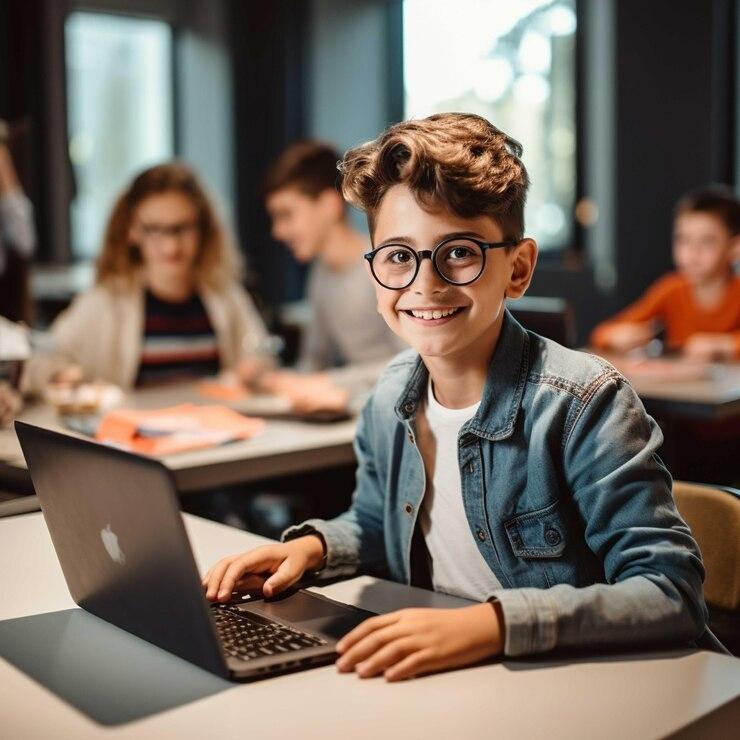
A student learning with a laptop in a classroom
Educator S RituparnaEducator Sana REducator C Emanuele

Meet the mentors — from About Us.

Educators

Learn from Passionate Tech Educators

Our programs are led by qualified educators with experience in AI, robotics, coding, and STEM education, who are passionate about helping young learners explore technology in an engaging and interesting way. They foster creativity, critical thinking, and problem-solving skills in young learners by providing them with hands-on learning experiences in a supportive environment where they feel free to explore and create innovative things.

Experienced STEM mentors

Your child learns with experienced STEM mentors.

Child-friendly teaching approach

A child-friendly approach supports your child.

Hands-on project guidance

Your child receives hands-on project guidance.

Learn More About Our Educators
100% Money Back Guarantee

Trusted Hands

You’re in Trusted Hands at ItsMyBot

At ItsMyBot, your satisfaction is our top priority. That’s why we offer a hassle-free, no-questions-asked refund policy.

If at any time you feel our service isn’t meeting your expectations, we will gladly refund the fees for any remaining classes that have yet to be conducted.

Our students benefit from:

Cutting-edge curriculum crafted by industry experts

Project-based learning and personalized academic counseling.

Free global workshops connecting them with peers worldwide

Certificates supporting US university admissions

Try us out today – risk-free!

Transparent Pricing

Pay monthly.
Stay because you love it.

Most coding academies ask you to pay upfront for months - before your child has even had a single class. At ItsMyBot, we think that's backwards. You pay month to month, and you're always in control.

What you get
Other Academies
ItsMyBot
Monthly billing
✗
✔ Yes
Full upfront payment required
✗ Often yes
✔ Never
Freedom to pause anytime
✗ Rarely
✔ Always
Pricing based on your needs
— Fixed plans
✔ Personalised
📅

Month-to-Month Enrolment

Enrol and pay one month at a time. No annual lock-ins, no large upfront amounts. Your investment stays proportional to the value your child receives.

🔓

Full Flexibility, Always

Life happens. If your needs change after any month, you have complete freedom to adjust. We'd love for you to stay - but we'll never make you feel stuck.

Why don't we show fixed prices? Because we don't believe in one-size-fits-all. Different teachers bring different expertise, teaching methods, and experience - and that's reflected in how we price. The best way to find your fit is to take the free trial lesson first, meet your instructor, and then decide. Pricing is shared after the trial - transparently, with no pressure.

Start for free - no card required

Book Your Free Trial Lesson

No commitment. No pressure. Pricing shared after the trial lesson.

Simple start

How it works

3 Easy Steps to Get Started:

1

Book a free trial

Fill in the form. An academic counsellor will schedule a free session and assess your child's current level and interests.

2

Get a personalised roadmap

Based on the trial, counsellors build a custom learning path — right pace, right projects, right instructor for your child.

3

Build, learn, and earn

Live sessions, progress reports after every class, parent feedback calls, and a certificate on completion. Your child keeps all their projects.

Ready for the tech journey?

Book your Free Trial Lesson

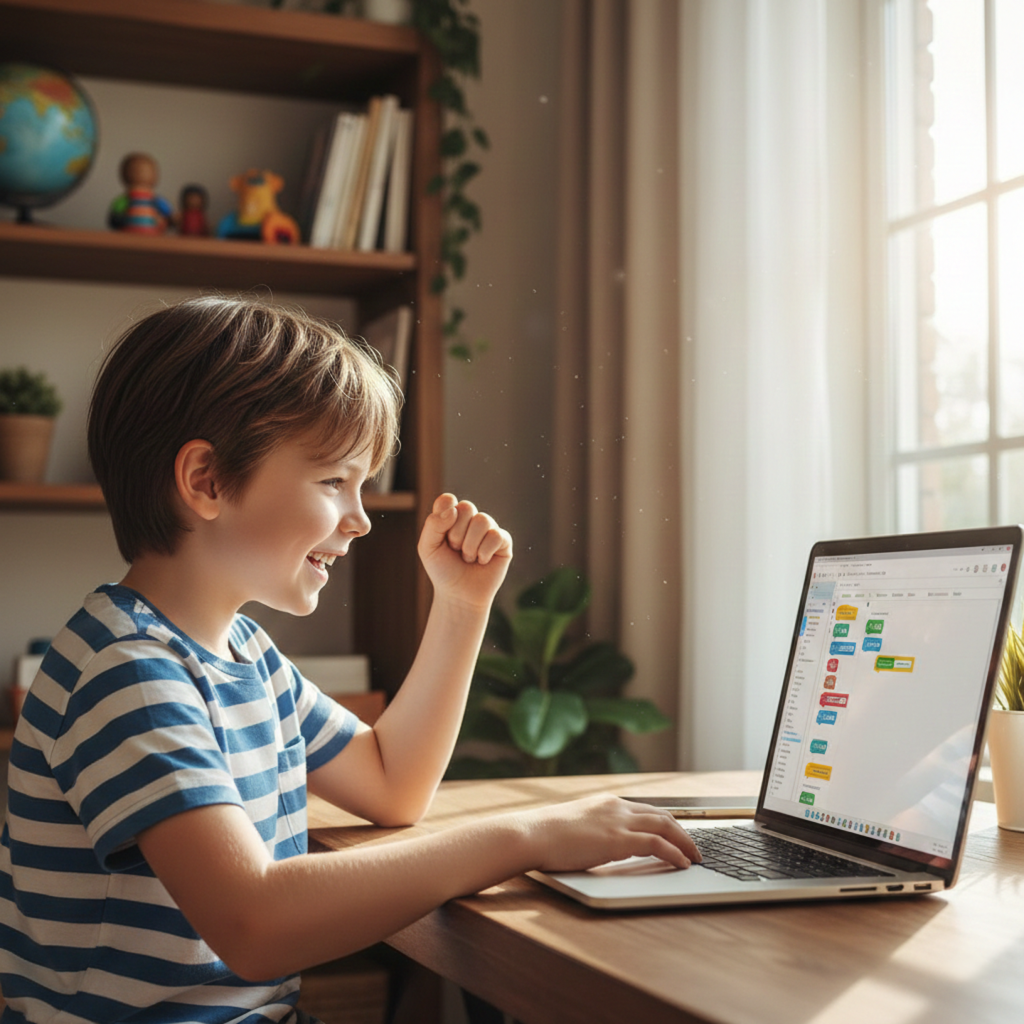
Child (8-12 years old) sitting at home desk, smiling at laptop screen showing colorful code editor (Scratch or Python), small celebration gesture (fist pump or high-five motion), bright room with bookshelf in background

Book your Free Trial Lesson

  • 100% Online Learning
    Attend live classes from anywhere in the world using a computer/tablet and internet connection.

FAQs

Common Questions From Parents

Children can start from age 5. Each learning path matches an age group:

  • Little Coder: ages 5–7.
  • Junior Coder: ages 7–12.
  • Senior Coder: ages 10–15+.

Specialised courses are also available: Robotics (ages 7–16+), Game Development (ages 7+) and AI & ML (ages 7–12 and 10–15+).

Start with your child's age group. If you're unsure, or your child already knows some coding, book a free trial lesson. The instructor evaluates your child's current level and recommends the right course and starting level, so there's no repetition and no gaps.

No. Little Coder is designed for complete beginners, and children don't need previous coding experience to join Junior Coder. Children who already know some coding can start at a more suitable level after the free trial assessment.

Not at first. Little Coder uses visual drag-and-drop tools such as Code.org and Scratch, so children build programs by arranging blocks. Junior Coder then moves gradually from block-based coding to text-based JavaScript and Python.
It depends on the path:

  • Little Coder: Code.org, Scratch and beginner app builders.
  • Junior Coder: Scratch, app development, 3D design, AI with Teachable Machine, HTML/CSS, JavaScript and block-to-text Python.
  • Senior Coder: Python, JavaScript, Java and C++.
  • Specialised courses: Lua in Roblox Studio (Game Development), and Arduino C++, Scratch and Python/MicroPython (Robotics).

Classes are live and online with an instructor, who teaches each session in real time and adapts to your child's pace and interests. We're an online academy and don't currently offer in-person classes.

We offer live 1:1, 1:2 and group classes. Group classes have a maximum of 6 students and are prescheduled for two days a week. You choose the format when you enrol.

A laptop or suitable tablet with a stable internet connection. For Roblox Game Development, a computer or laptop with Roblox Studio installed is required.

Yes. On successful completion of a course, your child receives an ItsMyBot certificate.

faqs

Get to Know Us Better


Upon successful completion of our course, you are entitled to get a certificate from us. 

Easy and direct!

We have a simple approach to enrolment. You can schedule a free assessment lesson, and after the session, you get a recommendation for a course that fits you the best. You will be asked to decide on the class format, and classes will be scheduled shortly based on your convenience. If you choose a Robotics course, the STEM kit will be shipped to you.

Everything we both need to know!

You need to let us know the preferred course. If you are not sure, we will recommend the course that suits you. The instructor demonstrates the course in an approximately one-hour online session. This will be a “get to know” session and is used to evaluate the level of understanding of the child so that we can recommend a suitable course. As a parent, you can find answers to your queries regarding the course structure and curriculum. A recommendation from the instructor will be sent to you soon after to help you decide on the course.

From basics to advanced, and even customized!

We offer live, 1-1, or 1-2, and group coding classes. You can choose the format once you decide to enroll. We offer an age-oriented approach, in the course, we cover programming fundamentals and transition to advanced concepts depending on the capabilities of the kids. There are courses in Scratch, App Building, and Python.

Activity-oriented it is!

Unlike our software courses, in this course, we use visually appealing hardware modules and extensions to make learning more activity oriented. Kids learn to program the robots with Scratch and Python. We offer live, 1-1 or 1-2, and group Robotics classes.

We will give our best to you!

Our teachers are selected after multiple rounds of screening and interviews. Teachers go through a five-step selection process with a selection rate of 3%. They also undergo a one-month rigorous training before they start. Teachers regularly attend workshops conducted by professionals and are mentored throughout the process.

Looking forward to collaborating?

Our group classes (maximum size 6) are prescheduled for two days a week. If you prefer them, please contact us, and we can guide you through the process.

Age can’t decide anything. Can it?

Our courses start at age 5. We believe that age is not a barrier to learning. We have a range of course options suiting your age and coding background. We also have courses for adults looking for a career switch with Python.

Not now! We don’t think it matters, do you?

We are an online academy and do not provide physical classes currently.

Definitely!

We encourage them to participate in contests worldwide. We also organize competitions to prepare our students for challenges.

That makes learning more fun!

Yes, kids are encouraged to design and build their own projects. The instructors provide project ideas after every 10 sessions and ask the kids to develop them. There are assignments and regular homework in addition to projects to encourage self-learning.

Online coding, AI, and robotics classes that help kids ages 6–18 build real skills — and confidence — one project at a time.

Book a Free Trial

No commitment · Live class with an expert teacher

© ItsMyBot 2026. All Rights Reserved.