
Your child loves Scratch. They’ve clicked around, made a sprite dance once or twice — and then got stuck wondering, what do I actually build?
That’s the moment most kids lose momentum. Without a clear project to chase, screen time drifts back to YouTube. The good news? The right Scratch project turns that curiosity into a real skill — and this list gives you 15 of the best, ranked from total beginner to genuinely impressive.
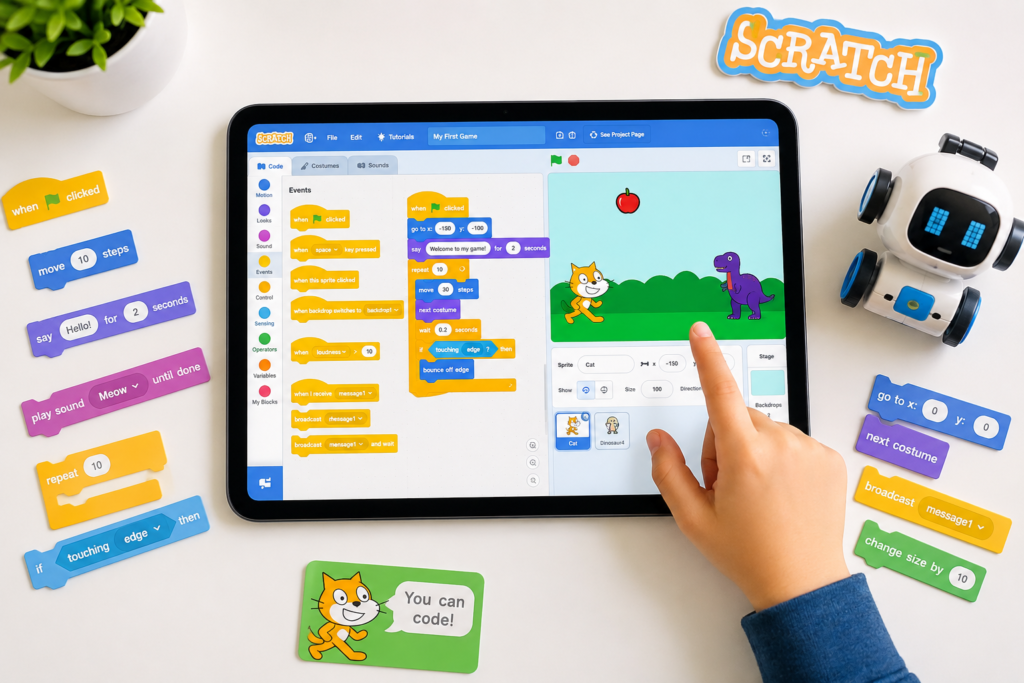
What: Scratch projects are interactive creations — games, stories, animations, and simulations — built using MIT’s block-based visual coding platform. Who: Best for kids aged 5–15 building their first coding skills. Why: According to MIT’s Scratch team, over 135 million projects have been shared on Scratch globally. In 2026, block-based coding has become the globally accepted entry point into computational thinking. When: Kids can start as early as age 5. The platform scales all the way to age 15 and beyond. How: Drag-and-drop code blocks control characters, sounds, and logic — no typing required to start.
📊 Quick Facts Box
If your child is new to Scratch, start here. These projects teach the 3 core concepts: sprites, motion, and loops — without overwhelming them.
Your child picks a character, a background, and makes that character walk across the screen while a sentence appears. It’s simple. It works. And it teaches sequencing — the most important concept in all of coding.
Skills built: Motion blocks, costume switching, sequencing Time to build: 20–30 minutes
How to build it:
Learn how to set this up in minutes with our guide to Scratch coding.
A fruit or star falls from the top. Your child’s character moves left and right to catch it. A score counter goes up every time they succeed.
Skills built: Variables, collision detection, event blocks Time to build: 30–45 minutes
This is the project that gets kids hooked. They build it, then immediately want to make it harder. That’s the Creator archetype in action — your child isn’t just playing a game, they’re building one.
Your child creates a digital paintbrush using the pen tool. They choose colors, line thickness, and draw freely on the stage.
Skills built: Pen tool, mouse position sensing, conditionals Time to build: 25–35 minutes
See exactly how to build this with our how to use pen tool in Scratch guide.
A character asks 3 questions. The user types an answer. If it’s right, a star appears. If not, a gentle “Try again!” message shows.
Skills built: User input, if/else logic, variables Time to build: 35–45 minutes
Check out our detailed tutorial: how to make a trivia game on Scratch.
A pet character responds to clicks. Click once — it eats. Click twice — it plays. A happiness meter goes up and down.
Skills built: Broadcasting, event handling, timers Time to build: 40–60 minutes
Learn how broadcasting works first: how to use broadcast message in Scratch.
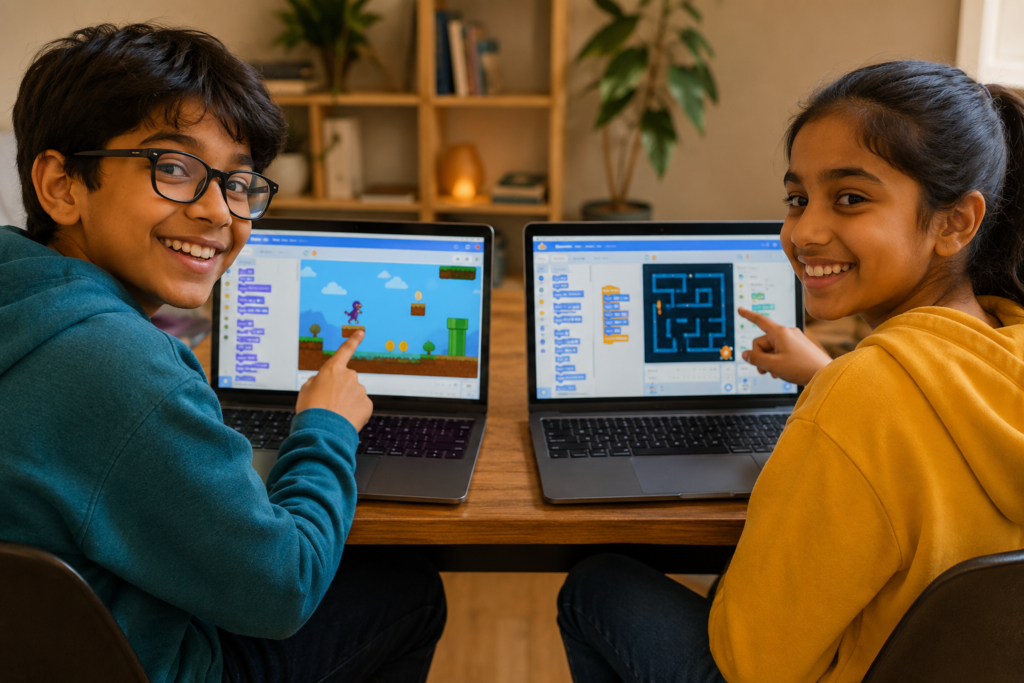
These projects introduce logic, physics, and multi-scene design — key thinking skills that map directly to real programming concepts.
A character runs, jumps over obstacles, and collects coins. A level counter increases when they reach the end. This is the project that makes parents say, “You built that?”
Skills built: Gravity simulation, collision detection, multi-sprite logic Time to build: 2–3 hours
Full walkthrough here: how to make a platformer on Scratch.
The background moves. The car stays still. Obstacles scroll toward the player at increasing speed.
Skills built: Scrolling backgrounds, speed variables, difficulty scaling Time to build: 1.5–2 hours
Tutorial: scrolling background in Scratch.
Your child designs a maze, programs wall collision, and adds a timer. Players must reach the exit before time runs out.
Skills built: Collision detection, custom level design, timer variables Time to build: 2–3 hours
See: maze game in Scratch for step-by-step code blocks
A target appears in random positions. Click it before it disappears. The faster you click, the higher the score.
Skills built: Randomness, timer events, score tracking Time to build: 1–1.5 hours
Tutorial: how to make a clicker game on Scratch.
The classic. A snake grows every time it eats. It resets if it hits the wall. Kids who build this understand loops and arrays intuitively — even before they know those words exist.
Skills built: List logic, boundary detection, growing sequences Time to build: 2–3 hours
Full guide: how to code a snake game on Scratch.
An artistic project where liquids and colors blend in animated motion — mimicking the viral “milk and soap” science experiment visually.
Skills built: Pen tool advanced, color effects, loops Time to build: 1–2 hours
Build it step by step: how to make Shadow Milk Scratch game.
These push into AI extensions, physics simulations, and creative computing — content that genuinely impresses teachers, universities, and future employers.
Your child programs a character that listens to typed input and responds with voice and text. Using Scratch’s text-to-speech extension, this project introduces natural language concepts.
Skills built: AI extensions, input/output logic, conditional branching Time to build: 2–4 hours
This maps directly to the growing demand for AI literacy for kids — a skill set schools now track from age 10.
A ball bounces off flippers, targets light up, and a score multiplier increases. Real physics behavior: gravity, angle of deflection, bounce force.
Skills built: Physics simulation, trigonometry (basic), multi-event systems Time to build: 3–5 hours
See: how to create physics-based games in Scratch.
A custom music player where your child programs 5 tracks, a play/pause button, skip forward/back, and a visual equalizer animation.
Skills built: Sound blocks, UI design, list management Time to build: 2–4 hours
Guide: how to make a music player in Scratch.
The original, rebuilt from scratch. Three difficulty modes: Easy, Medium, Nightmare. A high score is saved and displayed.
Skills built: Game loop, gravity mechanics, persistent variables, UI design Time to build: 3–5 hours
Walkthrough: how to make a Flappy Bird game on Scratch.
Match the project to your child’s age and patience level, not just their ability. A frustrated 7-year-old who’s been handed a platformer project won’t come back tomorrow.
Use this guide:
| Child’s Age | Starting Project | Goal |
|---|---|---|
| 5–6 years | Animated story | Get comfortable clicking and exploring |
| 7–8 years | Catch game | Understand variables and scoring |
| 9–10 years | Maze game | Build logic and level design thinking |
| 11–12 years | Snake or Platformer | Understand physics and multi-step code |
| 13–15 years | AI chatbot or Flappy Bird | Transition-ready for Python |
If your child is ready to go beyond Scratch, explore how to transition from Scratch to Python — the natural next step.
| Tool | Best For | Project Depth |
|---|---|---|
| Scratch 3.0 | Ages 5–14, visual learners | High — games, AI, art, music |
| Blockly | Ages 6–10, logic puzzles | Medium — puzzles, algorithms |
| Python | Ages 12+, text-based coding | Very High — apps, data, AI |
| Code.org | Ages 6–10, structured intro | Low — guided tutorials only |
Scratch wins for creative project depth at the beginner-intermediate level. See our full comparison: Scratch vs Blockly for beginners and Scratch vs Code.org.
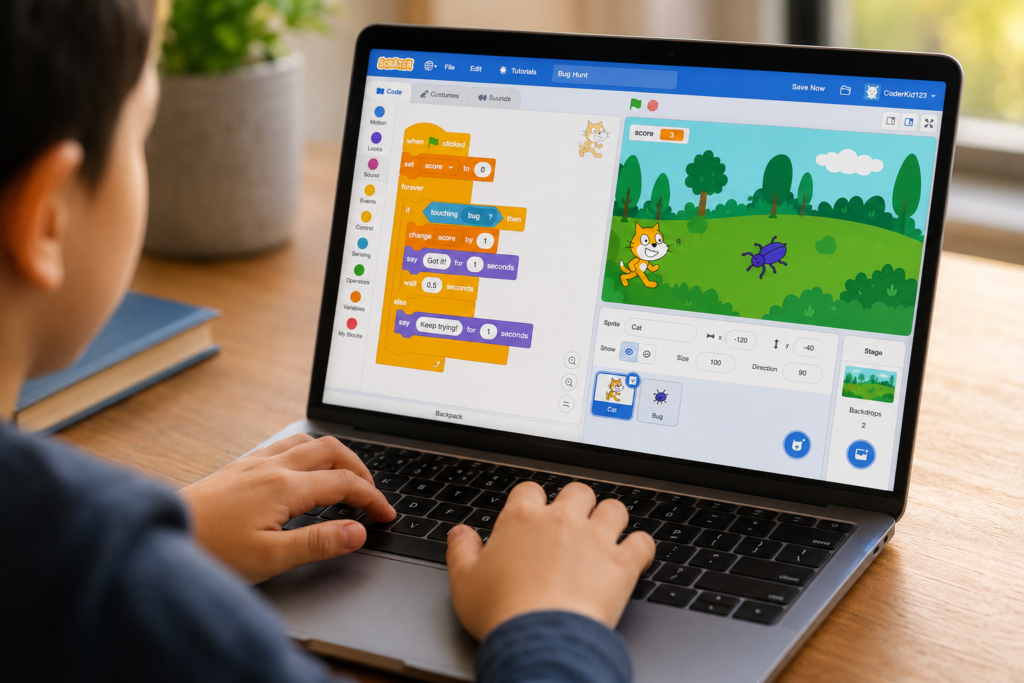
❌ Mistake 1: Starting too complex Picking a project that requires 10 skills they haven’t learned yet leads to frustration and quitting. ✅ Fix: Start with a project that uses just 2–3 new concepts.
❌ Mistake 2: Not saving versions Kids delete working code trying to “improve” it — and lose everything. ✅ Fix: Teach your child to use “Save as a copy” before making big changes. See how to export projects in Scratch 3.0.
❌ Mistake 3: Skipping the debugging step When something doesn’t work, kids give up instead of investigating why. ✅ Fix: Make debugging a habit. Our debugging in Scratch guide shows exactly how to find broken logic.
❌ Mistake 4: Building alone with no community feedback Scratch’s community feature lets kids share projects and get real responses from others worldwide. ✅ Fix: Encourage your child to publish projects and explore what other kids have built at scratch.mit.edu.
You don’t need to know how to code. Your job is to be the audience and the encourager — not the teacher.
5 practical things parents can do:
If your child is showing strong signs of coding interest, read signs your child is ready to learn coding to know what step comes next.
For age-specific guidance, explore coding classes by age:
The best starting Scratch projects for 7-year-olds are animated stories and simple catch games. These use motion blocks, loops, and event triggers — the 3 core concepts every young coder needs. Both projects take under 45 minutes and give your child something they can immediately show friends and family. Start with our guide to Scratch coding.
Most beginner Scratch projects take 20–60 minutes to complete. Intermediate projects like a platformer or maze game take 2–3 hours spread across multiple sessions. Advanced projects like an AI chatbot or physics simulation can take 4–5 hours. Progress depends on age, focus time, and whether a child has a mentor guiding them.
Yes. Interactive Scratch games, simulations, and animated stories are fully accepted for school projects and science fairs. Kids can embed projects directly in presentations or share a link to their published Scratch project. Judges respond well to live, working demonstrations over static posters.
Absolutely. Scratch 3.0 now supports AI extensions including machine learning, text-to-speech, and translation tools. MIT continues to update the platform actively. More importantly, Scratch teaches computational thinking — the mental framework behind all coding languages. Kids who master Scratch move to Python, JavaScript, or C++ significantly faster.
The natural progression is Python. Kids who’ve mastered Scratch’s logic (loops, variables, conditionals) find Python’s syntax surprisingly familiar. Learn more about making this transition: Scratch to Python. For kids who want to keep building games specifically, Roblox Studio with Lua is another powerful next step.
Kids can start Scratch as early as age 5 with simple drag-and-drop projects. By age 8, most children can build their first game independently. Read our guide on what age kids should start learning Scratch for a detailed breakdown by development stage.
Yes, Scratch is safe. MIT maintains strict community guidelines. Parents can set privacy settings so projects are only visible to friends or kept private. For a detailed safety breakdown, read is Scratch safe for kids.
Book a free demo class with ItsMyBot and let a mentor show them exactly what they can build.

Online coding, AI, and robotics classes that help kids ages 5–16 build real skills — and confidence — one project at a time.
No commitment · Live class with an expert teacher
© ItsMyBot 2026. All Rights Reserved.