
Summer break is long. Screen time guilt is real. And most parents are quietly wondering: is my child building skills, or just scrolling? The good news is that an online summer coding camp for kids in 2026 has completely reinvented what “summer learning” looks like — and it’s a far cry from worksheets on a laptop. Today’s virtual camps are live, hands-on, mentor-led, and built around real projects kids are genuinely proud to show off.
But here’s the catch: not all online coding camps deliver the same result. Some are pre-recorded videos. Some are group babysitting disguised as instruction. Without the right structure and the right mentor, your child finishes summer with a certificate — and zero actual skills.
This guide breaks down exactly what a quality online summer coding camp for kids should include in 2026, how it compares to in-person options, and how to pick the programme that turns this summer into a genuine launchpad for your child’s future.
Table of Contents
An online summer coding camp is a structured, time-limited programme — typically running over 1 to 8 weeks during school holidays — where children learn to code, build projects, and develop computational thinking skills in a live, virtual environment.
The key word here is live. Quality camps aren’t YouTube playlists dressed up as curricula. They feature real instructors, real-time feedback, and real collaboration between students — just like an in-person class, but accessible from anywhere in the world.
In 2026, the best camps have expanded well beyond basic block coding. Depending on your child’s age and level, a summer camp programme might cover:
The goal isn’t just to teach syntax. It’s to build confidence, curiosity, and a creator mindset — skills that follow your child long after summer ends.
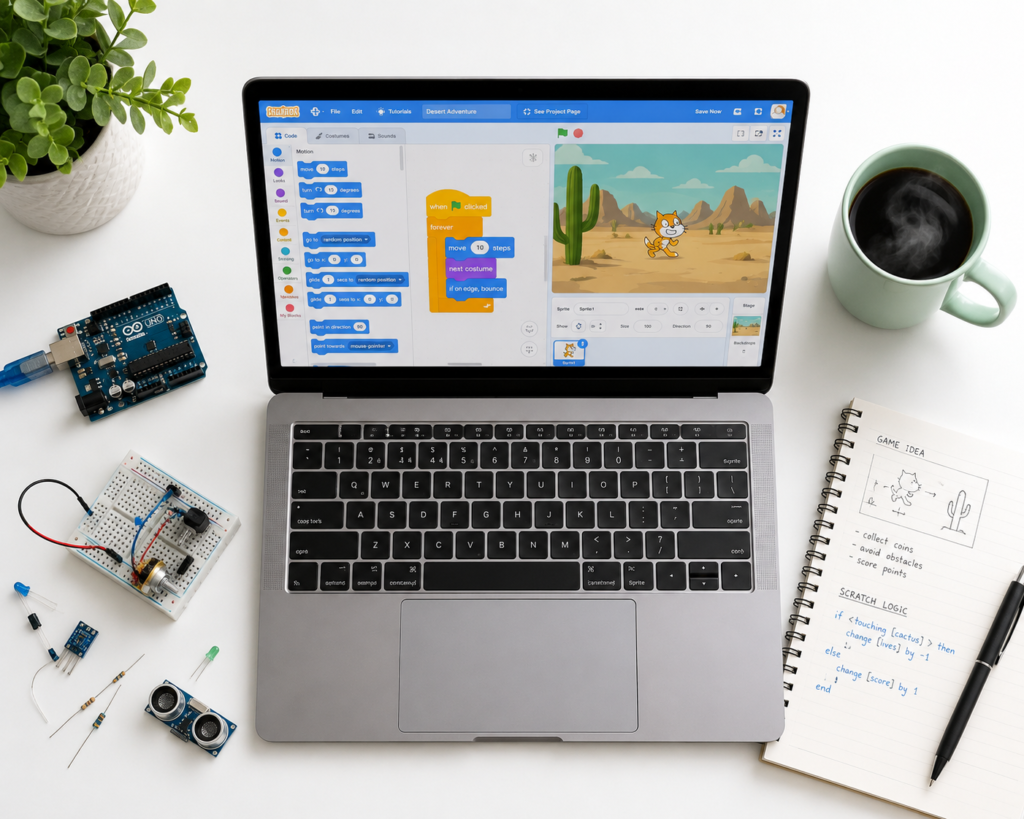
Not all camps are equal — and understanding what “quality” looks like helps you filter the good from the generic. Here’s what a well-designed online summer coding camp for kids in 2026 actually delivers:
Every session is run by an experienced instructor in real time. Your child isn’t watching a recording — they’re building something, asking questions, and getting immediate feedback. This is the single biggest difference between a programme that builds skills and one that just fills time.
If you’re comparing class formats, our guide on live 1-on-1 vs group coding classes for kids breaks down which structure works best at each stage.
A 7-year-old building their first Scratch game and a 13-year-old learning Python functions are not the same learner. Quality camps assess each child’s level at enrolment and place them appropriately — not just by age, but by experience and learning style.
By the end of camp, your child should have a completed project they can show off — a game, an app, an animated story, a robot they programmed. Projects build pride, portfolio, and genuine competence. Certificates without projects are just paper.
At ItsMyBot, we keep parents informed every step of the way. Progress updates, session summaries, and mentor feedback mean you’re never left wondering “did my child actually learn anything?”
For kids aged 5–15, the online space must be safe. Vetted instructors, closed class environments, and clear communication protocols are non-negotiable. Read our guide on how to keep your kids safe online for what to look for in any virtual programme.
This is the question every parent types into Google before booking. The answer in 2026 is more nuanced than “one is better.” But for most families, online wins on outcomes — especially when the programme is live and structured well.
| Factor | Online Coding Camp | In-Person Coding Camp |
|---|---|---|
| Accessibility | Available from anywhere in the world | Limited to local area; travel required |
| Instructor quality | Access to globally vetted, specialist mentors | Limited to local talent pool |
| Pacing | Personalised to each child’s level | Group pace; faster/slower kids may struggle |
| Schedule flexibility | Time zones accommodated; schedule options | Fixed daily schedule; less flexibility |
| Parent involvement | Regular updates; parent always in the loop | Drop-off model; minimal feedback |
| Global collaboration | Kids learn alongside peers from multiple countries | Limited to local student cohort |
| Screen time concern | Purposeful, skill-building screen time | Less screen time; more physical activity |
The bottom line: in-person camps can win on physical activity and social play. But if your goal is genuine skill development, personalised mentorship, and global exposure, online camps — done right — deliver more. For a deeper look at why coding beats typical summer activities, read our post on why coding is the best summer camp activity.
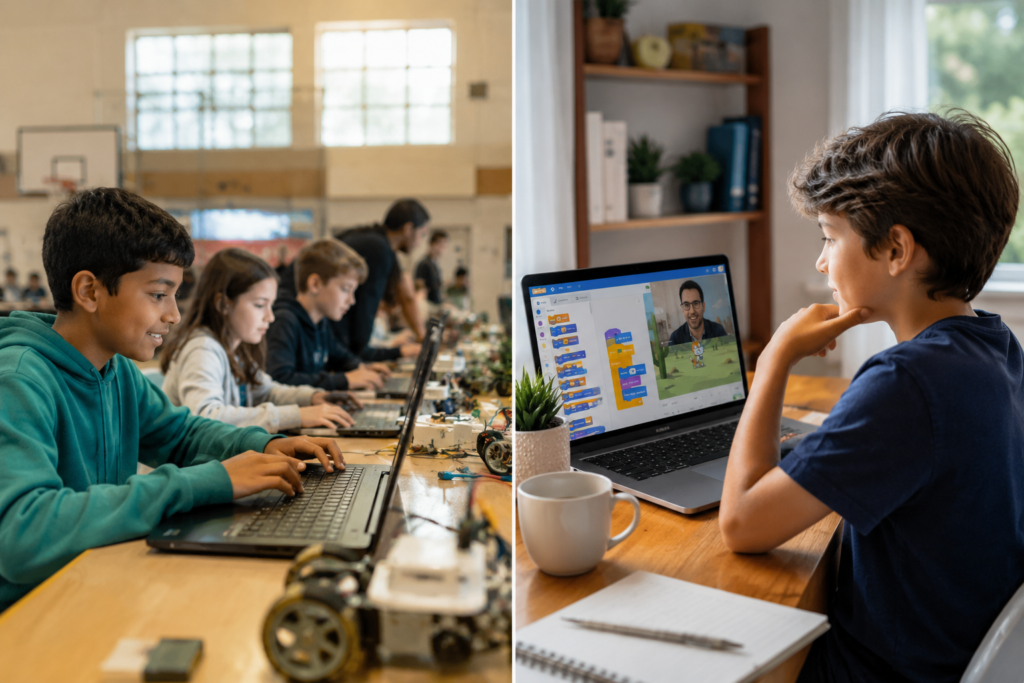
This is the question that separates curious parents from committed ones — and it’s the right question to ask. Projects are proof. Here are real examples of what kids build at a well-structured online summer coding camp, organised by age and skill level:
Want to understand what Scratch can do? Our complete guide to Scratch coding is a great starting point for parents.
Wondering whether your child is ready to move from visual to text-based code? Our guide on block-based vs text-based coding for kids will help you decide.
For advanced learners interested in AI, our post on why AI learning is important for kids and our AI literacy for kids guide offer great context.
The rule of thumb: at the end of summer camp, your child should have at least one project they can share with pride. If the camp can’t tell you what that project will be, that’s a red flag.
The short answer: earlier than most parents think — and later than many assume. Kids as young as 5 can engage meaningfully with block-based coding. Kids at 14 or 15 can still start from zero if the programme is designed well.
Here’s a quick framework by age group:
Still not sure if your child is ready? Our article on signs your child is ready to learn coding and the best age for kids to start coding walks you through the key readiness signals.
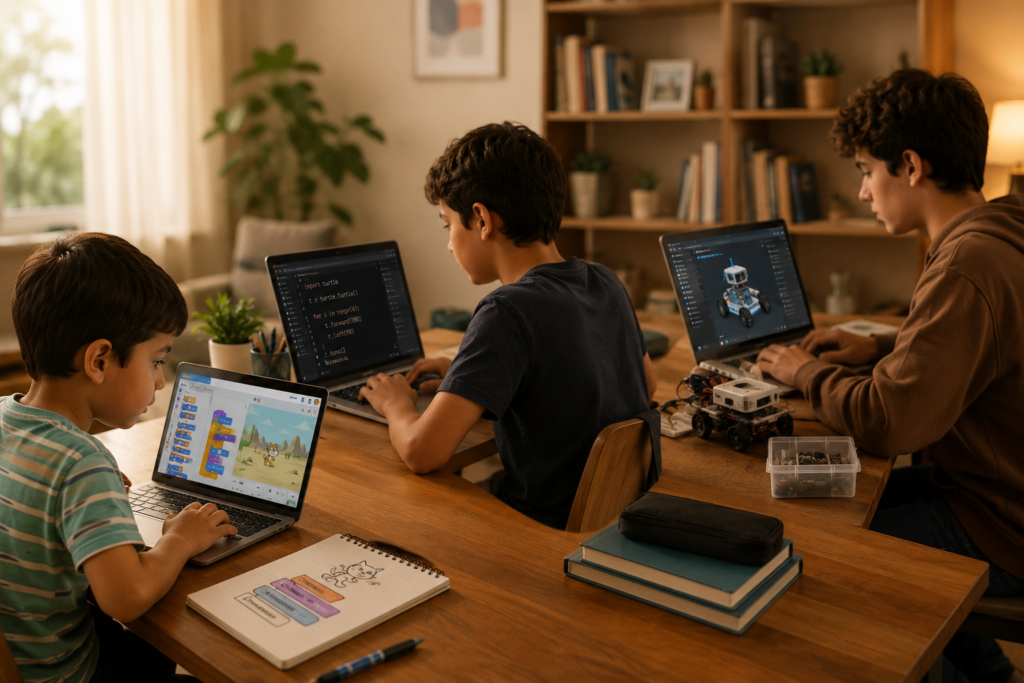
With more options than ever in 2026, knowing how to evaluate a coding camp is as important as finding one. Here’s your practical checklist:
If you’re still deciding between specific providers, our posts on WhiteHat Jr alternatives and BrightCamp reviews and alternatives provide useful comparisons. And for a broader view of what’s out there, see our round-up of top coding programmes for kids in 2026.
Most booking regrets are avoidable. These are the most common pitfalls:
❌ Mistake 1: Choosing by brand name alone
Why it’s a problem: a well-known brand doesn’t guarantee live instruction, small class sizes, or qualified mentors.
✅ Do this instead: ask for a free trial session and assess the actual quality of instruction before committing.
❌ Mistake 2: Focusing only on certificates
Why it’s a problem: certificates without projects mean your child completed modules, not skills.
✅ Do this instead: ask “what project will my child finish by the end?” If there’s no clear answer, move on.
❌ Mistake 3: Ignoring the age-fit
Why it’s a problem: a 6-year-old in a Python class will disengage. A 14-year-old in a Scratch class will be bored.
✅ Do this instead: request a placement assessment and confirm the curriculum matches your child’s actual level. Check our guide on how to choose the right coding course for your child.
❌ Mistake 4: Treating all screen time the same
Why it’s a problem: passive consumption and active creation are fundamentally different activities.
✅ Do this instead: frame coding camp as purposeful screen time — your child is building something, not consuming something. Our article on how to reduce screen time for kids helps reframe this conversation.
❌ Mistake 5: Not asking about the learning approach
Why it’s a problem: some camps lecture; others guide. Kids learn by doing — not by watching.
✅ Do this instead: ask if the programme uses project-based learning and what the student-to-instructor ratio is.
At ItsMyBot, we turn screen time into skill time. Our summer coding camp is built around one belief: every child has the potential to create, build, and innovate — they just need the right mentor and the right environment to discover it.
Here’s what makes ItsMyBot’s approach different:
We offer summer programmes covering a range of locations and formats — explore summer classes in Singapore, Doha, Abu Dhabi, Malaysia, and more.
Not sure if your child is the right fit? We offer a free demo session — no commitment, no pressure. Let your child experience one session and decide for themselves.
Book Your Child’s Free Demo Session
Let your child experience a live ItsMyBot summer coding session — real instructor, real project, real fun.
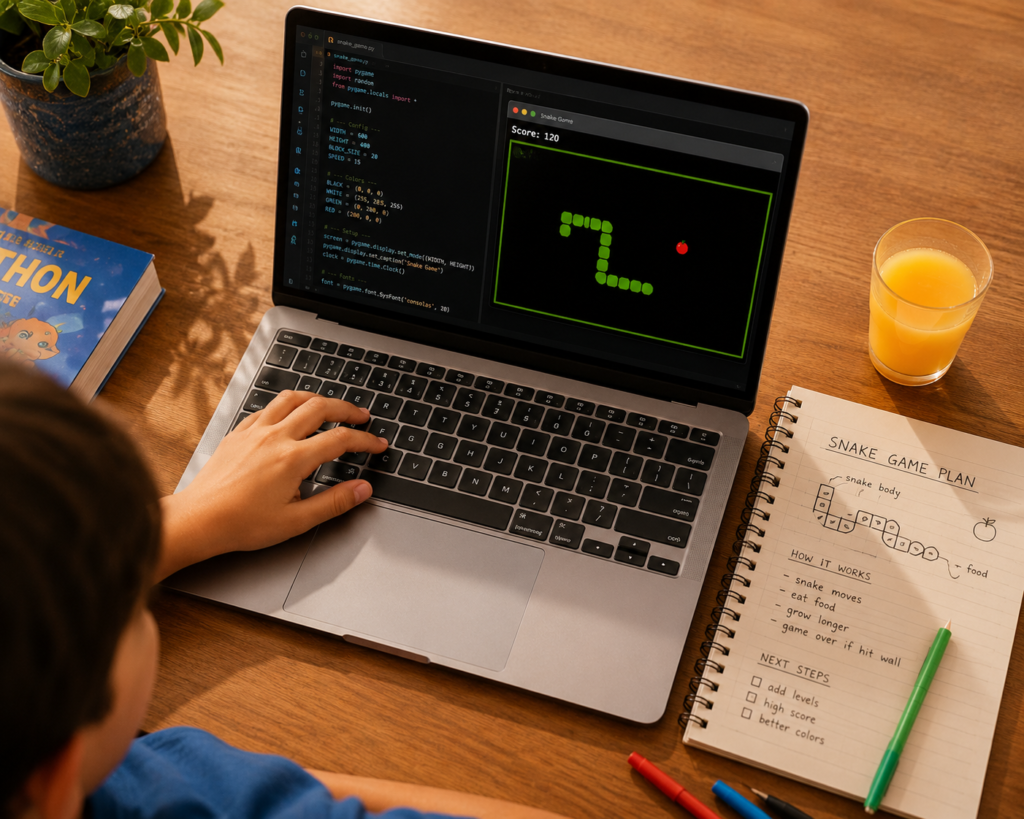
It’s a structured, time-limited programme where children learn coding skills, build real projects, and are guided by live instructors — all from home. Quality camps run live sessions (not pre-recorded videos), personalise the learning pace, and end with a tangible project your child has built themselves.
Most quality camps accept children from age 5 through 15. Younger kids (5–8) start with visual block coding like Scratch. Older kids (12–15) can explore Python, AI, web development, and robotics. The key is age-appropriate placement — not a one-size programme. See our guide on the best age to start coding.
For skill development, a live online camp with qualified mentors and personalised pacing is often more effective than in-person — not less. Your child gets global instructors, flexible scheduling, and consistent progress tracking. In-person camps have advantages in social play, but online wins on learning outcomes when structured well.
Formats vary. Some camps run for 1–2 intensive weeks. Others run as weekly sessions across the full summer holiday period. The ideal length depends on your child’s goals — a focused sprint for beginners, or a sustained programme for kids building a real portfolio of projects.
A laptop or desktop computer (not a tablet), a stable internet connection, and a quiet space to focus. Most platforms run through a standard web browser — no special software installation required. Our post on the best desktop computers for kids can help if you’re upgrading the family setup.
Absolutely. The best camps are designed for complete beginners and advance at the child’s pace. Starting from zero is not a barrier — it’s the starting line. ItsMyBot places every child based on an individual assessment, not just age.
Apps and YouTube teach concepts passively — your child watches or clicks through modules. A live camp provides an instructor who answers questions, gives real-time corrections, adapts to your child’s confusion, and guides them to build something complete. The difference in outcomes is significant. See also: top coding apps for kids — great supplements, but not replacements for live instruction.
Depending on level, children build Scratch games and animations, Python applications, basic web pages, AI chatbots, or robotics programs. Every child finishes with at least one complete project they built themselves — not a template, not a tutorial copy.
Turn This Summer Into a Launchpad
Your child’s summer can be more than scrolling. It can be the summer they built their first game, wrote their first Python app, or programmed their first robot. ItsMyBot makes it happen — live, personalised, and genuinely exciting.
→ Book Your Child’s Summer Camp Spot at ItsMyBot

Online coding, AI, and robotics classes that help kids ages 6–18 build real skills — and confidence — one project at a time.
No commitment · Live class with an expert teacher
© ItsMyBot 2026. All Rights Reserved.