
Picture this: You’ve spent hours creating an awesome Scratch game, but suddenly your sprite won’t move, sounds don’t play, or your clicker game stops working entirely. Frustrating, right?
Every programmer—whether they’re 8 or 80—faces this challenge. The difference between giving up and becoming a confident coder lies in mastering one crucial skill: debugging.
In this comprehensive guide, you’ll discover proven debugging techniques that will transform you from a frustrated beginner into a confident problem-solver. By the end, you’ll not only fix bugs faster but also prevent them from happening in the first place!
Debugging in Scratch is the process of finding and fixing errors (called “bugs”) in your programming projects. Think of it like being a detective—you gather clues, test theories, and solve mysteries to make your code work perfectly.
The term “bug” in programming has an interesting history. In 1947, computer pioneer Grace Hopper found an actual moth stuck in a computer relay, causing the machine to malfunction. She taped the bug into her logbook and wrote, “First actual case of bug being found.” Today, we still call programming errors “bugs”!
In my 15 years of teaching programming to kids, I’ve observed that students who master debugging early become more confident, creative, and persistent programmers. Here’s why debugging is essential:
Many young programmers think bugs mean they’re “bad at coding.” This couldn’t be further from the truth! Even professional developers spend 30-50% of their time debugging. It’s not a sign of failure—it’s an integral part of the programming process.
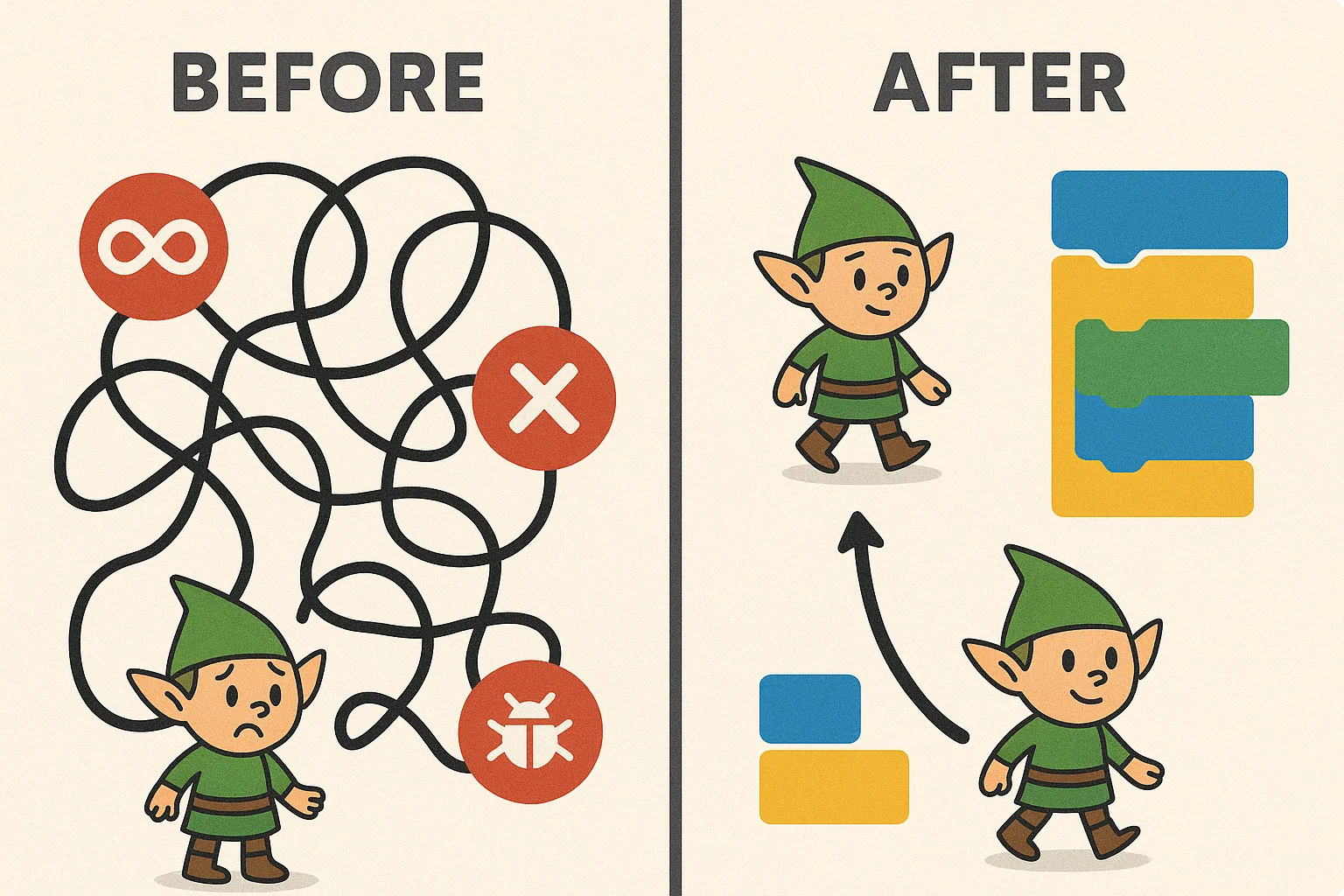
Understanding different bug types helps you identify and fix problems faster. Here are the most common bugs young Scratch programmers encounter:
Logic bugs occur when your code runs without crashing but doesn’t produce the expected results. These are often the trickiest to spot because everything looks correct.
Examples:
Quick Fix: Use the “say” block to display variable values and trace your logic step-by-step.
While Scratch’s visual interface prevents many syntax errors, connection issues still occur:
These bugs happen when different parts of your program don’t coordinate properly:
Definition: Loops that never end, causing your project to freeze or become unresponsive.
Common Causes:
Issues with storing and using information:
Particularly common in platformer games:

Scratch provides several built-in tools that make debugging easier and more efficient. Let’s explore each one:
The “say” block is like a window into your program’s mind. Use it to:
Pro Tip: I always teach my students to use “say” blocks with descriptive messages like “Player health: 100” instead of just showing the number.
Keep important variables visible on the stage by checking the box next to them in the Variables palette. This lets you watch values change in real-time.
Best Practice: Only monitor variables you’re actively debugging to avoid screen clutter.
Use Scratch’s built-in step-through feature:
Save working code blocks in your backpack for comparison when debugging similar issues in other projects.
Add temporary sounds or costume changes to track program flow:
when green flag clicked
play sound "pop"
say "Starting main loop" for 1 seconds
forever
  // Your main game logic here
end
Follow this systematic approach to debug any Scratch project effectively:
Before jumping into fixing, precisely define what’s wrong:
Example: “When I press the space bar, my character should jump, but instead it moves left and doesn’t come back down.”
Try to make the bug happen again under the same conditions. If you can’t reproduce it consistently, it might be a timing or random event issue.
Debugging Checklist:
Use the “divide and conquer” method:
Look at the specific blocks causing issues:
Make small changes and test immediately:
Once you think you’ve fixed the bug:
For more complex Scratch projects, these advanced techniques will help you tackle challenging bugs:
Best Practices:
Systematic testing helps catch bugs early:
Save multiple versions of your project:
Sometimes fresh eyes spot issues you missed:
The best debugging strategy is preventing bugs in the first place. Here are proven techniques I’ve developed through years of teaching:
The 5-Minute Rule: Spend 5 minutes planning for every 20 minutes of coding:
Develop standard approaches for common tasks:
Movement Pattern:
when [right arrow] key pressed
change x by 10
if touching color [red] then
  change x by -10
end
Scoring Pattern:
when I receive [point scored]
change [score] by 1
if [score] > [high score] then
  set [high score] to [score]
end
Don’t wait until your project is complete to test:
Even in Scratch, documentation matters:
Let me share some actual debugging scenarios from my students’ projects:
Problem: In a snake game project, the snake head would randomly disappear.
Investigation Process:
Solution: Added boundary detection:
if [x position] > 240 then
  set x to -240
end
Lesson Learned: Always include boundary checks for moving sprites.
Problem: Score in a trivia game kept increasing even with wrong answers.
Root Cause: The “change score by 1” block was outside the “if correct answer” condition.
Fix: Moved the scoring block inside the correct conditional structure.
Problem: A music player project showed notes but played no sound.
Discovery: The “play sound” blocks were there, but the sound files weren’t properly imported.
Resolution: Re-imported sound files and tested each one individually.
Based on my experience teaching thousands of young programmers, here are strategies to build debugging confidence:
Every fixed bug is a victory! I encourage my students to:
Regular debugging practice builds skills:
Transform frustration into learning:
Debugging skills in Scratch create a strong foundation for future programming languages:
The debugging mindset you develop in Scratch applies to:
Consider exploring:
Debugging in Scratch isn’t just about fixing broken code—it’s about developing critical thinking, problem-solving skills, and the persistence that defines great programmers. Every bug you encounter is an opportunity to learn and grow stronger as a coder.
Remember these key takeaways:
Essential Debugging Principles:
Your Debugging Action Plan:
The journey from debugging simple Scratch projects to solving complex programming challenges starts with your very next project. Every bug you fix makes you a stronger, more confident programmer.
Ready to put these debugging skills to work? Start with a simple project, deliberately introduce a small bug, and practice the systematic debugging approach we’ve covered. You’ll be amazed at how quickly your problem-solving confidence grows!
Want to accelerate your coding journey? Explore ItsMyBot’s comprehensive coding programs designed specifically for young learners. Our expert instructors guide students through hands-on debugging practice, ensuring they develop strong foundational skills while having fun with technology.
Want your child to go further? Explore ItsMyBot’s Little Coder — structured coding courses designed for kids!

Online coding, AI, and robotics classes that help kids ages 6–18 build real skills — and confidence — one project at a time.
No commitment · Live class with an expert teacher
© ItsMyBot 2026. All Rights Reserved.