
Most parents wait too long. By the time they search “coding for my child,” many kids have already spent years on passive screen time — watching, not creating. The cost isn’t just missed learning; it’s missed confidence.
The gap between kids who build things with technology and those who just consume it grows wider every year. Without early exposure to structured digital skills, your child may find themselves playing catch-up in school, in competitive environments, and eventually in career paths.
Here’s the good news: Scratch is built precisely to solve this problem. It turns screen time into skill time — and it’s designed for children as young as 5. In this guide, you’ll learn the ideal age to start, what your child gains at each stage, and how to get them started on the right path. For a full overview of how Scratch works, visit our complete guide to Scratch coding for kids.
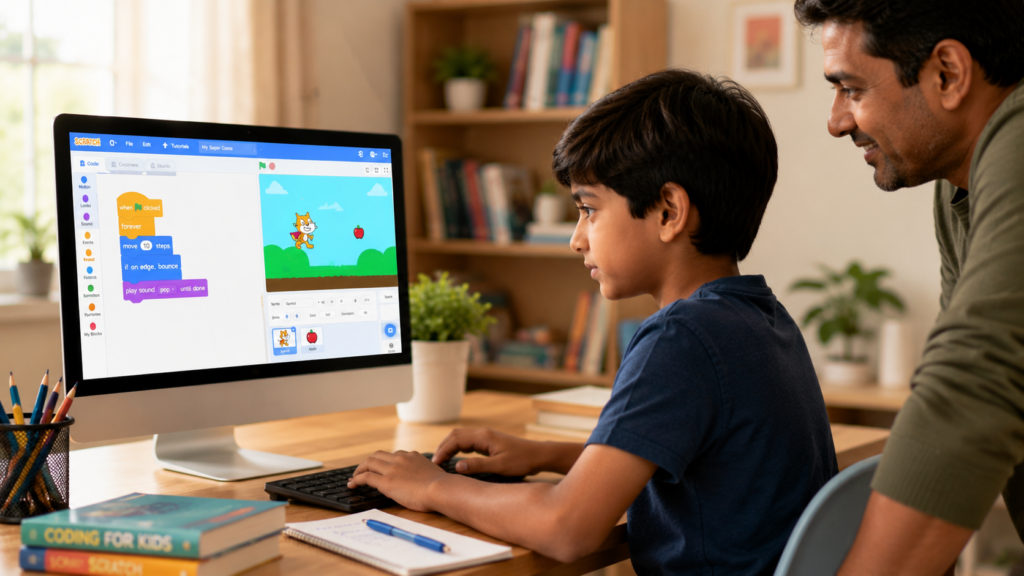
Scratch is a free visual coding platform developed by MIT Media Lab. Instead of typing complex syntax, children snap together colourful blocks to create animations, games, and interactive stories. It’s the most popular beginner coding environment in the world, used by over 100 million young learners.
Parents choose Scratch because it removes the biggest barrier to learning code: confusion. Kids can see their ideas come to life immediately, which keeps them engaged and builds genuine creative confidence. Our Scratch coding for kids — complete beginner’s guide covers everything from the basics of blocks to building your child’s first project.
For a deeper dive into getting your child set up, explore our guide on how to set up Scratch 3.0 for kids in 10 minutes.
The ideal starting age for Scratch is 5–7 years old. At this stage, children develop logical sequencing, spatial awareness, and cause-and-effect thinking — all of which Scratch reinforces playfully.
However, Scratch is genuinely effective across a wide age range. Here’s what your child can expect at each stage
Children at this age explore through play. They respond best to guided activities that feel like games. Short Scratch sessions (20–30 minutes) focused on moving sprites and creating sounds are perfect starting points.
This is where Scratch truly shines. Children begin to apply logic, create structured projects, and understand loops, conditionals, and variables. They can complete multi-step projects independently with minimal guidance.
Our coding classes for 7-year-olds, coding classes for 8-year-olds, and coding classes for 9-year-olds are purpose-built around these exact milestones.
Older children grasp more complex concepts in Scratch, including cloning, custom blocks, and data management. Many naturally begin asking questions that lead them toward Python and beyond.
Explore our coding classes for 10-year-olds, coding classes for 11-year-olds, and coding classes for 12-year-olds — each structured to challenge and grow your child at their exact level.
The best way to motivate a child is to show them what’s possible. Here are real project types children build in Scratch, sorted by age and skill level:
| Age Range | Project Type | Key Skill Gained |
|---|---|---|
| 5–6 years | Animated greetings, moving characters | Sequencing, basic logic |
| 7–8 years | Simple chase games, interactive stories | Loops, events, conditions |
| 9–10 years | Platform games, quiz apps | Variables, custom blocks |
| 11–12 years | Full game design, simulations | Data structures, cloning |
Want to see what’s possible? Explore how to make a Shadow Milk Scratch game, create rainfall in Scratch, and move a sprite smoothly in Scratch — all from our Scratch tutorial series.
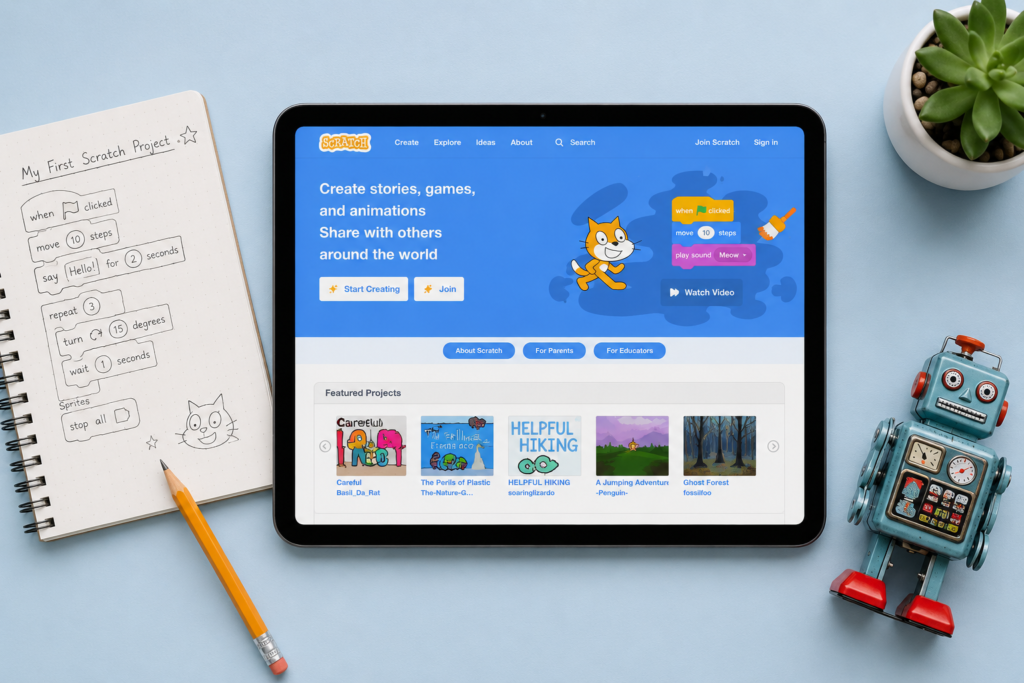
Getting started is easier than you think. Scratch runs directly in a web browser — no installation required. However, many families prefer an offline version for uninterrupted sessions.
Follow our step-by-step guides:
Once your child is set up, guided lessons make all the difference. That’s where structured, mentored learning takes them from experimenting to genuinely building skills.
Scratch isn’t a dead end — it’s a launchpad. Every concept your child masters in Scratch transfers directly to text-based languages:
When your child is ready to go further, ItsMyBot’s courses guide them from Scratch into Python, JavaScript, AI, robotics, and more. Explore the full Junior Coder programme — designed for exactly this progression.
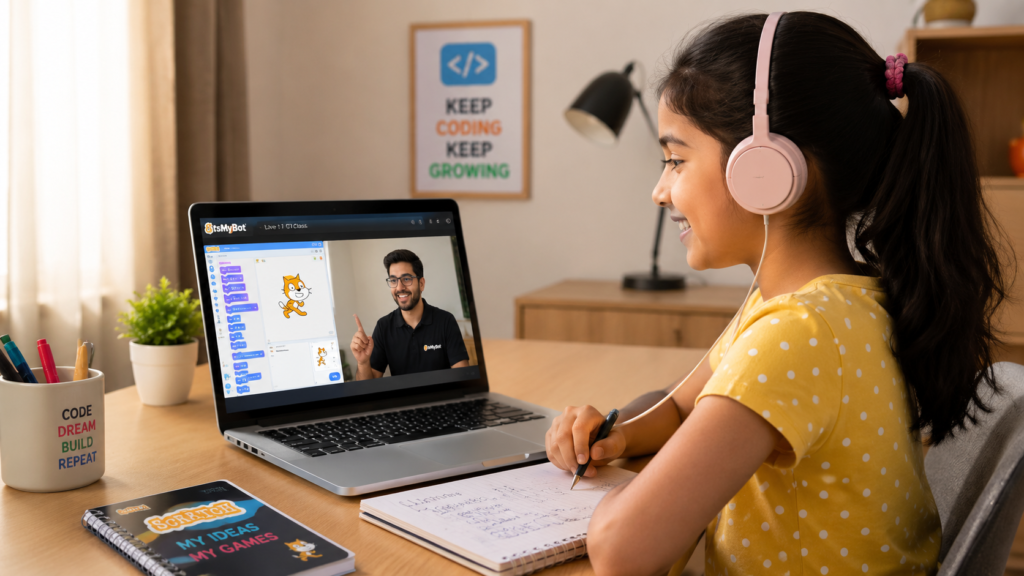
You don’t need to wait for a perfect moment. But here are signs your child is ready to start:
If your child ticks 3 or more of these, they’re ready. The earlier you start, the more natural it feels.
.Alt text: “Child attending a live 1:1 Scratch coding class online — ItsMyBot coding classes for kids”
As your child progresses through Scratch, here are the next steps we recommend:
The ideal age to start Scratch is 5–7 years old. Children at this age can understand basic sequencing and cause-and-effect logic, which are the core building blocks of Scratch programming. That said, Scratch is designed for ages 5–12, and children starting at any point within this range benefit significantly.
Yes. Scratch is completely free to use via the official MIT website (scratch.mit.edu). You can also download an offline version. ItsMyBot also offers free demo sessions to help your child experience structured Scratch learning before committing to a full course.
Most children begin creating simple projects within their first 2–3 sessions. Within 8–12 guided lessons, many 7–9 year olds can independently build basic games and animations. The pace varies, but structured 1:1 classes tend to accelerate progress significantly compared to self-learning.
Yes, with guided support. Children aged 5–6 benefit most from supervised exploration, focusing on simple sprite movement and visual cause-and-effect interactions. At ItsMyBot, our Little Coder sessions are adapted for the youngest learners with age-appropriate pacing.
Most children naturally progress from Scratch into Python, JavaScript, or visual coding with hardware (like IoT and robotics). At ItsMyBot, we guide this transition through our Junior Coder and Senior Coder pathways, ensuring no child hits a dead end after Scratch.
If your child can follow 2–3 step instructions, enjoys building or creative play, and is comfortable using a mouse or touchpad, they’re likely ready. Most children aged 5 and above are ready to start with guided support.
Yes. Scratch reinforces maths (coordinates, variables, counting loops), literacy (storytelling projects), and creative thinking. Many schools globally use Scratch as part of their computing curriculum for exactly these cross-subject benefits.
Ready to Start? Book a Free Demo Class Today.
Your child’s coding journey starts with one session. Our mentors will assess exactly where your child is and guide them forward — no prior experience needed. Explore our coding classes for kids or contact us to book your child’s free demo class today.

Online coding, AI, and robotics classes that help kids ages 6–18 build real skills — and confidence — one project at a time.
No commitment · Live class with an expert teacher
© ItsMyBot 2026. All Rights Reserved.