
Last Updated: April 20, 2026
The digital revolution continues to reshape how children learn and interact with technology. As we move into 2026, coding is no longer viewed as an optional skill – it’s increasingly becoming a core part of modern education, much like reading, writing, and basic mathematics. Schools, parents, and governments worldwide are recognizing the importance of early exposure to programming, problem-solving, and computational thinking.
The Problem:
With the rapid growth of online learning platforms, parents are now faced with an overwhelming number of coding programs – each claiming to be the best for their child. This abundance of choice often leads to confusion and poor decisions, resulting in wasted time, disengaged children, and missed opportunities to build strong foundational skills.
The Solution:
This guide simplifies the decision-making process by highlighting the most effective, engaging, and age-appropriate coding programs available today. From interactive, gamified platforms to hands-on project-based learning and AI-integrated tools, we’ll help you identify the right fit – so your child not only learns to code but genuinely enjoys the process.
Coding is no longer a niche technical skill — it’s foundational literacy for the 21st century. In 2026, the global online coding education market for children is on track to surpass USD 28 billion by 2034, driven by surging demand from parents, schools, and policymakers who recognise that software thinking underpins nearly every industry.
The skills gap hasn’t shrunk — it’s widened. Computing roles now account for the majority of new STEM job openings, yet computer science graduates remain a small fraction of the STEM pipeline. For parents weighing their child’s future, the calculus is straightforward: children who understand code have more options, not fewer.
But coding education isn’t just about job readiness. Learning to code develops:
By some estimates, over 60% of jobs children entering primary school today will hold in 2035 don’t yet exist. Starting early means your child arrives at adulthood as a creator of technology, not just a consumer of it.
In 2026, “learning to code” increasingly means learning to work alongside AI tools — not just writing Python scripts, but understanding how large language models work, when to use them, and how to prompt them effectively. Platforms that have integrated AI literacy alongside traditional programming are now ahead of those that haven’t.
Early gamification was about badges and leaderboards. In 2026, the best platforms use adaptive challenge design — difficulty that scales in real time based on a child’s performance, keeping them in the productive struggle zone without tipping into frustration or boredom.
Topics like machine learning, data science, and neural networks — once reserved for university — are now taught in accessible, age-appropriate formats to children as young as 10. The pedagogical shift is real: understanding AI conceptually is no longer an advanced topic.
Coding that controls the physical world — robots, drones, smart home devices, microcontrollers — has moved from enrichment activity to standard curriculum in many schools and programs. Kids who can bridge software and hardware are developing one of the most in-demand hybrid skill sets in tech.
After years of self-paced platform dominance, parents are increasingly seeking live, instructor-led classes. Real-time feedback, accountability, and the social dimension of learning alongside peers have driven renewed demand for synchronous coding education.
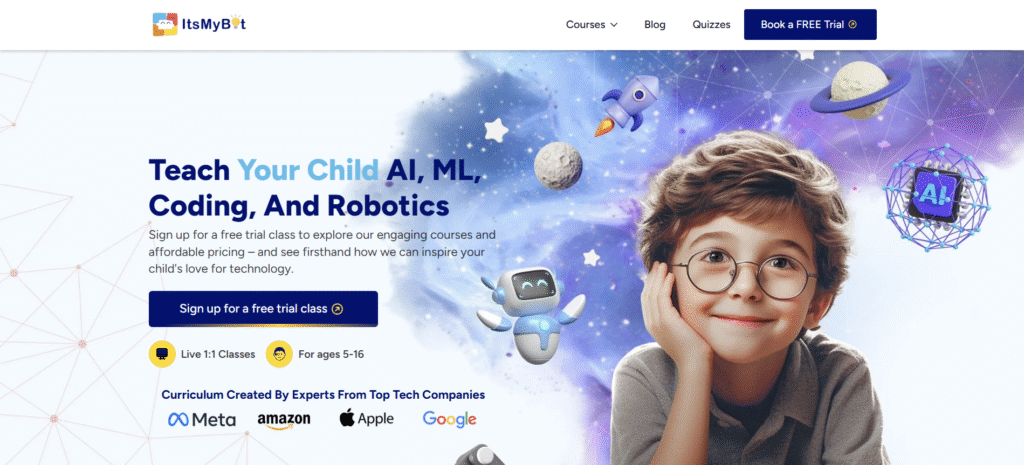
Best for: Grades 2–10 (ages 7–16) Format: Online and in-person Focus: Scratch, AI integration, robotics Pricing: Flexible plans; free demo available
ItsMyBot is a dedicated coding school for children that combines live instruction with hands-on project work. What sets it apart in 2026 is its integration of AI and robotics concepts alongside foundational coding – children aren’t just learning block-based programming; they’re building mental models of how AI systems work.
Students receive hardware kits to run and test their programs, which bridges the often-abstract experience of screen-based coding with physical outcomes. The school collaborates with experienced instructors and technical educators to deliver a curriculum that feels contemporary rather than dated.
Standout features:
Best for: Families who want structured live instruction with a clear progression from beginner coding to AI and robotics concepts.
What Sets ItsMyBot Apart:
Parent Testimonial: “Me and my daughter now attend the classes of Poornima for 2 months now and we are very excited about every new one. I studies electronics and I’m a programmer and being able to enjoy the classes with my daughter is quite unique for me. My daughter can learn programming and understand what I do for a living… The classes for both of us are pleasing and we thank Poornima for her dedication and help.” – Pop Oana Raluca, Parent
Get Started: Ready to build your own bot? Explore our courses and book a free demo now!
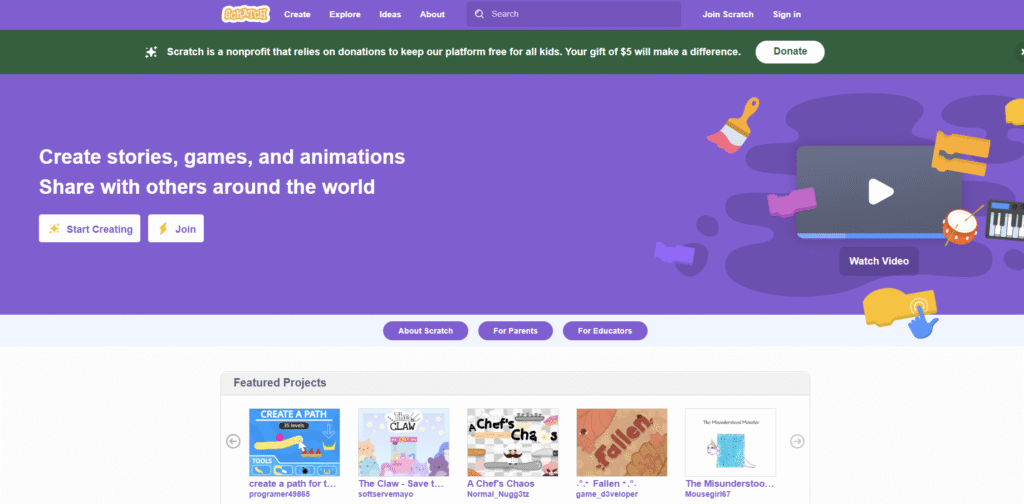
Age Range: 6-16 years
Cost: Completely free
Platform: Windows, macOS, ChromeOS, Android
Scratch is a free programming language developed by the Media Lab at MIT, aimed at kids from 6 to 16 years old. It has one of the most user-friendly interfaces, with visual code blocks that are straightforward to understand, allowing kids to express their creativity through coding in ways they have never been able to before.
Key Features:
Projects can be accessible for free online and downloaded for offline usage. Instead of inputting code, children can drag and drop code blocks to create interactive stories, games, and animations.
Learn More: Visit Scratch to start your coding journey today!
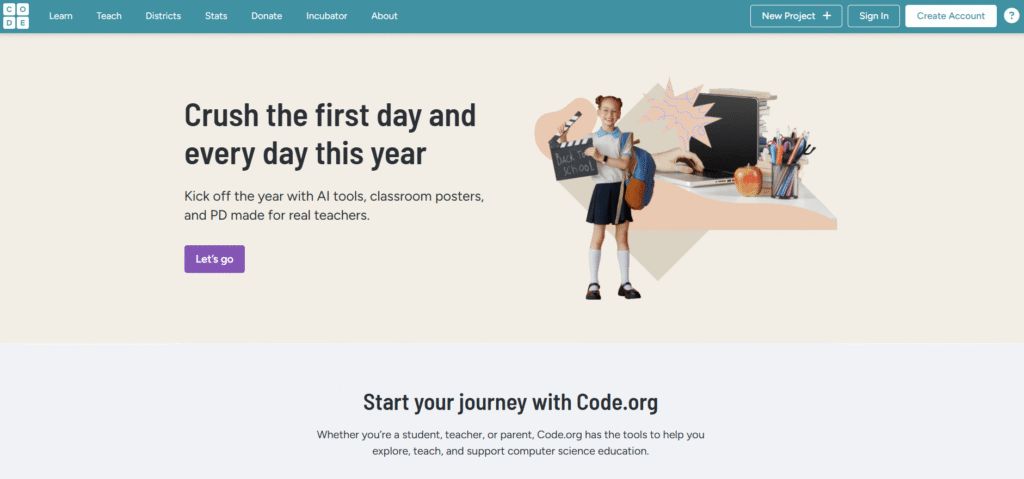
Best for: Ages 4 and older (K–12)
Cost: Completely free
Focus: Hour of Code, full CS curriculum, new AI curriculum
Code.org is one of the most recognised names in computer science education globally. Its Hour of Code initiative — offering introductory lessons that take roughly an hour — has reached hundreds of millions of students across 180+ countries.
In 2026, Code.org has expanded its AI Foundations curriculum, introducing students to core AI concepts, ethical considerations in technology, and practical applications in an age-appropriate format. The platform now covers HTML, CSS, JavaScript, app development, and AI literacy under one roof.
Standout features:
Best for: Schools, homeschool families, and children who want a free, structured CS education that covers the full K–12 range.
Start Learning: Begin your journey at Code.org today!

Age Range: Grade 5 and above (ages 10+)
Format: Browser-based gaming platform
Languages: Python and JavaScript
CodeCombat is a fun coding app accessible from any browser, providing a highly immersive learning experience through interactive gameplay. It teaches coding principles through adventure-style gaming, making it perfect for kids who love video games.
Standout Features:
The coding becomes more difficult as kids progress, creating an engaging challenge that keeps them motivated to continue learning.
Start Playing: Begin your coding adventure at CodeCombat today!

Age Range: 5-18 years
Users: Over 100 million students worldwide
Pricing: Subscription-based with family plans available
Tynker is one of the best online coding schools for kids, offering approximately 3,700 modules and over 40 text and block-based courses. All courses have been gamified to keep the learning experience entertaining and engaging for all kids.
Key Features:
Tynker’s coding classes have been tailored to specific age groups: basic logic for children aged 5-7, drag-and-drop coding for ages 8-13, and real-world programming languages for ages 14+.
Start Learning: Explore Tynker’s comprehensive curriculum today!

Age Range: Grades K-8 (ages 5-14)
Languages: CoffeeScript and Python
Format: Web-based educational platform
CodeMonkey is a web-based educational platform that teaches the concepts and practices of programming through gamified coding games. The entire experience is gamified, adopting the idea of teaching coding to kids through the interactive environment of online gaming.
Program Features:
CodeMonkey employs a text-based editor that allows users to utilize CoffeeScript to code and create games. When kids become more interested in coding, they will find it easier to learn JavaScript using this foundation.
Get Started: Begin your coding adventure at CodeMonkey!
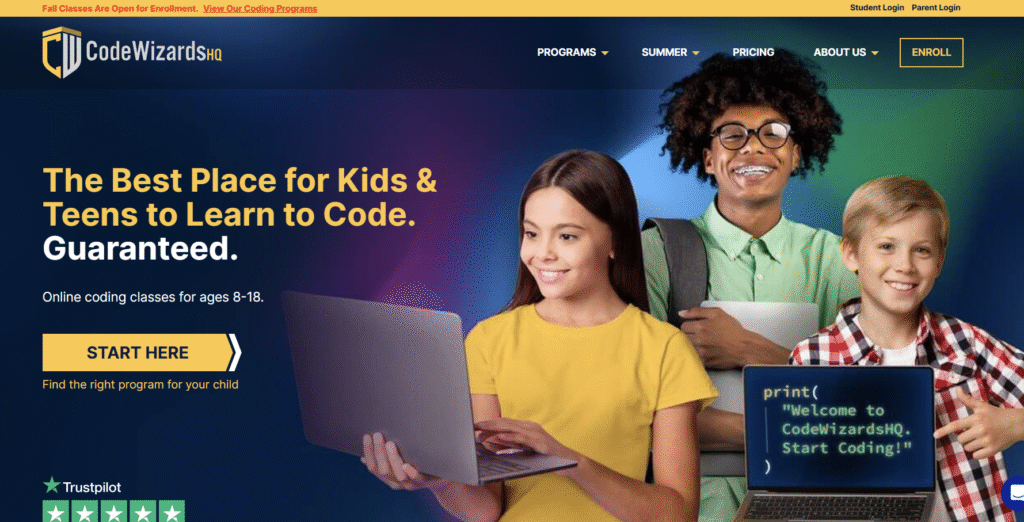
Age Range: Grades 3-12 (ages 8-18)
Format: Weekly online classes with structured curriculum
Pricing: $149 per course (3 installments)
CodeWizardsHQ offers top-rated programs through weekly online coding classes that follow a structured curriculum. Rather than offering self-paced online courses like other platforms, CodeWizardsHQ focuses on live instruction with real teachers.
Unique Advantages:
Students begin by learning the fundamentals of programming before entering into languages such as Python, JavaScript, and HTML, progressing through levels that lead to higher, more sophisticated topics.
Learn More: Discover CodeWizardsHQ’s structured approach to coding education!
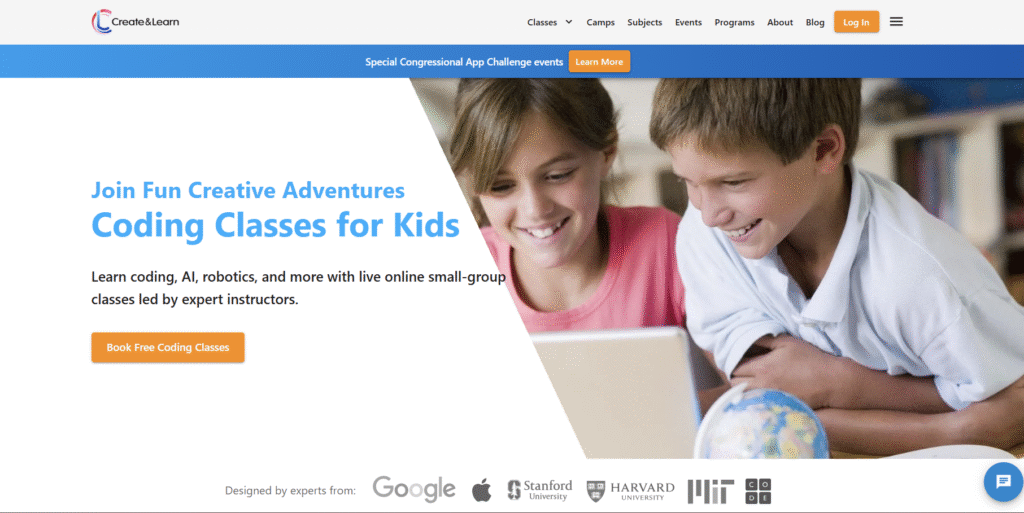
Age Range: 6-16 years
Focus: Live online classes with AI integration
Specialization: ChatGPT and AI application development
Create & Learn offers specialized AI courses where students can take a deep dive into learning how to code AI applications with Python and more. Their AI Explorers program introduces children to machine learning concepts through engaging, project-based activities.
Program Highlights:
The program uniquely combines traditional coding education with cutting-edge AI concepts, preparing students for the future of technology.
Explore Classes: Discover Create & Learn’s innovative AI curriculum!
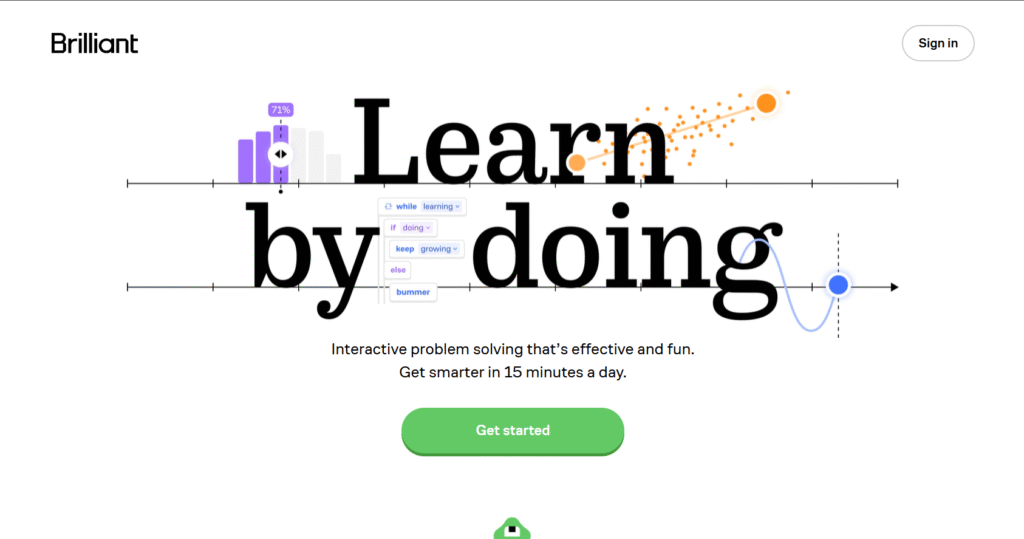
Age Range: 10+ years
Focus: Math, science, and computer science foundations
Format: Interactive simulations and problem-solving
Brilliant.org is a rapidly expanding portal focused on math, science, and computer science. They emphasize teaching concepts through engaging simulations and fascinating interactive content, ensuring that kids learn how to code rather than merely memorize information.
Educational Approach:
Students in the Computer Science Foundations course learn fundamentals, then progress to algorithms, data structures, and even neural networks, taking them from “hello world” to artificial intelligence fundamentals on one platform.
Start Learning: Sign up at Brilliant.org to enhance analytical thinking skills!
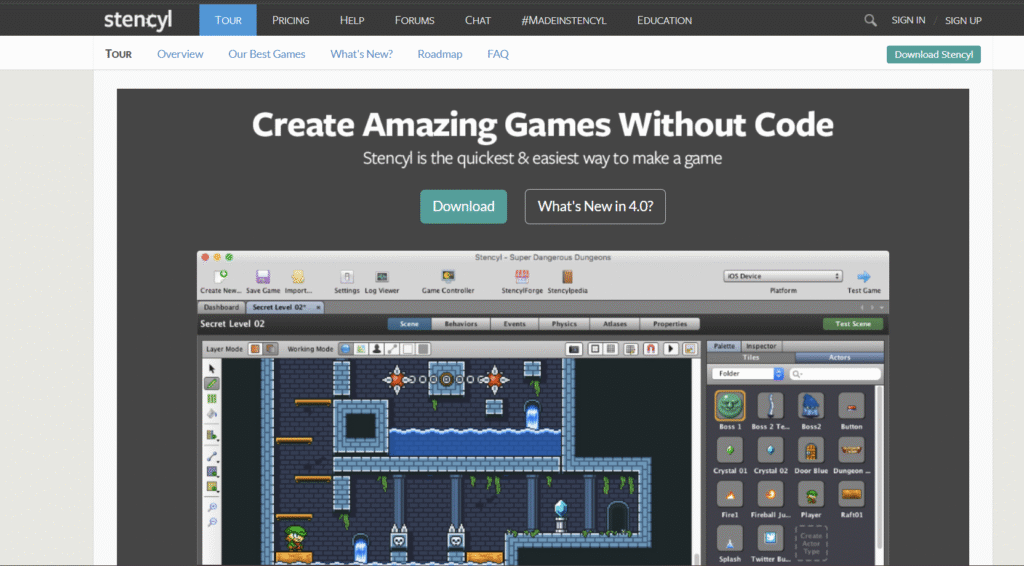
Age Range: 8+ years (beginners welcome)
Platforms: iPhone, iPad, Android, Mac, Windows, HTML5, Linux, Flash
Based on: Scratch framework with advanced capabilities
Stencyl is an excellent coding school for kids and a beginner-friendly platform based on Scratch. It utilizes a similar code-blocking scheme while offering advanced features for publishing games across multiple platforms.
Key Features:
With Stencyl, kids can learn to code by designing games that can be published on various platforms. The website also provides curriculum resources for instructors to use in the classroom, making it versatile for different learning environments.
Start Creating: Begin your game development journey with Stencyl!
Learning coding at an early age helps children develop critical thinking skills, enhances problem-solving abilities, fosters creativity, improves cognitive abilities, and prepares them for a technology-driven future. As technology continues to evolve, coding skills are becoming increasingly valuable in the job market.
Coding knowledge offers several benefits for kids, including improved academic performance, enhanced logical reasoning, strengthened math skills, better academic writing abilities, and the capacity to approach problems from multiple angles. When kids associate coding with play, they develop a lifelong interest in technology.
Kids can start learning coding as early as 5-6 years old, depending on their interest and readiness. AI and robotics concepts can be introduced as early as 5-6 years old, but the depth of content should align with developmental stages. There are age-appropriate coding programs available for different stages of development.
Coding helps kids develop skills in planning, organization, and structured thinking, which can be applied to academic writing. It improves their ability to organize thoughts, express ideas clearly, and create logical arguments—skills that transfer directly to written communication.
ItsMyBot is a coding school that provides online and in-person coding courses for kids in grades 2-10. They offer coding sessions and camps, teaching programming concepts using an engaging and practical approach. They focus on introducing kids to coding through Scratch and advanced concepts like AI and robotics, with expert instructors from Silicon Valley.
Parents and guardians can support their kids’ coding journey by encouraging their interest, providing access to coding resources and platforms, creating a supportive learning environment, and participating in coding-related activities with their children. Resilience is likely even more critical than any specific subject matter in today’s educational landscape.
No, coding education goes beyond creating future programmers. It equips kids with valuable skills such as problem-solving, critical thinking, creativity, and logical reasoning, which are beneficial in various fields and career paths. By 2030, over 65% of the jobs your child may hold don’t exist yet—and many will be AI-related.
To get started with teaching coding to your child, explore online coding courses and websites suitable for their age and interests. Consider enrolling them in coding classes, providing coding tools and resources, and fostering a positive learning environment where they can explore and experiment with coding concepts.
Quality coding education represents one of the most valuable investments you can make in your child’s future. Programs range from free options like Code.org and Scratch to premium services like ItsMyBot and JetLearn, typically costing $50-200 per month for structured instruction.
When evaluating cost, consider:
All of the above tools are wonderful ways to get started in the world of coding. It’s a good idea to utilize more than one platform at the same time to prevent becoming stuck in a rut and to provide a well-rounded learning experience.
Different platforms excel in different areas:
To help your child coder continue their progress, consider enrolling them in ItsMyBot’s 1:1 Online Programs or Summer Camps! Explore our coding courses and book a free demo lesson to discover our comprehensive coding school for kids.
Ensuring that your child receives the best coding education involves selecting the right program that aligns with their interests and skill levels. Regular engagement and encouragement can significantly impact their ability to solve problems and develop a passion for software development and web design.
The future of coding education is bright and full of exciting possibilities. As the demand for coding skills grows, investing in coding education for kids is crucial to prepare them for the digital future. By equipping children with coding skills, we empower them to be active creators, critical thinkers, and problem solvers in a technology-driven world.
Key Success Factors:
By choosing one of these highly recommended coding programs for kids, you’re setting the foundation for your child’s success in a technology-driven world. Whether they are beginners or looking to advance their skills, these programs offer the resources and support needed to thrive in their coding journey.
Ready to get started? Explore ItsMyBot’s comprehensive coding programs and book your free demo lesson today!
Want your child to go further? Explore ItsMyBot’s Online Coding Classes for Kids — structured coding courses designed for kids!

Online coding, AI, and robotics classes that help kids ages 6–18 build real skills — and confidence — one project at a time.
No commitment · Live class with an expert teacher
© ItsMyBot 2026. All Rights Reserved.