✦ Junior Coder - Ages 7–12

Fundamentals of 3D Design & Modeling for Kids

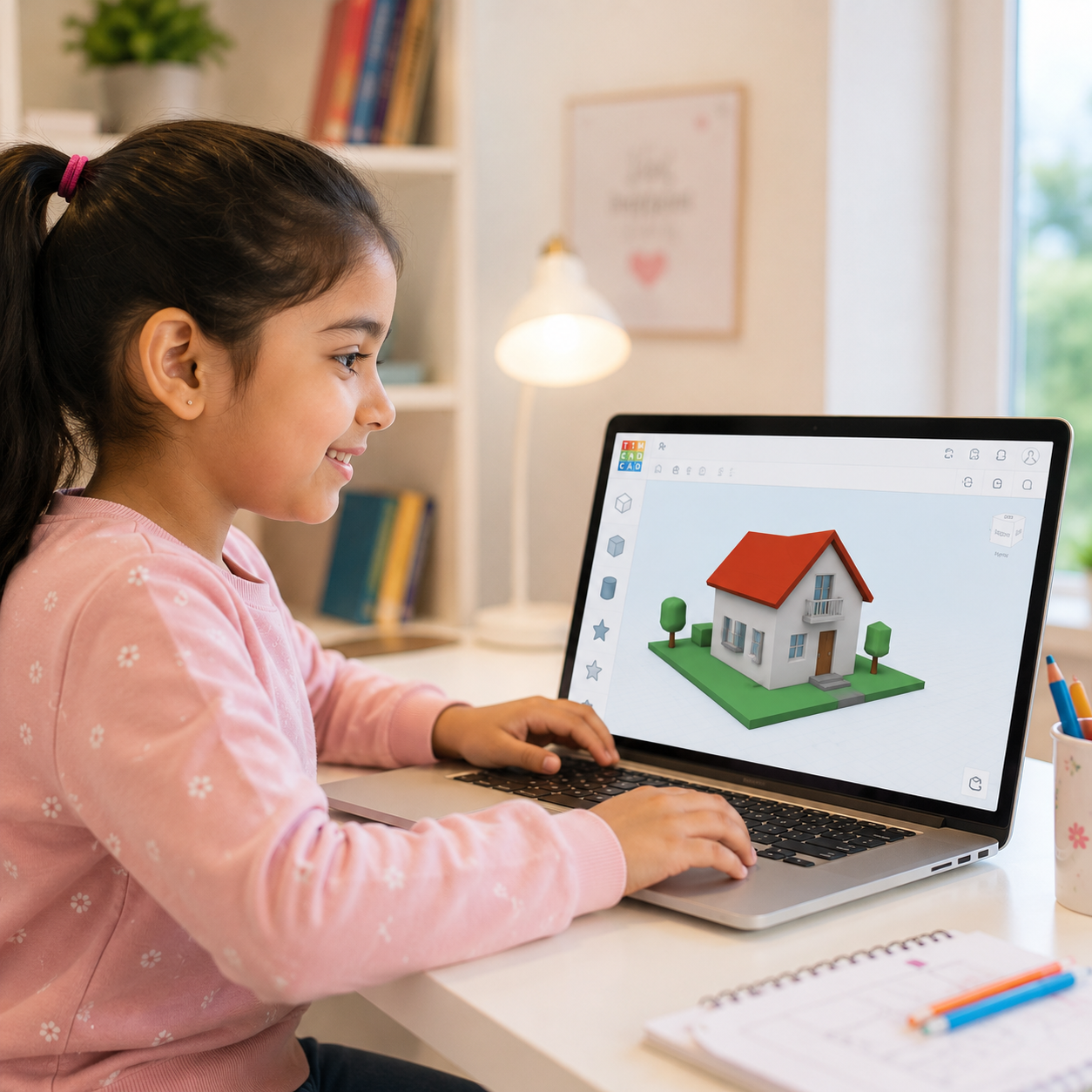
Step into the exciting world of 3D creation. In this interactive, live, personalized course, children learn how to design objects, build models, and think like real creators using beginner-friendly 3D design tools. From fun prototypes to imaginative creations, students turn ideas into digital reality through hands-on projects and guided learning.
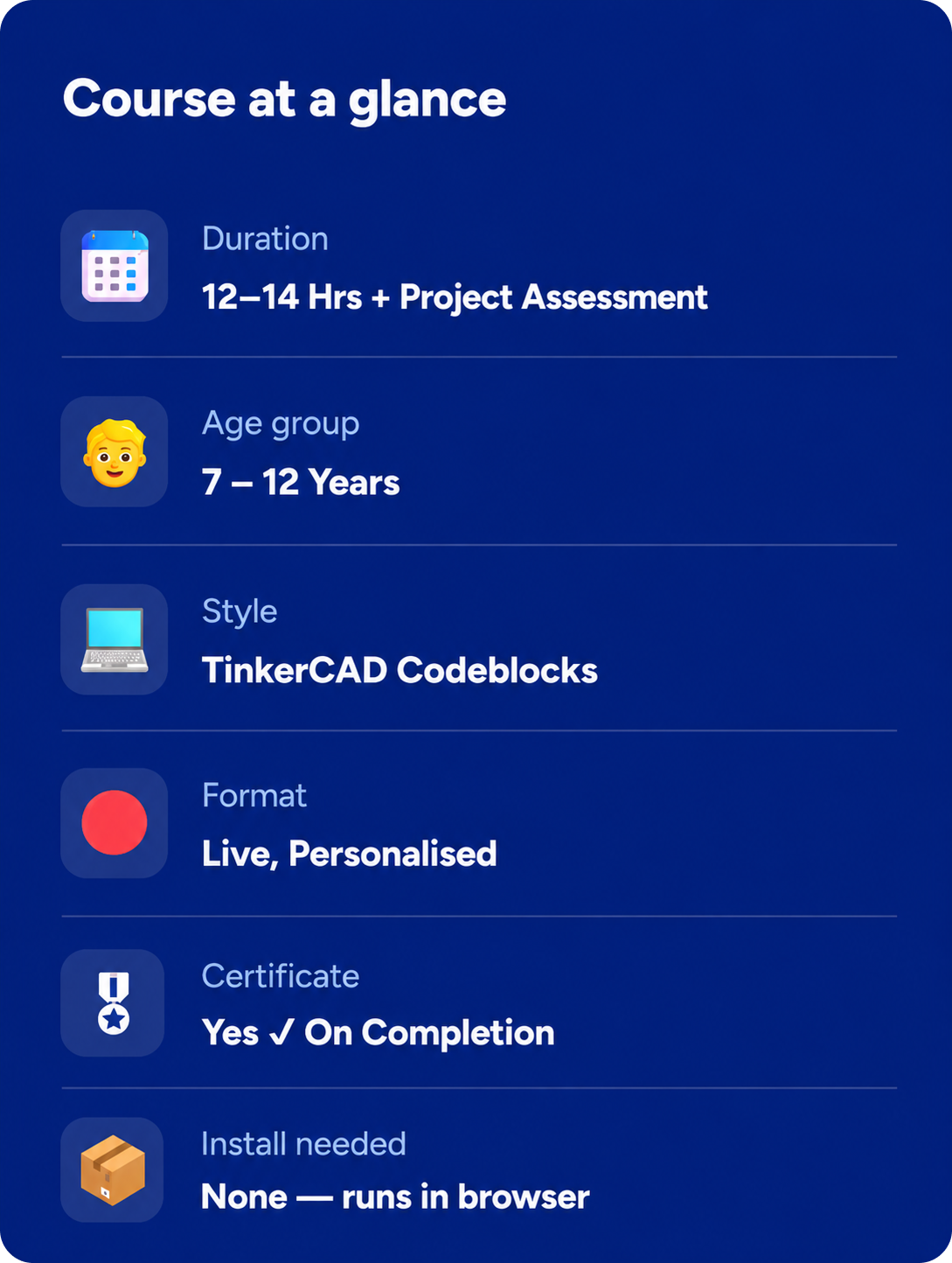
⏱ 12–14 Hrs+ Assessment
🔴 Live, Personalized
📱TinkerCAD Codeblocks
🎖 Certificate On Completion
Rated 4.8/5
on TrustPilot
Rated 4.8/5
on Google
500,000+
Hours of learning
40+
Countries

Junior Coder

Ages 7–12
Curriculum Designed By Educators And Technologists Who Worked For Tech Leaders
About Course

What Is This Course About?

This course introduces children to the fundamentals of 3D design, modeling, and creative prototyping using TinkerCAD’s intuitive block-based design environment. Students learn how digital objects are created, modified, and prepared for real-world applications like animation and 3D printing.
Through engaging projects and guided activities, children explore concepts like shapes, coordinates, loops, patterns, symmetry, and object manipulation while building exciting 3D creations from scratch.
The learning experience is fully interactive and personalized. Every live session is conducted by an instructor who adapts the pace and activities according to the child’s creativity, confidence, and learning style. By the end of the program, students will have designed multiple original 3D models and gained strong spatial thinking and design skills.
Book a Free Trial Class
Why This Course?

What Your Child Actually Gains

3D Design Foundations
Understands the fundamentals of 3D design, modeling, and digital creativity while learning how digital objects are created and developed.
Shapes & Spatial Thinking
Learns to work with shapes, coordinates, dimensions, and object transformations while building confidence in 3D design tools.
Creative Problem Solving
Explores design thinking and problem-solving through practical projects that encourage creative exploration and hands-on learning.
Exciting 3D Creations
Builds animated objects, home designs, clocks, touchpads, and themed structures while turning ideas into interactive 3D projects.
Loops & Design Patterns
Learns how loops and patterns are used in professional-style digital designs to create structured and engaging 3D creations.
Personalized Learning Journey
Receives personalized instruction, continuous guidance, progress updates, project evaluations, and an ItsMyBot certificate upon successful completion.
Why ItsMyBot

What Will Your Child Create?

A custom-designed Rocketship using basic 3D shapes

A decorative Candle Holder using loops and repeating patterns

A personalized Pizza model with creative customizations

A working Analog Clock simulation with animated components

An Emoji Generator with multiple design combinations

A complete Dream Home design project

A creative Planet-themed environment build

Note: Projects may vary slightly based on the child’s pace, creativity, and instructor-led personalization.
Course Curriculum

10 structured modules + assessment

12–14 Hrs of live instruction. Each module builds on the last.

  • Understanding 3D design and modeling
  • Introduction to the Tinkercad interface
  • Navigating the workspace and camera controls
  • Understanding shapes and workplanes
  • Moving, resizing, and rotating objects
  • Basic alignment and grouping tools
  • Creating first simple 3D objects
  • Mini design challenge activity

  • Understanding basic geometric shapes
  • Combining shapes to create models
  • Scaling and proportion concepts
  • Using duplicate and mirror tools
  • Rocketship body construction
  • Adding fins, windows, and details
  • Creative customization activities
  • Complete rocketship project

  • Introduction to loops and repeated patterns
  • Creating symmetrical designs
  • Working with duplicate functions
  • Building icicle-style structures
  • Understanding spacing and positioning
  • Pattern-based design concepts
  • Decorative 3D modeling activities
  • Loop-based mini project

  • Understanding nested loops in design
  • Circular and radial arrangements
  • Creating ring-based structures
  • Building candle holder models
  • Combining multiple repeated elements
  • Precision alignment techniques
  • Functional object design concepts
  • Decorative modeling project

  • Designing everyday objects in 3D
  • Creating tables and furniture models
  • Understanding measurements and dimensions
  • Using rulers and alignment tools
  • Structural balance in design
  • Adding details and supports
  • Practical object-building activities
  • Furniture mini project

  • Exploring advanced shape combinations
  • Working with holes and cutouts
  • Building multi-part objects
  • Improving design precision
  • Creative modeling techniques
  • Personalized object creation
  • Problem-solving through design
  • Open-ended design activities

  • Building food-themed 3D models
  • Layering objects and textures
  • Creating toppings using shapes
  • Designing emoji faces and expressions
  • Working with colors and creativity
  • Cartoon-inspired modeling concepts
  • Fun artistic design activities
  • Creative showcase project

  • Combining multiple modeling techniques
  • Creating detailed structures
  • Working with symmetry and balance
  • Refining object proportions
  • Design optimization concepts
  • Enhancing creativity through modeling
  • Independent design practice
  • Advanced mini project

  • Designing houses and building layouts
  • Creating walls, roofs, doors, and windows
  • Understanding architectural modeling basics
  • Interior and exterior object placement
  • Introduction to computational thinking in design
  • Exploring simple Jupyter-based design ideas
  • Smart structure-building activities
  • Complete house modeling project

  • Building functional object-inspired models
  • Designing traffic light structures
  • Creating organic object models like kiwi fruit
  • Combining color and shape techniques
  • Final project planning and creativity
  • Independent design challenge

  • Combine shapes, patterns, loops, alignment, and creative modeling techniques
  • Present and explain the design process
The ItsMyBot Advantage

Why Parents Love Our Programs

Every child learns differently. That's why we combine exceptional educators, personalised guidance, and continuous progress tracking to create a learning experience parents can trust and children enjoy.
Highly Selected Instructors
Highly selected instructors focused on creativity and engagement
Personalized Live Classes
Personalized live classes tailored to each child’s learning pace
Progress Reports & Parent Updates
Progress reports and regular parent updates after sessions
Flexible Scheduling Options
Flexible scheduling options including evenings and weekends
Project-Based Learning
Project-based learning designed to keep children motivated and confident
Safe & Encouraging Learning Environment
Safe, encouraging learning environment that supports creativity and innovation
Simple start

How it works

3 Easy Steps to Get Started:

1

Book a free trial

Fill in the form. An academic counsellor will schedule a free session and assess your child's current level and interests.
2

Get a personalised roadmap

Based on the trial, counsellors build a custom learning path — right pace, right projects, right instructor for your child.
3

Build, learn, and earn

Live sessions, progress reports after every class, parent feedback calls, and a certificate on completion. Your child keeps all their projects.
faqs

Get to Know Us Better

This course is best suited for children aged 8–14 years who are interested in creativity, design, and technology.

No prior experience is required. The course is beginner-friendly and designed for first-time learners.

Students will learn using TinkerCAD Codeblocks, a beginner-friendly online 3D design platform.

Yes! Every session includes hands-on design activities and exciting creative projects.

Yes. Students learn how to prepare and export designs in 3D printable formats.

Yes. All sessions are live, interactive, and personalized with instructor guidance.

Yes! Students receive an ItsMyBot certificate upon successful completion of the course.

testimonials

Trusted by Parents like You!

I was extremely happy with the teacher and her approach to my daughter, like a close family teacher.
By Canavady
Rated 5/5
My daughter, Rishika is thoroughly enjoying the learning experience at ItsMyBot.

Ms. Poornima is teaching the program very well, at the right pace, making sure Rishika understands the concepts well. During the feedback session, she provided the details of Rishika’s strengths and areas of improvement giving me the confidence that she is well aware of how to guide her holistically.

The daily class reports and feedback gives a clear understanding of the progress in each class.

I also appreciate the excellent coordination, hassle free class scheduling and timely response to queries by Sandhya.

I would definitely recommend ItsMyBot to my friends and family.
By rehana
Rated 5/5
Enrolling my son in classes in September has been a great decision. The trial class helped us identify his interests, and Ms. Jiya's engaging approach has made learning enjoyable. I appreciate her encouragement for my son to draw and write, recognizing it as a positive habit for his development.

The flexibility of classes is a significant advantage, accommodating our unpredictable schedule. Ms. Jiya's understanding and willingness to reschedule when needed make the learning process enjoyable for both my son and us as parents.

I'm grateful for the positive environment Ms. Jiya creates, and we look forward to more enjoyable learning experiences. Kudos to the iTSMYBOT team for their exceptional responsiveness and clear lesson reports, contributing to a smooth and enriching educational journey for our son.
By Dimple Jain
Rated 5/5

Rated 4.7 out of 5 based on  65 reviews on Trustpilot

🚀 Hurry! Reserve Your FREE Trial Class Seat Today

Ready to Begin the 3D Design Journey?

Help your child transform imagination into real digital creations through live, hands-on 3D design learning.
ItsMyBot
Empowering children with the right skills today enables them to drive innovation tomorrow. Join us on this exciting journey, and let's unlock the boundless potential within every child.
© ItsMyBot 2026. All Rights Reserved.