Highly Selected Instructors
Highly selected instructors focused on creativity and engagement.

✦ Senior Coder · Python Programs · Level 3 · Ages 12–16+
Build the Software of Tomorrow with AI
For students who have completed Python Foundations or have prior Python programming experience.
⏱ 45- 50 Hrs + 3–5 Hrs Assessment
🔴 Online - Personalized Live Classes
💻 Python Programming Language
🎖 Certificate On Completion
Rated 4.8/5
on TrustPilot

Rated 4.8/5
on Google
500,000+
Hours of learning
40+
Countries

No commitment. No pressure. Your trial is free and comes with an honest recommendation. Pricing shared after the trial lesson.
Modern developers are no longer working alone. They work alongside powerful AI coding assistants, intelligent APIs and automated development tools to design, build, test and improve software faster.
In this hands-on program, students learn how to become AI-powered software developers.
By the end, students have experienced the complete software-development lifecycle used to transform an idea into a real application.
They don't simply ask AI to write code.
They learn how to:Artificial Intelligence is changing the way software is created.
Developers can now use AI to brainstorm product ideas, generate and review code, explain errors, create tests, improve documentation and accelerate development.
But the most valuable skill isn't simply knowing how to use an AI tool.
It is knowing what to ask, how to evaluate the answer, how to improve it and how to integrate it into a real software product.
Students learn to treat AI as a development partner—not as a replacement for their own thinking.
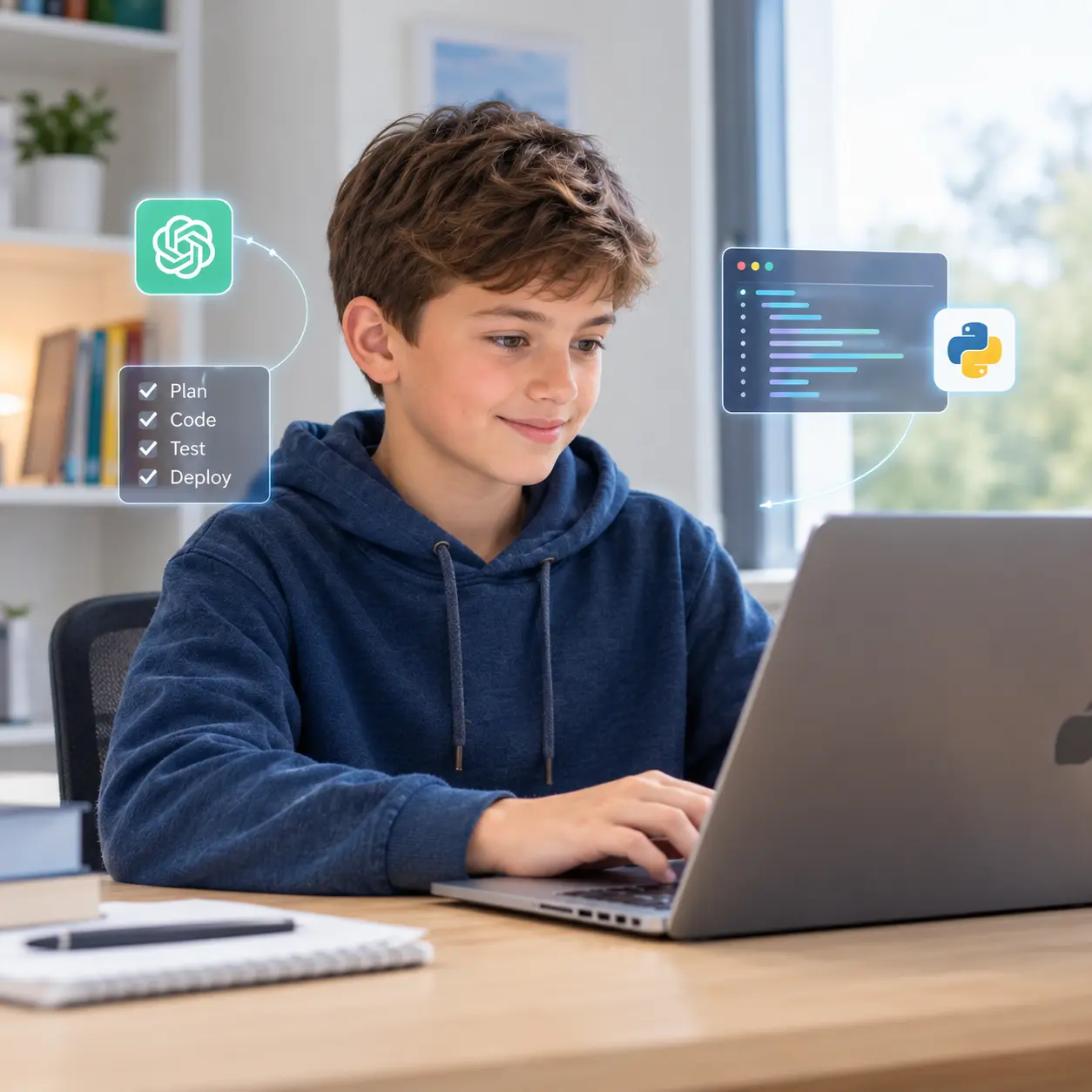
Students should already be comfortable with Python fundamentals and ready to work with larger, modular applications.
This is not a beginner Python course.It is the bridge between:
"I can program in Python."
and
"I can build and ship an AI-powered software product."
Students entering this course already know Python.
Now they learn what happens after you know how to code.
They discover how professional software teams answer questions such as:
What should we build?
Product PlanningHow should the software be organized?
ArchitectureHow can AI help us build it?
AI-Assisted DevelopmentHow does our application communicate with an AI model?
API IntegrationHow do we know our software works?
TestingHow do developers manage hundreds of changes?
Git & GitHubHow does another developer understand our project?
DocumentationHow do users actually get the application?
Packaging & DeploymentStudents follow a complete product-development lifecycle.
Students use AI as a Product Manager to transform an idea into a structured product plan.
Before writing code, students learn to think like software architects.
AI is only as useful as the instructions given to it.
Students experience AI-assisted coding using tools such as Claude Desktop + VS Code + GitHub Copilot.
AI generates. The developer evaluates.
Students build software using professional modular structures.
Students move from traditional Python programs to applications that can communicate with AI models.
Students discover that AI is not simply a chatbot.
A program that runs once isn't necessarily a working product.
When something breaks, students don't simply ask: “Fix my code.” They learn to investigate.
Students learn how professional developers manage software projects.
Great software isn't only about code.
Students learn that software can be packaged for users.
Students then take their Python application to the browser using Streamlit.
Python handles the application logic. Streamlit provides the web interface.
Students learn how software reaches real users.
Their final workflow becomes:
Throughout the course, students work on applications that solve genuine problems.
Possible applications include:
Learning Modules: 45-50 Hours
Topics
Activity
“You Are the CTO” — students are given a real-world problem and decide what software product could solve it.
Deliverable
Initial product idea + problem statement.
Topics
Activity
Generate a PRD for a mini utility application.
Deliverable
Topics
Activity
Students turn their product idea into a prioritized feature list.
Deliverable
Topics
Activity
Students create the complete journey:
Deliverable
Topics
Activity
Use Claude as a Software Architect to design the application.
Deliverable
Topics
Activity
Students design classes for their product.
Example
Product
│
├── UserManager
├── FileManager
├── AIService
├── DataProcessor
└── Dashboard
Deliverable
Class diagram + component responsibilities.
Topics
Activity
Prompt Battle
Students submit:
Topics
Challenge
Give students intentionally problematic AI-generated code.
They must identify:
Deliverable
Prompt Engineering Lab Report.
This is the main development block.
Students create:
AI_Product/
├── ai/
├── modules/
├── config/
├── data/
├── tests/
├── main.py
├── .env
├── .gitignore
└── requirements.txt
Topics
Students create:
ai/prompts.py
Topics
Topics
Build
file_manager.py
Topics
Build
A core application manager.
Topics
Workflow
Build
ai/api_client.py
Topics
Students connect their AI service to application functionality.
Examples
Outcome
A working AI-powered Python application.
Students should be able to explain:
Students evaluate:
They compare:
Activity
AI vs Python decision challenge.
Topics
Topics
Students ask AI to review their application.
They create an AI Code Review Report
Deliverable
Improved MVP.
Activity
“Break My App”
Students create test cases for:
Topics
Challenge
Students receive deliberately broken code and must diagnose it.
Topics
Students:
Deliverable
Students learn:
git init
git status
git add
git commit
git log
Activity
Create the first version of their project repository.
Topics
Challenge
Create a feature branch and build a new feature.
Students:
Students review another student's project.
They check:
Deliverable
Pull Request + code review + merged feature.
Students generate a README based only on their actual project.
Sections:
Students create:
docs/
├── INSTALLATION.md
└── USER_MANUAL.md
Students document:
Students learn:
They test the executable rather than assuming that successful packaging means the application works.
Students can add:
Students prepare:
Product_v1.0/
├── Application.exe
├── README.md
├── INSTALLATION.md
└── .env.example
They create a GitHub release and understand how software can be distributed professionally.
Students create:
streamlit_app.py
They learn:
Students connect the Streamlit interface to their existing application logic.
Important concept
Do not rebuild the application from scratch.
Instead
Students:
“Build Something People Would Actually Use”
Students choose an original productivity or utility problem.
They must complete:
Students pitch their product as if they were presenting at a technology competition.
Every student submits:
THE ITSMYBOT ADVANTAGE
Every child learns differently. That's why we combine exceptional educators, personalised guidance, and continuous progress tracking to create a learning experience parents can trust and children enjoy.
Highly selected instructors focused on creativity and engagement.
Personalized live classes tailored to each child's learning pace.
Progress reports and regular parent updates after sessions.
Flexible scheduling options including evenings and weekends.
Project-based learning designed to keep children motivated and confident.
Safe, encouraging learning environment that supports creativity and innovation.
testimonials
I was extremely happy with the teacher and her approach to my daughter, like a close family teacher.
My daughter, Rishika is thoroughly enjoying the learning experience at ItsMyBot. Ms. Poornima is teaching the program very well, at the right pace, making sure Rishika understands the concepts well. During the feedback session, she provided the details of Rishika’s strengths and areas of improvement giving me the confidence that she is well aware of how to guide her holistically. The daily class reports and feedback gives a clear understanding of the progress in each class. I also appreciate the excellent coordination, hassle free class scheduling and timely response to queries by Sandhya. I would definitely recommend ItsMyBot to my friends and family.
Enrolling my son in classes in September has been a great decision. The trial class helped us identify his interests, and Ms. Jiya's engaging approach has made learning enjoyable. I appreciate her encouragement for my son to draw and write, recognizing it as a positive habit for his development. The flexibility of classes is a significant advantage, accommodating our unpredictable schedule. Ms. Jiya's understanding and willingness to reschedule when needed make the learning process enjoyable for both my son and us as parents. I'm grateful for the positive environment Ms. Jiya creates, and we look forward to more enjoyable learning experiences. Kudos to the iTSMYBOT team for their exceptional responsiveness and clear lesson reports, contributing to a smooth and enriching educational journey for our son.
Rated 4.8 out of 5 based on 72 reviews on Trustpilot
More Happy Parent ReviewsTransparent Pricing
Most coding academies ask you to pay upfront for months - before your child has even had a single class. At ItsMyBot, we think that's backwards. You pay month to month, and you're always in control.
Enrol and pay one month at a time. No annual lock-ins, no large upfront amounts. Your investment stays proportional to the value your child receives.
Pricing varies based on the teacher, teaching style, and course chosen - because every learner is different. We'll tell you the exact cost after your free trial class, when you know what fits best.
Life happens. If your needs change after any month, you have complete freedom to adjust. We'd love for you to stay - but we'll never make you feel stuck.
Why don't we show fixed prices? Because we don't believe in one-size-fits-all. Different teachers bring different expertise, teaching methods, and experience - and that's reflected in how we price. The best way to find your fit is to take the free trial lesson first, meet your instructor, and then decide. Pricing is shared after the trial - transparently, with no pressure.
Start for free - no card required
Book Your Free Trial LessonNo commitment. No pressure. Pricing shared after the trial lesson.
Simple start
1
Fill in the form. An academic counsellor will schedule a free session and assess your child's current level and interests.
2
Based on the trial, counsellors build a custom learning path — right pace, right projects, right instructor for your child.
3
Live sessions, progress reports after every class, parent feedback calls, and a certificate on completion. Your child keeps all their projects.
It's an advanced Senior Coder course for ages 12–16+, built for students who already know Python. Across 45–50 hours, your child follows the complete professional software-development lifecycle — from product planning through to a deployed, AI-powered application.
Yes. This is not a beginner Python course. Students should already be proficient in Python — typically through completing Senior Coders Level 1 & Level 2 — and ready to work with larger, modular applications rather than short scripts.
No. The course teaches AI as a development partner, not a replacement for thinking. Students learn to define the problem, plan the product, engineer effective prompts, and then evaluate, test and improve whatever AI generates. The key principle: AI generates, the developer evaluates.
Real, working software — not exercises. Students build a modular, AI-integrated Python application from scratch, package it as a desktop executable, turn it into a Streamlit web app, and deploy it live. The course closes with an independent capstone product they design and ship themselves.
Students work with the same industry stack real developers use: Claude for planning, architecture and documentation, VS Code and GitHub Copilot for AI-assisted coding, the Gemini API for AI integration, pytest for testing, Git and GitHub for version control, and PyInstaller and Streamlit for packaging and deployment.
No — these are taught from the ground up as part of the course. Students learn software architecture, object-oriented design, Git and GitHub, pull requests and code review as structured modules, building up from Python proficiency rather than assuming prior professional experience.
Students learn both manual and automated testing — writing test cases for normal, empty, invalid and edge-case inputs, then converting them into automated pytest suites. For debugging, they learn to read tracebacks, reproduce issues and ask AI targeted questions, rather than simply asking AI to "fix my code."
Yes. Students package their Python application into a desktop executable with PyInstaller, then rebuild the interface in Streamlit, deploy it through Streamlit Community Cloud, configure their API secrets, and test the live, publicly accessible version of their app.
Yes — 100% live and one-on-one with a dedicated instructor, nothing pre-recorded. The course runs 45–50 hours of live instruction, moving through 9 modules from product planning to the final independent product challenge.
A full professional portfolio: a working application, GitHub repository, PRD, architecture diagram, feature list, user stories, prompt-engineering evidence, test plan and automated tests, README, installation guide, user manual, technical documentation, and a live deployed app they can demo and present.
This course is the bridge from "I can program in Python" to "I can build and ship an AI-powered software product." It prepares students for more advanced technology specializations, including deeper AI engineering, full-stack development and professional software-engineering pathways.
The final module changes the role of the student.
Instead of following a teacher-led project, students become the product team.
🚀 Hurry! Reserve Your FREE Trial Class Seat Today
In this hands-on program, students learn how to become AI-powered software developers.

Online coding, AI, and robotics classes that help kids ages 6–18 build real skills — and confidence — one project at a time.
No commitment · Live class with an expert teacher
© ItsMyBot 2026. All Rights Reserved.