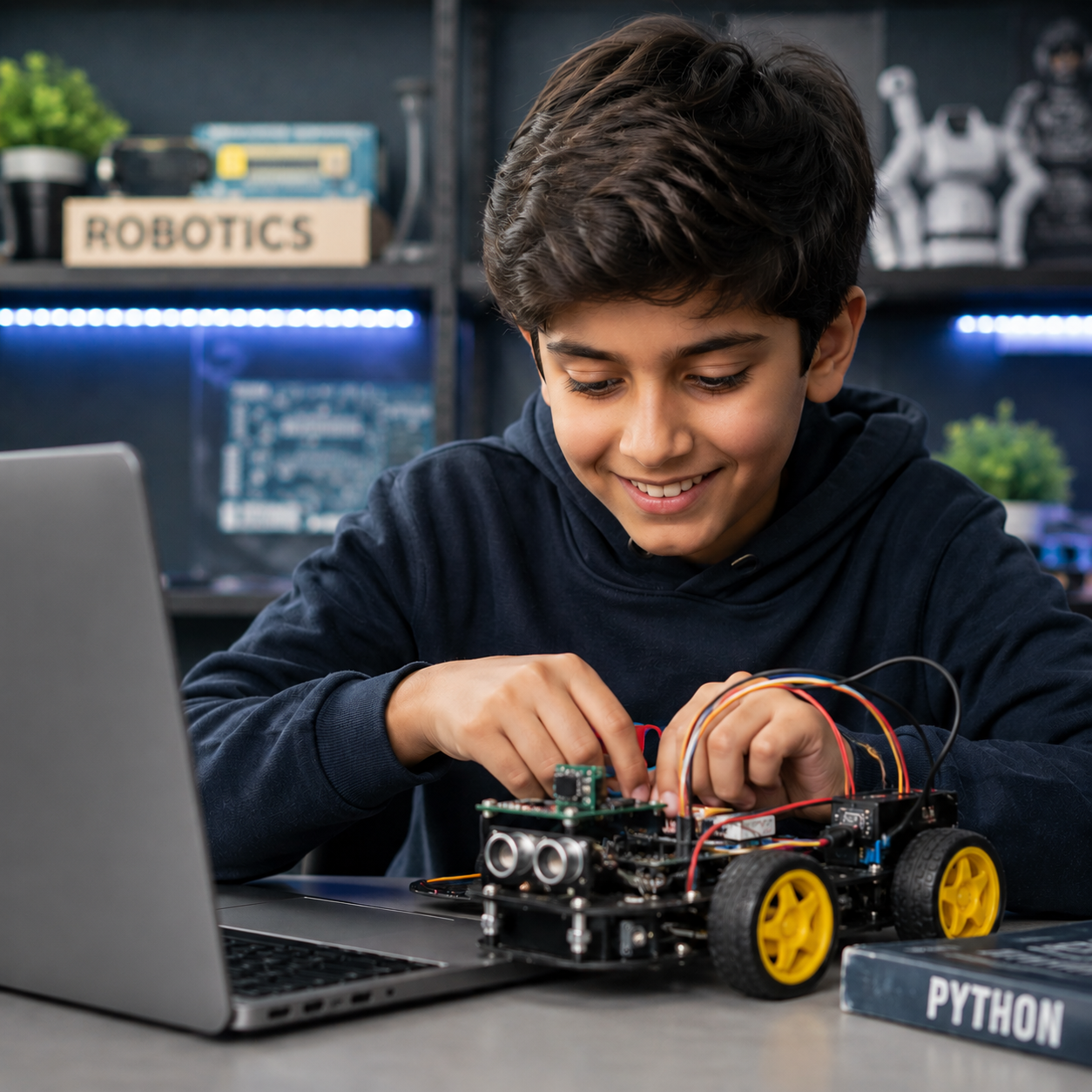
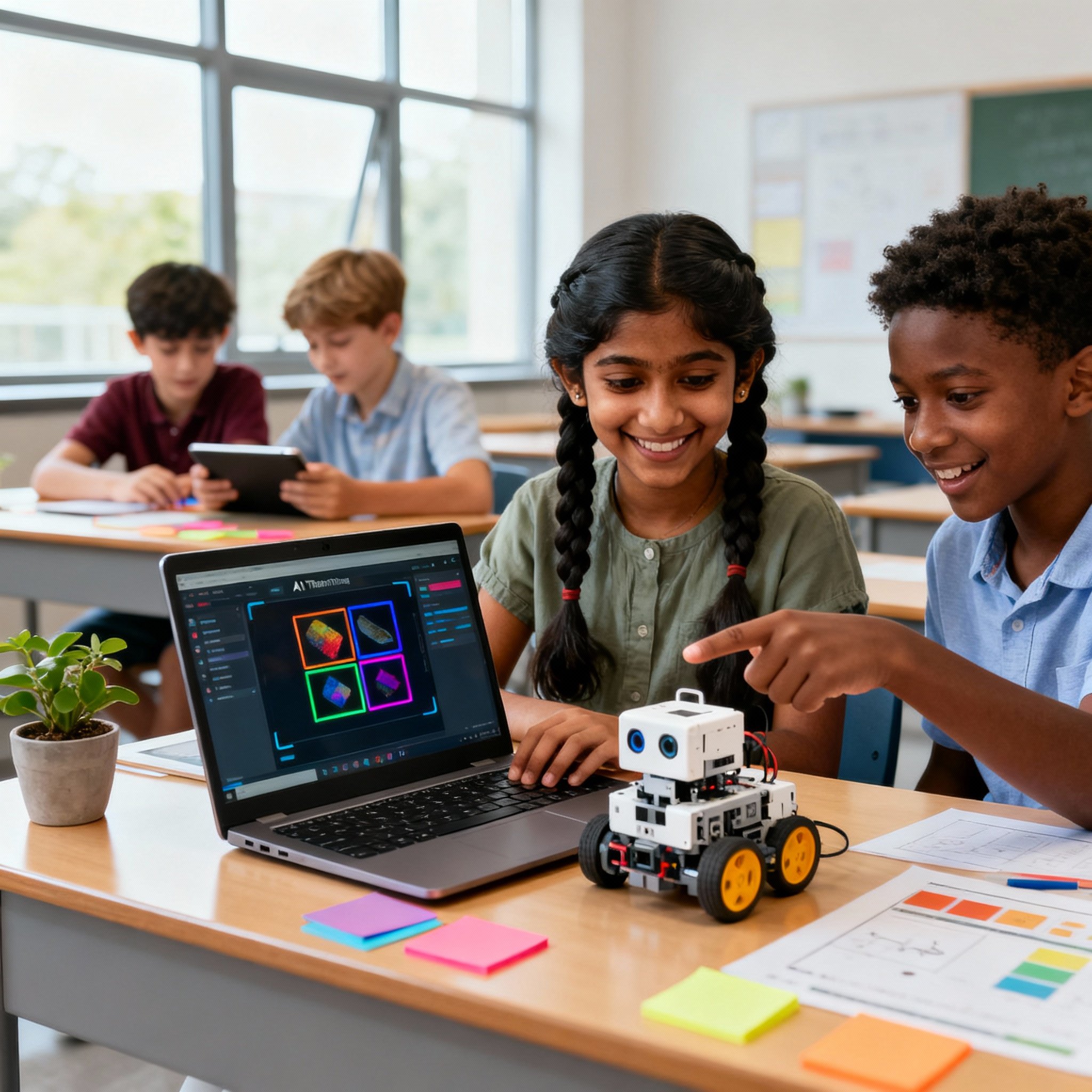
Flyer Robotics & Python Innovators is an advanced STEM program where students go beyond basic coding into real programming, embedded systems, electronics, and robotics. They learn Python and apply it to microcontrollers, sensors, automation systems, and smart devices through hands-on projects and engineering challenges that connect software with hardware, building computational thinking and innovation
Curriculum Designed By Educators And Technologists Who Worked For Tech Leaders
About Course
What Is This Course About?
Flyer Robotics & Python Innovators is designed for students who are ready to move beyond beginner coding and explore how real-world intelligent systems are built. Students first develop a strong foundation in Python programming, learning how software solves problems, processes information, stores data, and automates tasks. Once those foundations are established, students transition into embedded systems programming using MicroPython and the mPython development board, where they begin controlling real hardware through code.
Throughout the course, students build and program:
Python applications using variables, loops, functions, and file handling
Interactive LED lighting systems
OLED displays and graphical interfaces
Electronic music and audio projects
Touch-based smart systems
Motion-controlled applications using accelerometers
Sensor-driven intelligent devices
Autonomous robotic systems
Book a Free Trial Class
Every lesson combines programming, engineering, science, and mathematics through practical projects that encourage experimentation, creativity, and problem-solving.
Transparent Pricing
Pay monthly.
Stay because you love it.
Most coding academies ask you to pay upfront for months - before your child has even had a single class. At ItsMyBot, we think that's backwards. You pay month to month, and you're always in control.
What you get
Other Academies
ItsMyBot
Monthly billing
✗
✔ Yes
Full upfront payment required
✗ Often yes
✔ Never
Freedom to pause anytime
✗ Rarely
✔ Always
Pricing based on your needs
— Fixed plans
✔ Personalised
📅
Month-to-Month Enrolment
Enrol and pay one month at a time. No annual lock-ins, no large upfront amounts. Your investment stays proportional to the value your child receives.
🎯
Pricing Built Around You
Pricing varies based on the teacher, teaching style, and course chosen - because every learner is different. We'll tell you the exact cost after your free trial class, when you know what fits best.
🔓
Full Flexibility, Always
Life happens. If your needs change after any month, you have complete freedom to adjust. We'd love for you to stay - but we'll never make you feel stuck.
Why don't we show fixed prices? Because we don't believe in one-size-fits-all. Different teachers bring different expertise, teaching methods, and experience - and that's reflected in how we price. The best way to find your fit is to take the free trial lesson first, meet your instructor, and then decide. Pricing is shared after the trial - transparently, with no pressure.
No commitment. No pressure. Pricing shared after the trial lesson.
Why This Course
What Your Child Actually Gains
Programming Foundations That Matter
Builds strong Python programming skills used in Robotics, Artificial Intelligence, Data Science, Cybersecurity, and Software Development
Learns professional programming concepts including variables, conditions, loops, functions, data structures, exception handling, and file management
Develops computational thinking and structured problem-solving abilities
Understands how software systems process, store, and manage information
STEM Learning Beyond Textbooks
Applies Science concepts including light, sound, waves, motion, sensors, electricity, and communication systems
Uses Mathematics through coordinates, logic, patterns, measurements, probability, calculations, and data analysis
Explores Engineering through prototyping, testing, debugging, and system design
Understands Technology through programming, automation, electronics, embedded systems, and robotics
Experiential & Hands-On Learning
Learns by building real projects rather than memorizing theory
Programs hardware using industry-relevant tools and technologies
Creates intelligent systems that respond to real-world inputs
Gains practical experience with sensors, displays, and microcontrollers
Understands how software controls hardware devices
Psychomotor & Cognitive Development
Strengthens fine motor skills through electronics and hardware interaction
Improves hand-eye coordination through physical computing activities
Develops spatial reasoning through robotics navigation and system design
Enhances analytical thinking through debugging and optimization
Builds perseverance by solving engineering and programming challenges
Future-Ready Skills
Python Programming
Computational Thinking
Embedded Systems Development
Robotics Engineering
IoT Foundations
Engineering Design Thinking
Problem Solving & Innovation
Data Analysis & Interpretation
Technical Communication & Presentation
Personalized Learning Support
Live instruction from experienced STEM educators
Personalized project guidance and mentorship
Regular progress updates and feedback
Flexible learning pathways based on student strengths and interests
Certificate of Completion recognizing technical achievement
Skills Built
What Will Students Build?
Every project is designed to transform STEM concepts into working technologies. Here's a glimpse of what students create:
Python Applications using real-world programming concepts
File Processing and Data Management Projects
RGB LED Lighting Systems
OLED Displays with Graphics, Text & Animations
Emoji Designers and Smart Message Boards
Electronic Music Systems using Buzzers
Touch-Controlled Security Systems
Interactive Musical Touch Interfaces
Motion-Controlled Games using Accelerometers
Sensor-Based Data Display Systems
Distance Measurement and Monitoring Devices
Intelligent Embedded Systems
Autonomous Robotic Vehicles
Wireless Communication Projects
Navigation and Obstacle Avoidance Robots
A Complete Integrated Smart Robotics Solution
Note: Projects may vary slightly based on student pace, interests, and prior experience. Instructors personalize projects while ensuring mastery of core STEM and programming concepts.
Course Curriculum
Flyer Robotics & Python Innovators –Curriculum
48 Hrs of live instruction. Each module builds on the last.
Lesson 1 — Welcome to Python Programming
What is programming?
Why Python is used in AI, Robotics, and STEM
Setting up the Python environment
Writing your first Python program
Understanding program execution
Lesson 2 — Variables and Data Types
Variables and memory
Numbers, strings, and booleans
Naming conventions
Input and output functions
Interactive coding exercises
Lesson 3 — Operators and Expressions
Arithmetic operators
Comparison operators
Logical operators
Building simple calculators
Problem-solving activities
Lesson 4 — Decision Making with Python
If statements
If-Else conditions
Nested conditions
Real-world decision systems
Coding challenges
Lesson 5 — Loops and Repetition
For loops
While loops
Counters and accumulators
Building number patterns
Automation concepts
Lesson 6 — Working with Strings
String operations
Concatenation
Indexing and slicing
String methods
Interactive text challenges
Lesson 7 — Lists and Collections
Creating lists
Accessing elements
Updating data
List operations
Real-world applications
Lesson 8 — Tuples and Dictionaries
Understanding data structures
Key-value pairs
Organizing information
Practical coding exercises
Lesson 9 — Functions and Reusable Code
Defining functions
Parameters and arguments
Return values
Code modularity
Mini project
Lesson 10 — Problem Solving with Functions
Breaking down problems
Reusable logic
Function-based applications
Coding challenges
Lesson 11 — Nested Loops and Patterns
Pattern generation
Coordinate thinking
Computational reasoning
Logic-building exercises
Lesson 12 — Mini Python Project
Combine variables, loops, conditions, and functions
Build a complete application
Project review and debugging
Lesson 13 — Introduction to File Handling
Why programs use files
Reading data from files
Writing data to files
Real-world examples
Lesson 14 — Working with Text Files
Reading text files
Writing and appending content
Data storage concepts
File-based applications
Lesson 15 — Exception Handling Basics
Understanding errors
Try and Except blocks
Safe programming practices
Debugging exercises
Lesson 16 — Data Processing with Python
Reading structured data
Processing information
Building simple reports
Real-world examples
Lesson 17 — Python Challenge Lab
Logic problems
Data handling challenges
Coding assessment activities
Lesson 18 — Python Foundations Capstone
Build a complete Python application
Use functions, loops, conditions, and file handling
Yes — 100% live and one-on-one with a dedicated instructor. Your child learns in real time, asks questions freely, and follows a flexible schedule that fits around school and family. Nothing is pre-recorded.
It's an advanced STEM program for ages 10–14. Over 48 live hours, your child learns real Python, then applies it to microcontrollers, sensors, and robotics — connecting software with real hardware.
No. The course starts from Python fundamentals and gradually moves into robotics and embedded systems, so complete beginners are welcome and confident from day one.
It's a balanced blend. Your child first builds a strong Python foundation, then uses those skills to program real hardware, sensors, and intelligent robotic systems.
Genuinely impressive projects — Python apps, LED and OLED display systems, electronic music, touch-controlled security, motion-controlled games, sensor systems, and autonomous robotic vehicles.
Genuinely impressive projects — Python apps, LED and OLED display systems, electronic music, touch-controlled security, motion-controlled games, sensor systems, and autonomous robotic vehicles.
Your child uses the Flyer Robotics Kit, an mPython board, and a computer with internet. The hardware lets them program real microcontrollers using MicroPython, not just simulations.
Cruiser is the STEM starting point for ages 7–12. Flyer is the next step up — for ages 10–14, it goes deeper into real Python programming, embedded systems, and more advanced robotics.
It's 48 hours of live instruction across 10 modules, each building on the last, ending in a complete integrated robotics innovation project.
Yes! Your child earns an ItsMyBot Certificate of Completion after finishing the course and final innovation showcase.
This course opens doors into Robotics, AI, IoT, Electronics, and Computer Science — a strong foundation for advanced STEM learning and future tech careers.
Of course. Book a free trial, and our team will assess your child's readiness and recommend a personalised roadmap — no commitment required.
🚀 Hurry! Reserve Your FREE Trial Class Seat Today
Ready To Build Intelligent Technology?
From Python code to autonomous robots, every innovation starts with curiosity. Book a FREE Trial Class Today! Experience the future of STEM learning through programming, embedded systems, robotics, and innovation.
Introducing children to robotics opens a world of technological wonder and endless possibilities. In today’s tech-driven society, robots are integral to our daily lives. It’s essential for future innovators to…
Senior Coder Ages 11–15 Career & University Quick Overview What: Whether coding genuinely improves university and career prospects for teens aged 11–15 Who: Ambitious parents and teens preparing for competitive…
STEM (Science, Technology, Engineering, and Mathematics) education goes beyond textbooks and classrooms. It’s an innovative way of learning that empowers kids to solve problems, think critically, and understand the world…
Your child opens Roblox Studio, full of ideas — and within minutes, it freezes, stutters, or crawls. It’s one of the most common frustrations young game creators face. And without…
As technology continues to advance at a breakneck pace, coding has emerged as a crucial skill for the future. Parents looking to ignite their children’s passion for technology and problem-solving…
Summary What: AI learning equips children with essential skills to understand, create, and ethically use artificial intelligence technologies.Who: Parents, educators, and children aged 6-16 looking to build future-ready technical and…