
Quick answer: Most children can start coding between ages 5 and 7 with picture-based tools like ScratchJr, move to full Scratch around age 8, and begin hands-on robotics with sensors and motors between ages 8 and 10. Reading comfort, not age alone, is the best readiness signal. Python and AI projects fit best from ages 11 to 13.
If you are a Lexington parent, you have probably heard that coding is “the new literacy” and wondered whether your 6-year-old is too young or your 13-year-old is too late. Neither is true. The right starting point depends on your child’s reading level, attention span and interests, and there is a good first step at every age.
This guide shows what to start at each age, how to tell if your child is ready, whether to begin with coding or robotics, and where Lexington families can try it, both locally and online.
Coding and Robotics by Age: What Fits at 5–7, 8–10, 11–13 and 14–16
There is no single “right” age. What matters is matching the tool to what your child can already do. Here is a progression that works well for many children.
Start with play, stories and sequencing
Young children can learn the core idea of coding: instructions run in order. ScratchJr is a free tablet app made for ages 5 to 7. It uses picture blocks, so no reading is needed.
- What to learn: Sequencing, patterns and cause and effect.
- Robotics at this age: Keep it screen-free. Use arrow cards to “program” a toy or a parent through a floor maze, or build simple models with LEGO.
- First project: Animate a character that walks across the screen and says hello.
- Hold off if: Tablet controls frustrate your child. Wait a few months and try again.
Parents often ask about online safety at this age. Read our guide on whether Scratch is safe for kids, including accounts, comments and settings.
The sweet spot for Scratch and a first robot
Scratch, the free block-based language from MIT, is designed for ages 8 to 16. By age 8, many children can read instructions independently and are ready for loops, events and variables.
- What to learn: Loops, conditionals, variables and debugging.
- Robotics at this age: Add a beginner kit with motors and a sensor so code makes something move in the real world. See our guide to the best beginner robotics kits for kids.
- First projects: Make a platformer game in Scratch, then build a line-following robot.
- Good next read: Learn about the different types of blocks in Scratch.
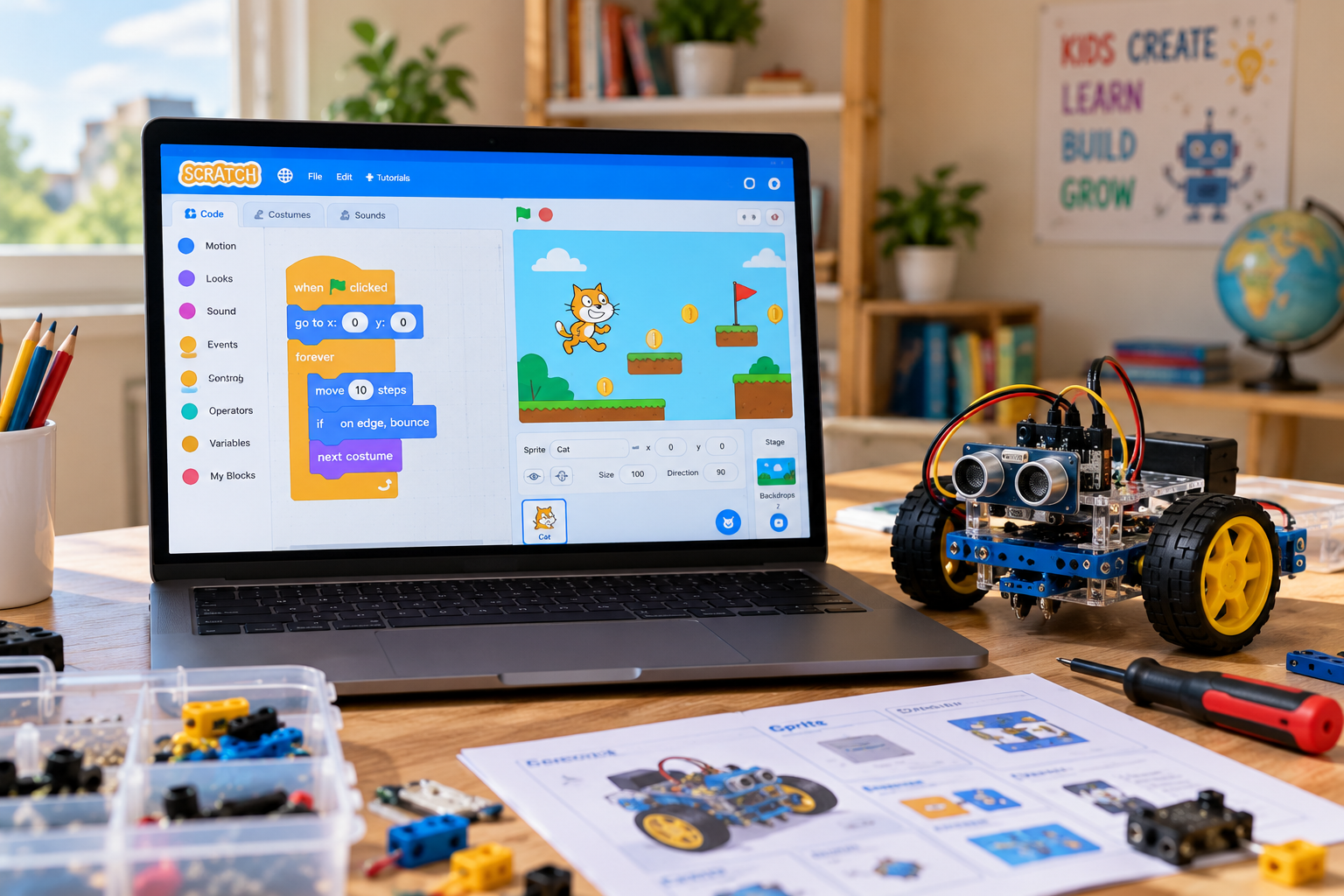
Move from blocks to Python, sensors and real problems
Middle schoolers can handle more abstract thinking and typing, so this is when text-based coding starts to pay off. Python is a common first language because it reads close to plain English and is used in software and AI projects.
- What to learn: Python basics, functions, sensor data and simple electronics.
- Robotics at this age: Build robots that sense and react, such as obstacle-avoiding and line-following robots. Learn about the difference between IoT and robotics.
- First projects: Create a calculator in Python or a sensor project for a school science fair.
- More ideas: Explore these robotics science fair projects.
Explore AI, IoT and portfolio projects
Teens can build projects that look like real products, such as a chatbot, an image classifier or a smart-home sensor network. These projects can also become portfolio pieces for school and college applications.
- What to learn: Python or JavaScript, machine learning basics and IoT.
- Robotics at this age: Build robots that combine cameras or sensors with AI models.
- First projects: Try these AI projects for kids or AI science fair projects.
- Learn more: Read about large language models for kids.
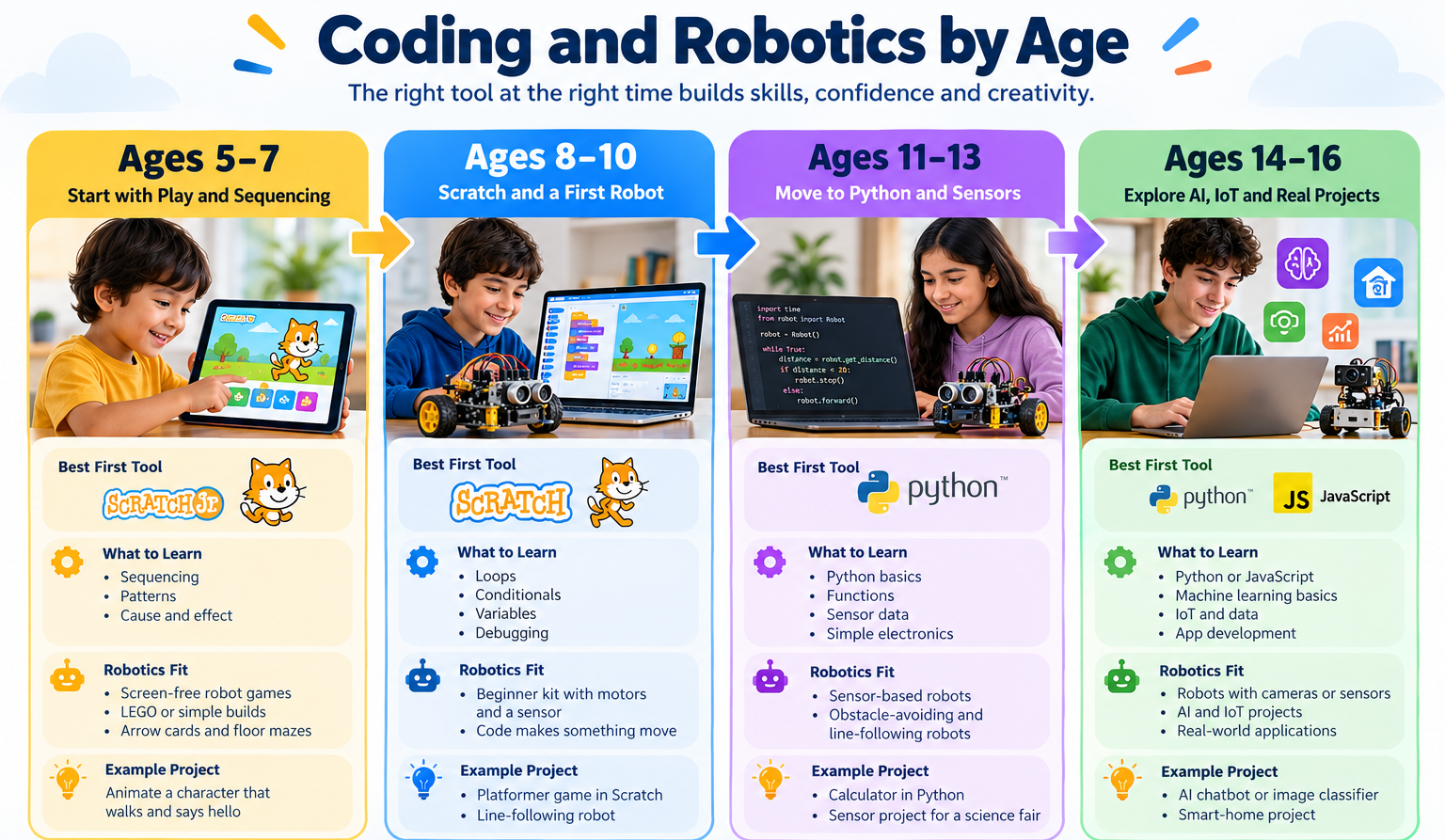
Coding and Robotics by Age at a Glance
Use this table to find a suitable starting point for your child.
| Age | Best First Tool | Robotics Fit | Skills Built | Example Project |
|---|---|---|---|---|
| 5–7 | ScratchJr | Screen-free robot games | Sequencing and patterns | Animated story |
| 8–10 | Scratch | Beginner kit with motors and a sensor | Loops, variables and debugging | Platformer game or line-following robot |
| 11–13 | Python | Sensor-based robots | Text coding, functions and data | Calculator or obstacle-avoiding robot |
| 14–16 | Python or JavaScript | Robots combined with AI or IoT | Machine learning and app development | AI chatbot or smart-home project |
Signs Your Child Is Ready to Start
Age is only a rough guide. These signals can help you decide whether your child is ready.
- Reads short instructions: Helpful when moving from ScratchJr to Scratch.
- Asks how things work: Curiosity about apps, games or machines is a good starting point.
- Can focus on a task: Around 20 minutes is a useful rule of thumb, not a strict test.
- Handles small setbacks: Debugging involves making mistakes and trying again.
- Enjoys building, games or puzzles: These interests can translate into coding projects.
If your child is missing one or two of these signs, start with shorter, play-based sessions instead of waiting.
Starting late is not a problem. A 12-year-old may move through Scratch quickly because of stronger reading and logic skills, and some children can move on to Python directly. Start with the level that suits your child’s current skills.
Coding or Robotics First?
For most children, start with coding and then add robotics. Coding teaches the logic that makes a robot work, and it requires only a computer. Robotics adds hardware such as motors, sensors and wiring.
If your child learns best by touching and building, you can start with a simple robot kit and a block-based app. The robot gives the code a practical purpose.
- Choose coding first if your child is 8 or younger, likes games or stories, or you want to start without buying hardware.
- Choose robotics first if your child loves LEGO or building and gets bored in front of screens.
- Try both once your child can build a simple Scratch project. Read about the pros and cons of block coding and Scratch vs Blockly.
Where Lexington Families Can Start
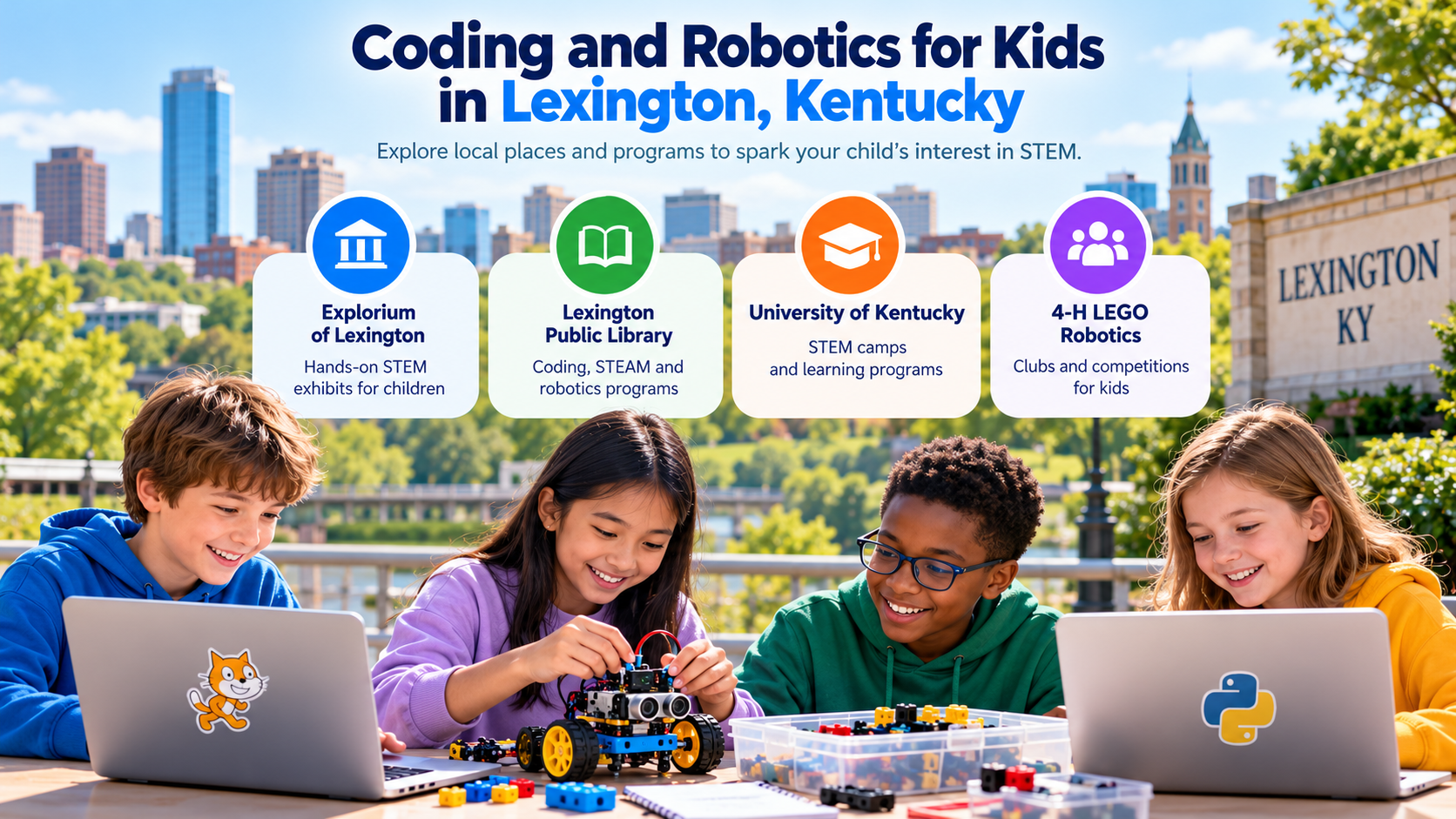
Families in Lexington, Kentucky, can explore local computer science and STEM activities alongside learning at home. Options mentioned in our research include:
- Explorium of Lexington: Explore engineering and design activities for children.
- Lexington Public Library STEAM Lab: Check for coding, STEM, 3D printing and robotics sessions.
- University of Kentucky STEM camps: Check the current camp calendar for available robotics activities.
- 4-H LEGO Robotics: Contact local extension offices to ask about nearby clubs.
Programs, schedules and age requirements can change, so confirm the latest details with each organization before planning a visit.
Online Classes vs Local Programs: Which Is Better?
Local camps and clubs can be a good way to explore coding. Regular classes can help children build skills over time, progressing from Scratch to Python, AI and robotics.
| Factor | Local Camps and Clubs | Live Online Classes with ItsMyBot |
|---|---|---|
| Schedule | Often fixed dates or weeks | Check available class slots |
| Pace | Usually planned for a group | Can be matched to the child’s level |
| Travel | Travel to a campus or branch | Learn from home |
| Hardware | May be provided on site | STEM kits may be available for home learning |
| Progression | May focus on a short program | Explore Scratch, Python, AI and IoT |
| Best for | Trying activities and meeting other children | Building skills through ongoing projects |
Our advice: Use free and local options to discover what your child enjoys, then consider regular classes to develop those interests. ItsMyBot offers coding and robotics learning for children at different levels.
Learn more about our robotics and coding classes in Lexington, KY.
Not sure whether your computer is ready? Check our Scratch system requirements guide.
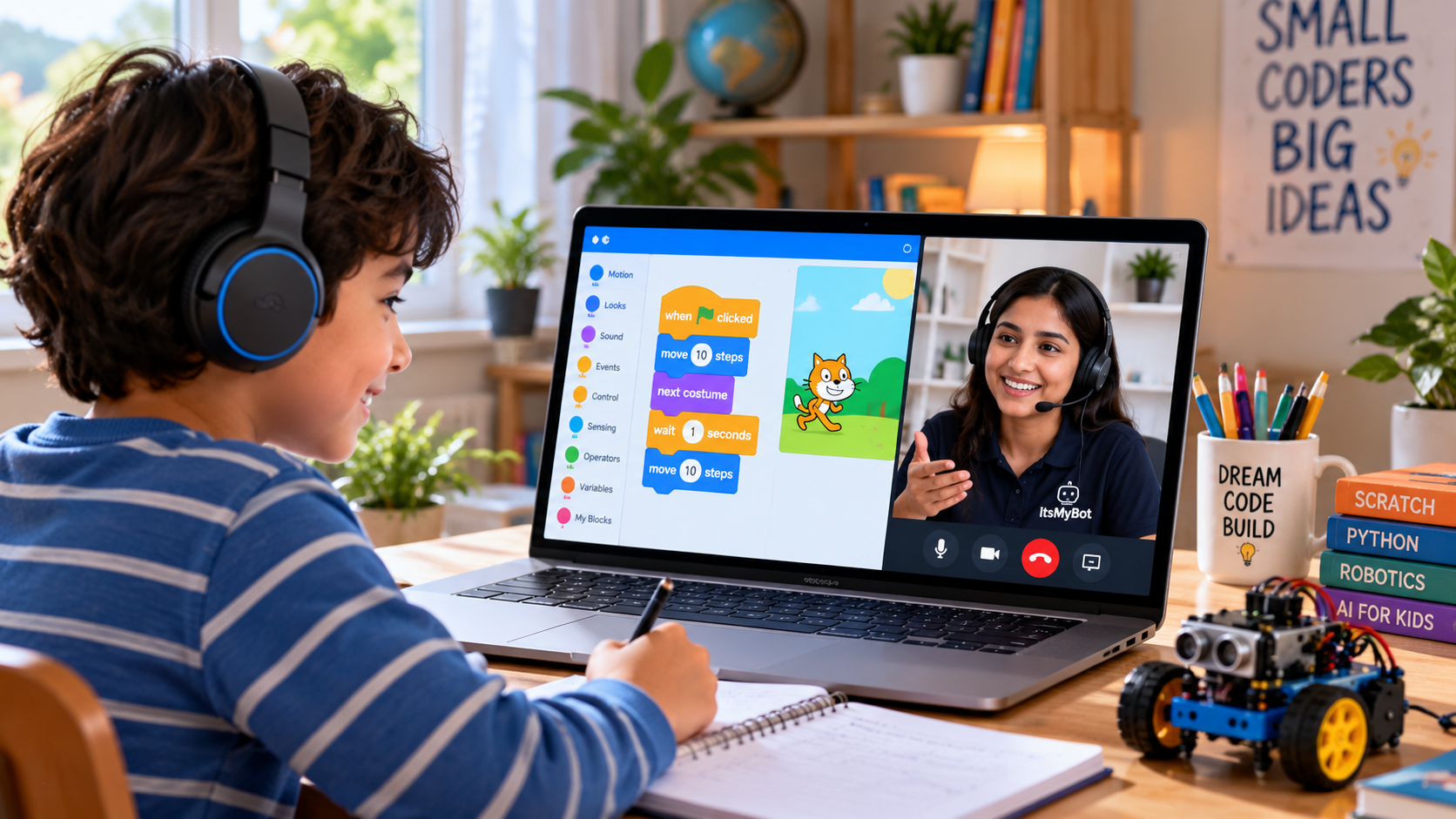
Frequently Asked Questions
What is the best age to start coding for kids?
Ages 5 to 7 are a good time to start with picture-based tools like ScratchJr. Around age 8 is a common point to move to Scratch. Hands-on robotics fits well around ages 8 to 10, while Python is a useful next step around ages 11 to 13.
Is 5 too young to start coding?
No. At age 5, children can explore sequencing through ScratchJr or screen-free games. Keep sessions short and playful. If your child is not interested yet, try again after a few months.
Is it too late to start coding at 12 or 13?
No. Older children can learn coding at any time. Their reading and logical thinking skills may help them progress through Scratch and into Python. Start at a level that suits their current experience.
Should my child learn coding or robotics first?
For most children, coding first and robotics second is a useful path. If your child learns best by building physical things, a simple robot kit with a block-based app can also be a good starting point.
What is the best first coding language for kids?
ScratchJr is suitable for many children aged 5 to 7, while Scratch is a common starting point for older children. Python is a popular next step after block-based coding.
Do kids need a special computer or kit to learn coding?
Not to start. Scratch runs in a web browser on many computers, including Chromebooks. Robotics projects may require a kit with motors and sensors. See our Chromebook install guide.
Are there free coding options for kids in Lexington, KY?
Local libraries, museums and community programs may offer coding and STEM activities. Check their current schedules, eligibility and availability before visiting.
Do online coding classes work for young children?
Yes, when the lessons suit the child’s level. Children aged 5 to 7 often benefit from short sessions and a parent nearby. Look for an instructor, practical projects and a learning path that grows with the child.
The Best Age to Start Is When Your Child Is Curious
Start with ScratchJr at ages 5 to 7, move to Scratch and a first robot kit at ages 8 to 10, add Python and sensors at ages 11 to 13, and explore AI and IoT projects from age 14. If your child is older and has not started, begin where their skills are today. There is no deadline.
Ready to see where your child fits? Explore ItsMyBot classes and find a suitable starting level for your child.
Explore Coding & Robotics Classes Try the Scratch QuizYou can also explore Scratch projects for kids for ideas at different skill levels.
