
Most coding resources assume your child has a Windows PC or Mac. If they’re using a Chromebook — for school or at home — you need browser-based tools that actually work without any downloads or compatibility headaches.
The good news: the best coding websites for Chromebook are also some of the best coding platforms available anywhere. This guide covers the top options, who they’re best for, and how to pair them with structured learning that builds lasting skills.
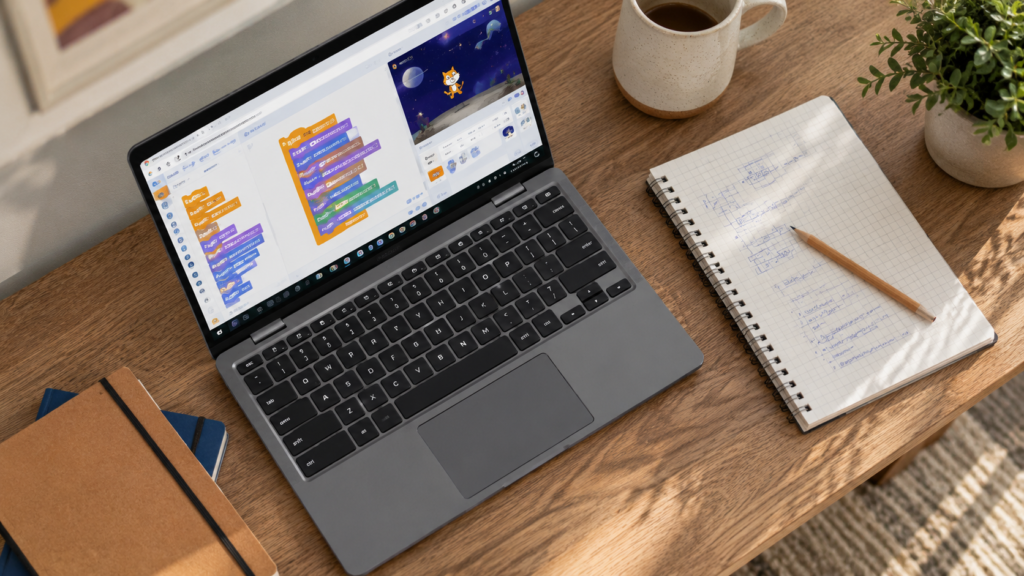
Chromebooks have become the most popular school device globally. They’re lightweight, fast to boot, and run Chrome OS — which means everything happens in the browser.
This used to be a limitation. Now it’s an advantage. Modern coding platforms are built for the browser. They’re cloud-based, device-agnostic, and often faster to load than installed desktop software.
For parents looking to build on what schools start, pairing a browser-based coding platform with a structured mentored course is the most effective path. Our coding classes for kids work on any device — Chromebook included.
Quick Facts:
Not all coding platforms are equal on Chromebook. The best ones share these qualities:
Use this checklist to evaluate any platform you come across. The ones below pass all five.
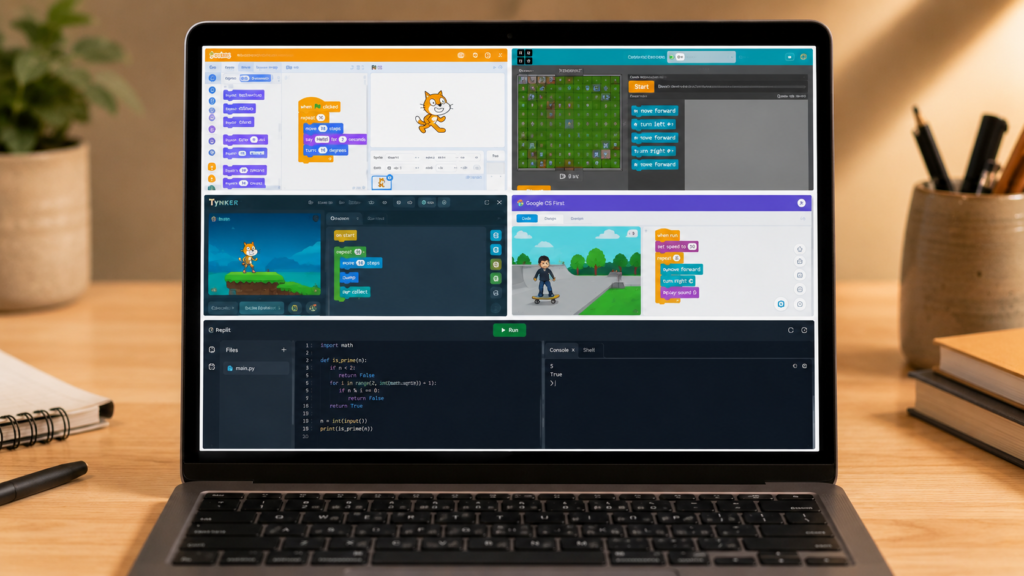
Scratch is the world’s most popular visual coding platform, developed by MIT Media Lab. It runs in any browser, including Chrome on Chromebook, with no installation.
Why it works on Chromebook:
What your child builds: Games, animations, interactive stories, music projects
Best for: Children aged 7–13 who are starting out with coding. Our complete guide to Scratch coding covers how to get started and what to build first.
Code.org is one of the most structured free coding platforms available. Its Hour of Code activities are used in schools worldwide, and its full curriculum takes children from block coding to JavaScript.
Why it works on Chromebook:
What your child builds: Progressively structured projects — from simple animations through to text-based coding
Best for: Children who learn well with structured, curriculum-style progression. Especially good for 8–12-year-olds building towards real languages.
Tynker offers a blend of game-like coding challenges and real project creation. It covers Scratch-style blocks, Python, JavaScript, and even app development.
Why it works on Chromebook:
What your child builds: Block-code games, Python projects, mods for Minecraft (on supported versions), app prototypes
Best for: Children aged 8–15 who want to progress from block coding to text-based languages within one platform.
CS First is Google’s free coding curriculum — designed to be used on Chromebooks. It uses Scratch as its coding environment and wraps it in themed projects (storytelling, sports, fashion, and more) that connect to real interests.
Why it works on Chromebook:
What your child builds: Themed Scratch projects, from sports games to fashion simulators
Best for: Children at school who want guided projects with a clear theme. Works exceptionally well alongside our Junior Coder programme.
When your child is ready for real text-based coding, Replit is the go-to browser IDE. It supports Python, JavaScript, HTML/CSS, and dozens of other languages — all in the browser.
Why it works on Chromebook:
What your child builds: Real Python scripts, web pages, interactive apps, and full projects
Best for: Children aged 12 and above who are ready to move beyond visual block coding. Pairs beautifully with our JavaScript classes for kids and teens and AI and Machine Learning classes.
| Platform | Age Range | Cost | Works Offline? | Best For |
|---|---|---|---|---|
| Scratch | 7–13 | Free | No (browser) | Beginners, visual coding |
| Code.org | 6–14 | Free | Some activities | Structured curriculum |
| Tynker | 8–15 | Free + paid | No | Multi-language progression |
| CS First by Google | 9–14 | Free | No | Themed school projects |
| Replit | 12+ | Free + paid | No | Real text-based coding |
Ages 5–7: Start with Code.org’s early activities or ScratchJr (available as an Android app via Play Store on Chromebook). The focus is on sequencing and simple commands.
Ages 7–10: Scratch is the clear starting point. Code.org’s block-based curriculum is also excellent. Our best coding classes for 8-year-olds show how mentored learning accelerates progress at this age.
Ages 10–12: Transition from Scratch to Tynker or Code.org’s text-based courses. Python becomes accessible. Explore our best coding classes for 10-year-olds for a structured pathway.
Ages 12–15: Replit, Tynker’s advanced tracks, and real Python in the browser. Your child is ready for our Senior Coder programme — covering JavaScript, Python, IoT, and AI.
Both. Free coding websites are excellent for exploration and self-directed practice. But research consistently shows that children who learn with a mentor progress 3–4× faster than those working alone — and they persist through challenges rather than giving up when stuck.
The ideal approach is to use free platforms like Scratch or Code.org for daily practice, then take a structured mentored course to build real projects and accountability. ItsMyBot provides live 1:1 coding classes for kids that work on any device, including Chromebook.
This summer, our Summer Coding Camp 2026 brings structured project-based learning directly to your child’s Chromebook — with personalised mentors and parent progress updates.
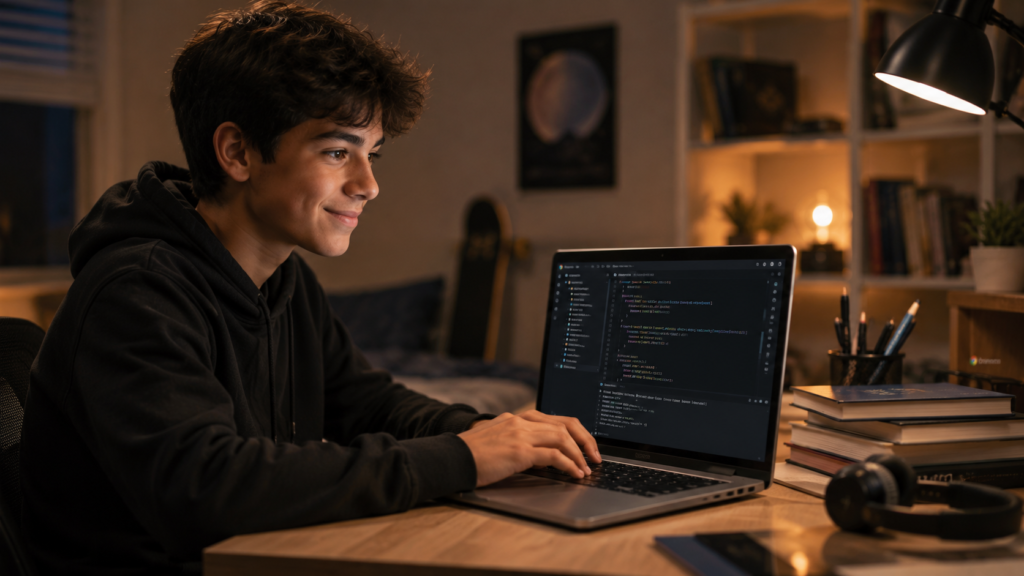
Each platform in this guide leads somewhere. Here’s the progression path:
Your child’s Chromebook isn’t a limitation. It’s the launchpad.
Scratch (scratch.mit.edu) is the best starting point for most children aged 7–13. It runs in Chrome with zero installation, is completely free, and is developed by MIT. For older children aged 12+, Replit is the best free browser-based coding environment for real text-based languages.
Most do — with one caveat. School Chromebooks are often managed by IT administrators who may block certain sites. Code.org and CS First by Google are the most likely to be whitelisted because they’re widely used in education. Check with your child’s school if a specific platform is blocked.
Absolutely. Replit gives access to real Python, JavaScript, and dozens of languages directly in Chrome. Combined with structured mentored courses from ItsMyBot, Chromebook students build full apps, games, and websites — the same as any other device.
At age 10, we recommend Scratch for creative projects and Code.org’s Accelerated Computer Science course for a more structured pathway. Both work perfectly in Chrome. Pairing them with our best coding classes for 10-year-olds gives the fastest skill progression.
Yes. All platforms listed — Scratch, Code.org, Tynker, CS First, and Replit’s student accounts — are designed with child safety as a priority. They comply with COPPA and are used in schools globally. We recommend supervising younger children and enabling any available parental controls within each platform.
20–30 minutes of daily practice is more effective than long weekly sessions. Consistency builds habit and reinforces learning. ItsMyBot’s after-school coding classes are structured to complement independent practice on platforms like Scratch and Code.org.
Roblox Studio (the game development tool) requires Windows or Mac and doesn’t run on Chromebook. However, your child can explore Roblox development concepts and scripting through our Roblox coding course for kids — and then build their full projects on a Windows device.
The best coding websites for Chromebook give your child a brilliant creative playground. What turns that playground into a career-defining skill is consistent practice, the right guidance, and a mentor who genuinely cares.
ItsMyBot’s personalised online coding courses work on every device — Chromebook included. Your child gets a dedicated mentor, real projects to build, and a learning plan that adapts as they grow. You get progress updates at every stage.

Online coding, AI, and robotics classes that help kids ages 6–18 build real skills — and confidence — one project at a time.
No commitment · Live class with an expert teacher
© ItsMyBot 2026. All Rights Reserved.