
Your child loves playing Roblox — but imagine if they could build their own game instead. Most kids don’t know where to start, and that’s completely normal.
Without a clear first project, game development feels overwhelming. Kids give up before writing a single line of Lua code — and that’s a missed opportunity for real STEM skill-building.
These 5 beginner Roblox game projects change that. Each one is scoped for young creators aged 8–14, built inside Roblox Studio, and designed to be finished in a single weekend session. Let’s build something your child will be proud of.
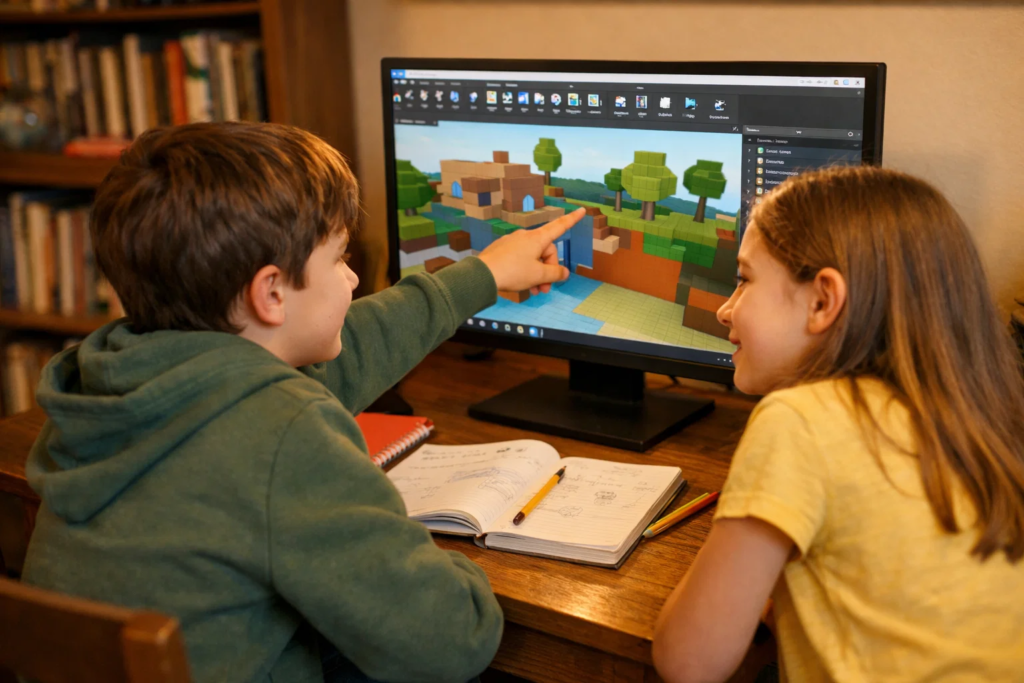
Roblox isn’t just a game — it’s one of the world’s largest game-creation platforms. Over 60 million games have been built by users, many of them kids and teens. When your child builds in Roblox Studio, they’re doing something genuinely meaningful.
Here’s what your child actually learns when they work through beginner Roblox game projects:
At ItsMyBot, we believe screen time should build skills. If your child’s playing Roblox anyway, helping them transition from player to creator is one of the best tech investments you can make.
Want to understand what powers Roblox games? Read our guide on what Lua programming is in Roblox to see the scripting language behind every game your child already loves.
The good news: the barrier to entry is very low. Here’s everything needed to begin:
Setting up Roblox Studio takes about 10 minutes. If you haven’t done it yet, our step-by-step walkthrough on how to set up Roblox Studio for kids will walk you through the whole process.
No scripting required
An Obby is the most popular game type in Roblox — and it’s the perfect first project. Your child doesn’t need scripting knowledge to build a basic one. It’s all about placing and arranging parts.
A multi-stage obstacle course where players jump, dodge, and reach a finish line. Each stage introduces a new challenge.
An Obby naturally introduces the same logical building blocks used in advanced game creation on Roblox. Once your child finishes their first Obby, they’ll ask to make it bigger — and that’s exactly the right instinct.
First Lua script
This is your child’s first taste of Lua scripting — and it’s surprisingly satisfying. A simple script changes the colour of the baseplate every few seconds, and it works every single time.
A Roblox world where the baseplate cycles through different colours automatically using a Lua script placed in ServerScriptService.
local part = game.Workspace.Baseplatewhile true do loop with task.wait()while true do → change colour → wait 2 seconds → change colour → repeat
This loop structure is one of the most fundamental concepts in programming. Your child learns it here — and it appears in Python, JavaScript, and every language they’ll ever use.
Understanding how Lua works in Roblox is the foundation of everything. For a deeper look, explore our full explainer on Lua programming in Roblox.
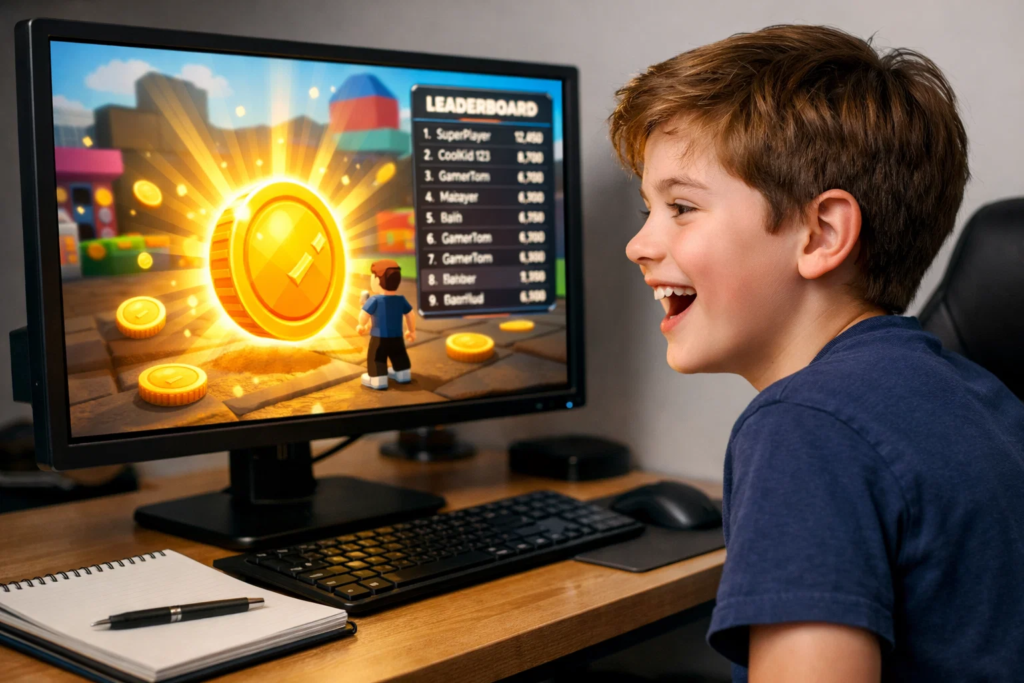
Leaderboards + click events
Simulators are one of Roblox’s most-played game genres. Building a simple version teaches your child how in-game economies and leaderboards work — skills that feel genuinely impressive to other kids their age.
A basic “click to earn coins” simulator. Players click a part, earn coins, and their score appears on a leaderboard.
leaderstats in LuaClickDetectorClickDetector.MouseClickThe leaderboard moment — when kids see their name appear with a score — is one of those lightbulb instants that makes young builders realise: I just made that happen.
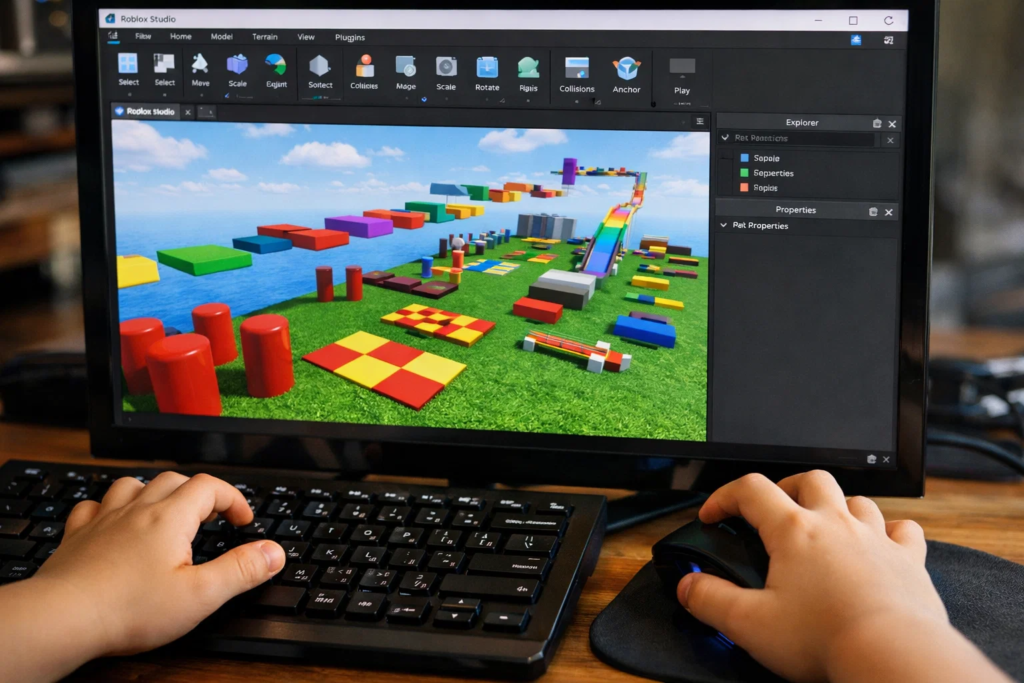
Map design + conditional logic
This project combines world-building with basic scripting. It’s the first time your child builds a game with a real objective — find hidden items — which introduces them to game design thinking.
A small Roblox map where players explore and collect hidden treasure chests. When all chests are found, a message or reward appears.
if collected == total then win()Want to help your child go further with game design? Compare approaches in our guide on Roblox vs Minecraft for kids — two platforms that develop very different creative and coding skills.
Progression systems
Tycoon games are among the most popular on Roblox. Even a mini version introduces your child to one of the most important game-design concepts: progression systems. This is where beginner Roblox game projects start to feel professional.
A small tycoon where players collect currency passively, spend it to unlock new buildings, and grow their base over time.
task.wait()task.wait(5).Balancing a progression system is genuine game design. Your child isn’t just coding — they’re thinking like a designer.
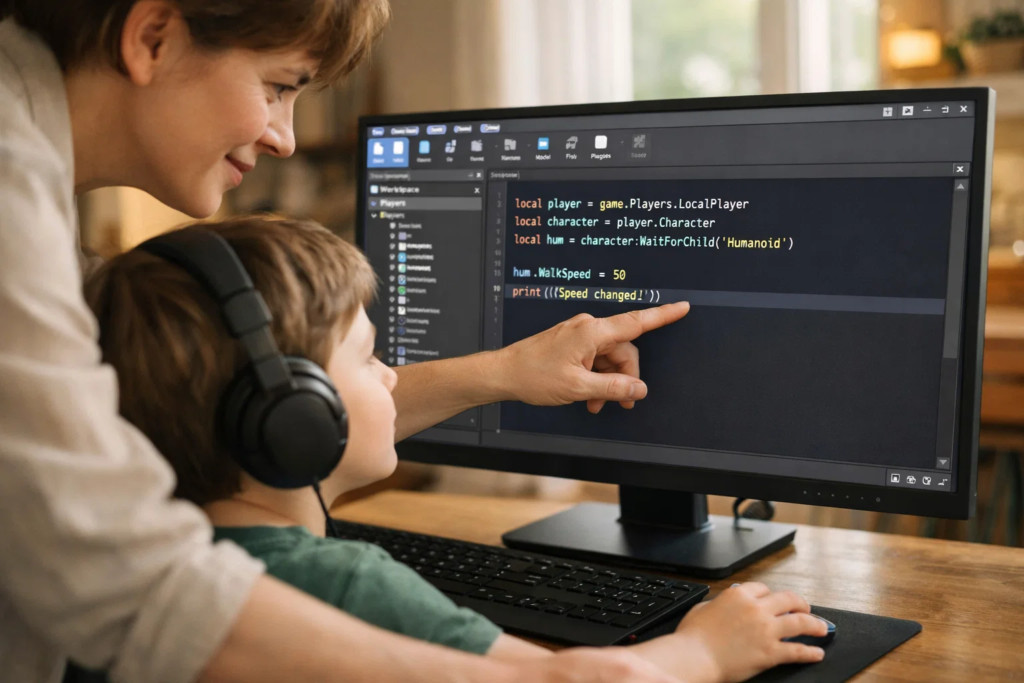
Mistake 1 — Skipping the anchor property on parts
Always anchor parts that shouldn’t move. Un-anchored parts fall through the baseplate the moment the game starts.
Mistake 2 — Trying to build a massive game on the first attempt
Start with one mechanic, make it work, then add more. Scope creep kills beginner projects.
Mistake 3 — Ignoring the Output window when scripts don’t work
The Output window tells you exactly what went wrong. Teach your child to read it before asking for help.
Mistake 4 — Copying scripts without understanding them
Copying is fine to learn from — but always change one thing to see what happens. That’s how understanding builds.
Mistake 5 — Not playtesting often enough
Press Playtest after every major change. Catching bugs early saves enormous frustration
These 5 projects build a strong foundation. Once your child has completed them, they’re ready for the next level:
Curious about how kids are doing in game development competitions? See our guide on how to prepare kids for coding competitions — Roblox game development is increasingly appearing in student showcases.
And if your child is also interested in AI, our roundup of AI projects for kids pairs beautifully with the logical thinking skills they’re building here.
Most children aged 8 and above can start with an Obby without any coding experience. Projects involving Lua scripting (2–5) are better suited to ages 9–14. Younger children can still participate with adult guidance.
No. Project 1 is entirely code-free and uses only Roblox Studio’s visual tools. Projects 2–5 introduce Lua scripting gradually, with each concept building on the last. No prior programming knowledge is needed.
An Obby can be completed in 1–2 hours. The colour-changing baseplate takes about 30–45 minutes once your child understands the Script editor. Projects 3–5 are weekend-length, typically 2–4 hours each depending on detail added.
Yes. Roblox Studio is completely free to download and use. Creating and publishing games on Roblox costs nothing. Monetising games (selling gamepasses) requires a free Roblox account.
Lua is a lightweight scripting language designed for games and embedded systems. Roblox uses a modified version called Luau. It’s an excellent first language because the syntax is clean, errors are descriptive, and results are immediately visible in-game.
Yes. Once a game is built, your child can publish it to Roblox with a single click from Roblox Studio. The game becomes playable by anyone on Roblox — a huge motivational milestone for young creators.
Minecraft is better for creative world-building and block-based logic. Roblox teaches actual scripting through Lua, making it more powerful for children who want to learn programming. Both are excellent — the right choice depends on your child’s goals.
The logical next steps are multiplayer mechanics, DataStore (saving progress), and structured Lua with ModuleScripts. Enrolling in a structured coding course accelerates progress significantly compared to self-directed exploration alone.
These 5 beginner Roblox game projects aren’t just fun. They teach your child real programming logic, creative problem-solving, and digital confidence — skills that will serve them well beyond Roblox.
At ItsMyBot, we help kids aged 5–15 explore technology through personalised, industry-level courses. Roblox game development is one of the most powerful entry points into the world of coding — and every great game developer started exactly where your child is right now.
Want your child to go further? Explore ItsMyBot’s Roblox Game Development Course — structured coding courses designed for kids!

Online coding, AI, and robotics classes that help kids ages 6–18 build real skills — and confidence — one project at a time.
No commitment · Live class with an expert teacher
© ItsMyBot 2026. All Rights Reserved.