Reading Time: 13 mins

Your child is ready to start coding — but now you’re staring at two very different options and wondering which one actually makes sense. Scratch looks fun and colourful. Python looks serious and powerful. And somewhere between the two, you’re trying to make the right call.
Choosing the wrong starting point doesn’t just slow your child down. It can make coding feel frustrating, boring, or “not for them” — before they’ve even given it a real chance. Many parents pick Python because it sounds impressive, only to watch their 7-year-old hit a wall of syntax errors and give up within weeks.
Here’s the good news: there’s a clear answer for most kids. This guide breaks down exactly what Scratch and Python offer, who each one is built for, and how to make the smartest choice based on your child’s age and goals — not just hype.
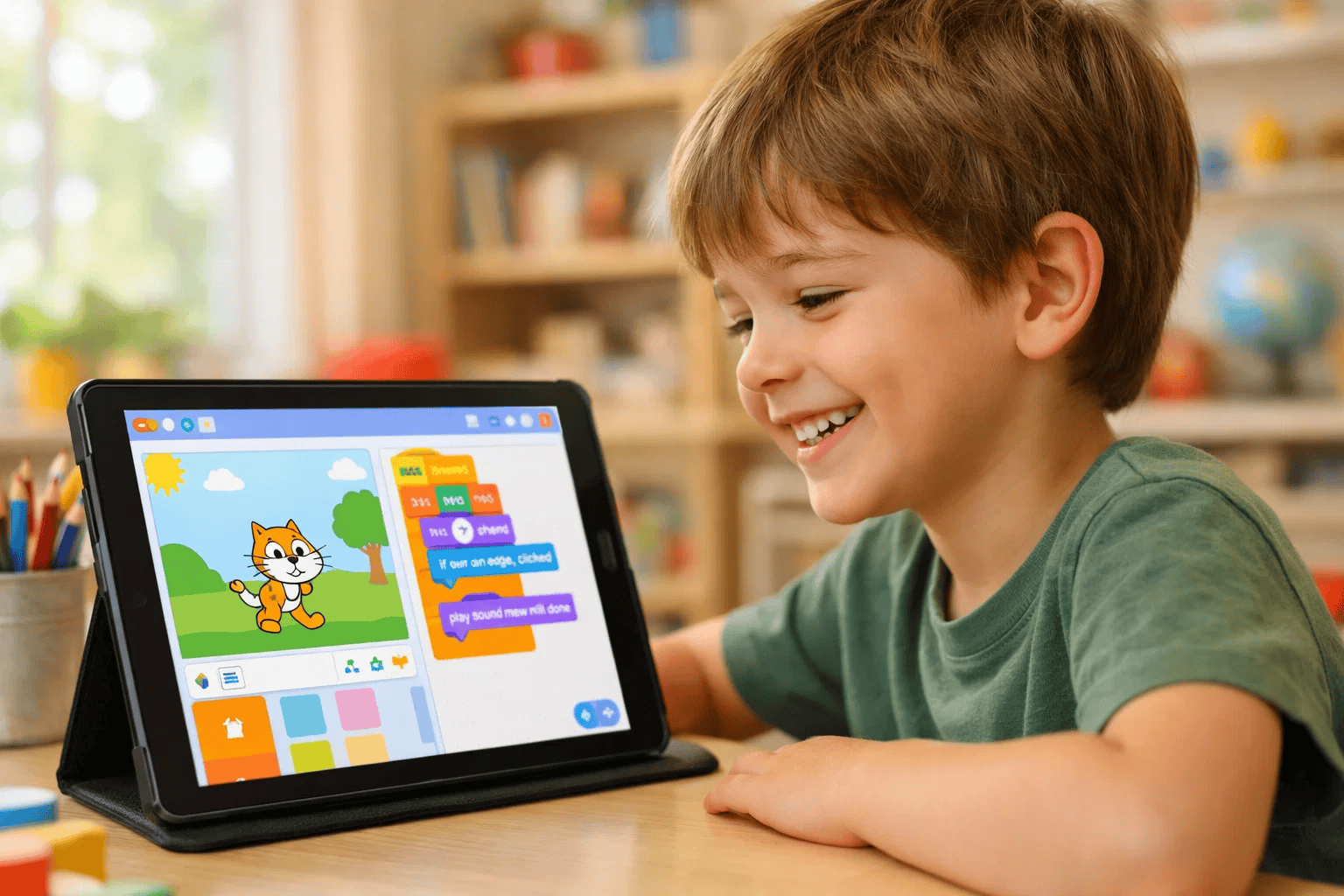
Scratch is a block-based visual programming language created by MIT’s Media Lab. Instead of typing code, children drag and snap coloured blocks together to build animations, games, and interactive stories.
It was designed specifically for children aged 8–16, though many kids as young as 5 thrive on it. More than 100 million projects are shared on the Scratch community platform every year.
What makes Scratch special:
Scratch teaches real programming concepts — loops, conditionals, variables, and events — just without the intimidating screen of text. It’s where curiosity turns into confidence.
For a deeper look at what your child can create, explore our guide on Scratch projects for kids.
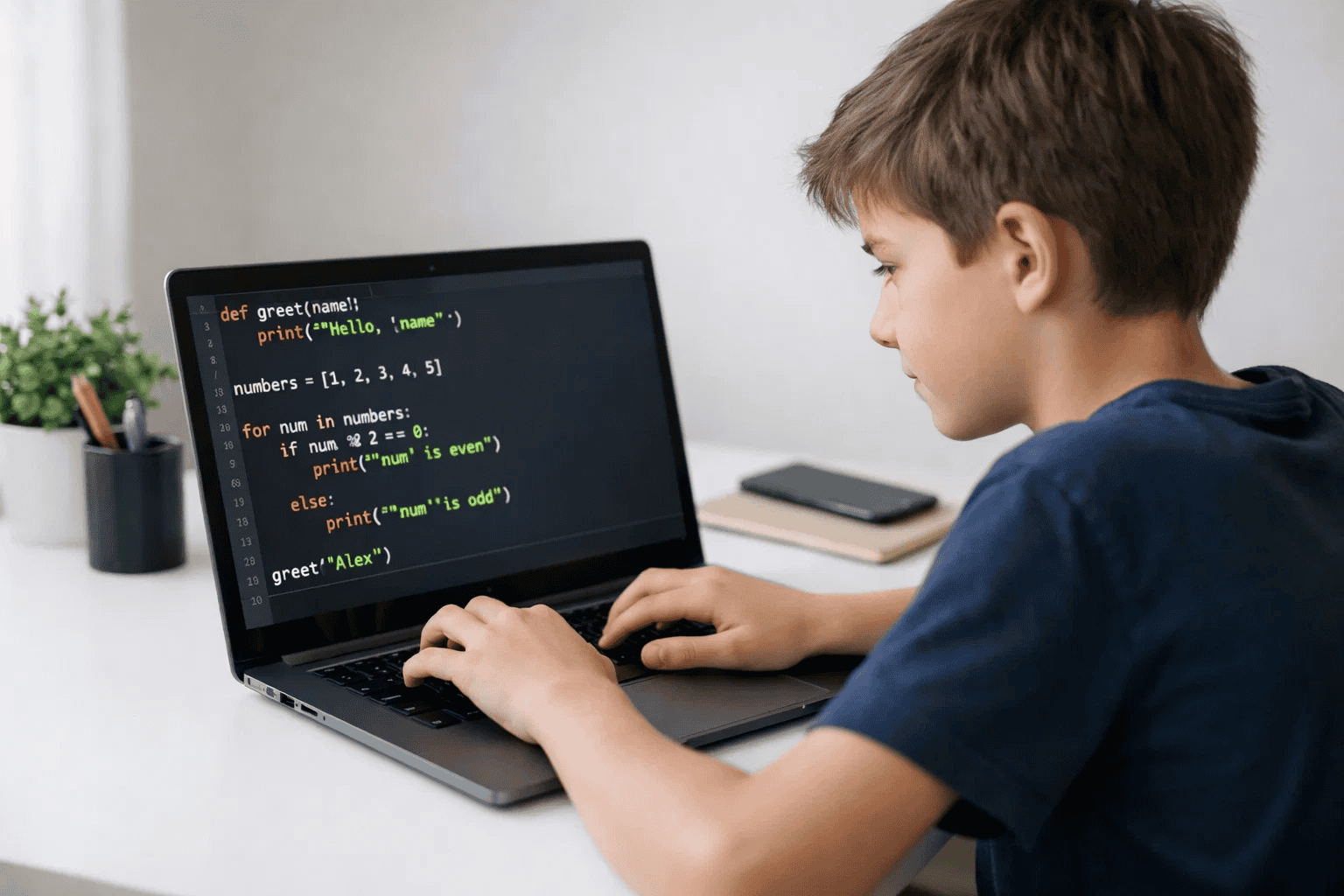
Python is a text-based programming language used by professionals at Google, NASA, and Netflix. It’s also widely regarded as the most beginner-friendly text-based language available — and it’s the #1 language taught in schools globally as of 2026.
Python has a clean, readable syntax that reads almost like English. That’s a huge advantage compared to languages like Java or C++, which require much more setup and structure.
What Python opens up for your child:
Python is a serious career skill. According to the TIOBE Index, Python has ranked as the world’s most popular programming language for four consecutive years.
If your child is already curious about how apps work or wants to build something real, our guide on what Python is used for is the perfect next read.
Python wasn’t designed specifically for children — but it might as well have been. Its structure removes almost every barrier that makes other text-based languages frustrating for young learners.
Here’s what makes Python uniquely child-friendly:
print("Hello, Maya!") is instantly understandable. There’s no cryptic syntax standing between your child and their first result.Python also builds critical thinking in a way other beginner tools don’t. When your child writes text-based code, they have to think logically, debug systematically, and plan ahead. These are skills that transfer far beyond coding.
For a confidence-building starting point, our guide on is Python easy to learn for beginners is worth sharing with your child directly.
| Feature | Scratch | Python |
|---|---|---|
| Age Range | 5–12 years | 10+ years |
| Coding Style | Block-based (drag and drop) | Text-based (typed syntax) |
| Learning Curve | Very low — instant results | Moderate — requires patience |
| Syntax Errors | Not possible | Common — part of the learning |
| Project Types | Games, animations, stories | Apps, AI tools, data, web |
| Career Value | Foundation skill | High career relevance |
| Best For | Visual thinkers, beginners | Logical thinkers, older kids |
| Free to Use | Yes (scratch.mit.edu) | Yes (python.org) |
| Community | Large, child-safe community | Massive global developer base |
| Transition Path | Natural stepping stone to Python | Gateway to all major languages |
The honest summary: Scratch builds the mindset. Python builds the skills. Most kids need both — in that order.
Want to understand the broader picture? Our breakdown of block-based vs text-based coding for kids goes even deeper on this comparison.
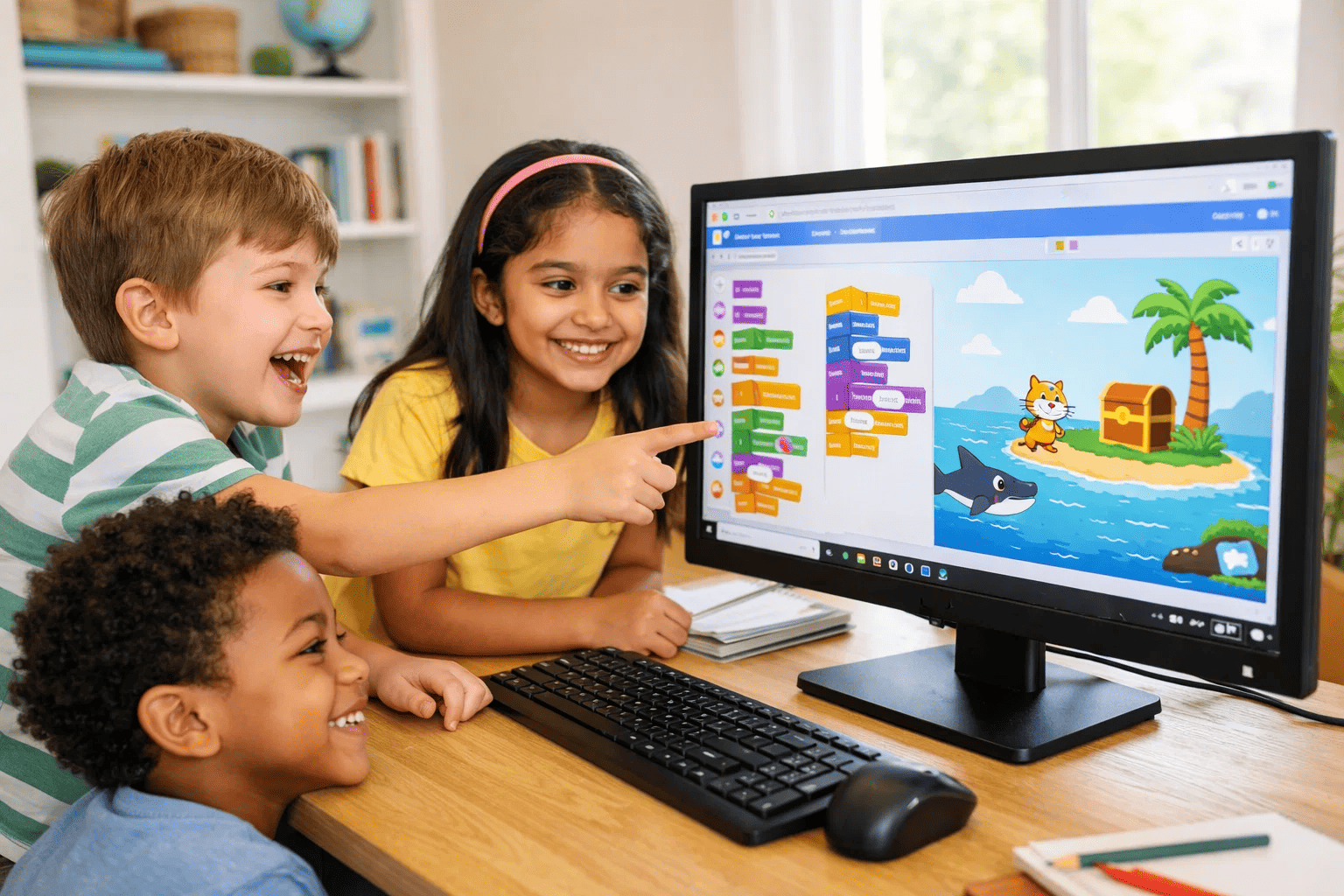
Scratch isn’t just a stepping stone — it’s a confidence builder. And for most children between 5 and 11, it’s the single best place to start a coding journey.
Here’s why Scratch delivers results that text-based languages simply can’t match at this age:
1. It removes the fear of failure. When kids drag a block and something happens instantly on screen, coding feels magical — not scary. There’s no red error text to interpret. No setup to troubleshoot. Just creation.
2. It teaches real computational thinking. Scratch introduces loops, events, conditionals, and variables in a visual format. These are the same concepts your child will use later in Python. Learning them through Scratch first makes the transition dramatically smoother.
3. It builds creative problem-solving. Your child doesn’t follow instructions in Scratch — they build their own projects. That shift from consumer to creator is one of the most powerful mindset changes in early tech education.
4. It grows with your child. Scratch isn’t just for beginners. Advanced Scratch projects involve complex logic, custom algorithms, and multi-character interactions that rival early Python programs in complexity.
5. It’s backed by real learning research. MIT designed Scratch around constructionism — the idea that children learn best by building things they care about. Decades of research support this approach.
According to a Stanford University study on early coding education, children who start with visual programming languages demonstrate stronger abstract reasoning skills when they transition to text-based coding.
If you’re wondering whether your child is ready to start, check out our guide on 7 signs your child is ready to learn coding.
Getting started with Scratch is easier than you might think — and it’s completely free.
Step 1: Visit scratch.mit.edu No download needed. Scratch runs directly in any web browser. You can also download the Scratch desktop app for offline use. Check the system requirements for Scratch to make sure your device is ready.
Step 2: Create a free account Sign up with your child’s email (or a parent email). This lets them save projects and join the Scratch community.
Step 3: Start with the built-in tutorials Scratch has interactive guided tutorials built right into the platform. “Getting Started,” “Animate Your Name,” and “Make It Fly” are perfect first projects for beginners.
Step 4: Explore Scratch project ideas Once your child has the basics, browsing community projects is one of the best ways to spark new ideas. Our collection of Scratch projects for kids offers structured project ideas sorted by skill level.
Step 5: Try a structured coding course Self-directed exploration is great — but structured mentorship accelerates progress dramatically. A guided course gives your child a clear progression path, real feedback, and a community to grow with.
Tips for parents supporting a Scratch learner:
Not sure how structured to get? Our guide on how to choose the right coding course for your child makes it simple.
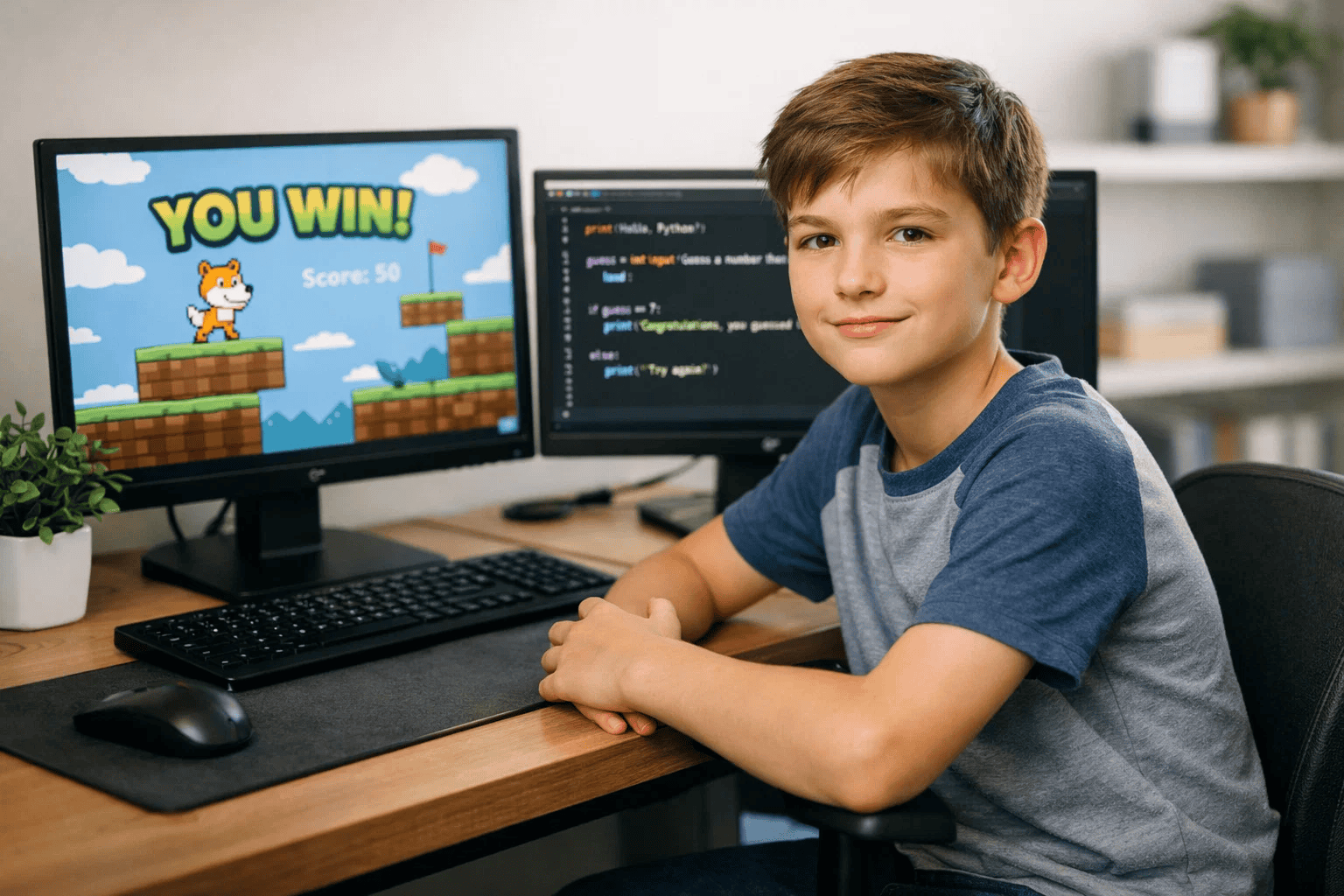
Once your child has spent time building games, animations, or interactive stories in Scratch — usually after 6–12 months of regular practice — they’re ready to move forward. The question is: what’s next?
For most kids aged 10 and above, Python is the natural next step.
Here’s why that transition works so well:
Other solid next steps depending on your child’s interests:
The key is not to rush. A child who has truly mastered Scratch will learn Python 3x faster than a child who jumps in with no prior experience.
Our dedicated guide on moving from Scratch to Python walks through this transition step by step.
You might also want to compare your options with our article on Python vs Java — which kids should learn first.
Every child is different — but age is still one of the best starting filters.
Ages 5–7: Start with Scratch (or ScratchJr)
Ages 8–10: Scratch is ideal — begin exploring Python concepts
Ages 11–13: Scratch to Python transition
Ages 14–15: Python directly (or alongside HTML/CSS)
Wondering what age is truly best to begin? Our detailed guide on the best age for kids to start coding answers that exactly.
Python is powerful — but “powerful” doesn’t automatically mean exciting to a 10-year-old. The good news is that a few simple shifts turn Python from homework into something your child actually looks forward to.
1. Start with projects they already care about. A child who loves animals can build a quiz about their favourite species. A gamer can build a text adventure. A sports fan can write a programme that tracks scores. Relevance beats abstraction every time.
2. Use Python to create games. Libraries like Pygame let kids build real graphical games with Python. The jump from “boring exercises” to “I made a game” is one of the most powerful motivators in children’s coding education. Explore Python coding challenges for beginners for structured, game-style challenges.
3. Make it visual as quickly as possible. Pure text output can feel flat at first. Introduce turtle graphics, simple animations, or Pygame early. When your child sees their code producing something on screen, engagement spikes immediately.
4. Celebrate bugs, not just successes. Debugging is where real learning happens. When your child hits an error, make it a puzzle to solve together rather than a failure. “Why did that happen?” is one of the most valuable questions in coding.
5. Connect Python to AI — kids love this. Show your child how Python powers the AI tools they already use. A simple sentiment analyser or basic chatbot script can completely shift how they see the language. Our guide on AI literacy for kids explains age-appropriate ways to introduce these ideas.
6. Try a structured programme with a mentor. Self-directed learning plateaus quickly. A mentor who knows how to make Python engaging for children — not just technically correct — makes a dramatic difference in both progress and enjoyment.
The goal isn’t to make your child into a programmer. It’s to give them a skill that builds confidence, opens doors, and proves they can create something from nothing. Python, taught the right way, does exactly that. Parents Make When Choosing a Coding Language
Choosing Scratch vs Python for kids sounds simple — but parents make a few predictable mistakes that slow their child’s progress.
❌ Mistake 1: Choosing Python for a 6-year-old because “it’s more advanced”
Syntax errors and abstract concepts overwhelm young learners. It destroys motivation before curiosity has a chance to grow.
✅ Correct approach: Let age guide the decision. Python is a future reward, not a starting point for under-10s.
❌ Mistake 2: Assuming Scratch is “just a toy” and rushing past it
Kids who skip Scratch miss foundational logic-building. They often struggle more with Python as a result.
✅ Correct approach: Treat Scratch as a serious first language. Give it time. The investment pays off.
❌ Mistake 3: Comparing your child’s pace to others
Every child builds confidence differently. Pressure to “keep up” undermines the creative joy that makes coding stick.
✅ Correct approach: Focus on curiosity over speed. A child who loves coding at age 9 will outpace a burned-out child by age 12 every time.
❌ Mistake 4: Leaving the child to learn alone with no structure
Unguided exploration often stalls. Without progression, kids lose interest within weeks.
✅ Correct approach: Combine free exploration with structured challenges. A guided course with a mentor makes a measurable difference.
❌ Mistake 5: Not connecting coding to your child’s actual interests
“Learn to code” is abstract. “Build a game about your favourite animal” is exciting.
✅ Correct approach: Always anchor coding to what your child already loves — games, art, stories, or science.
For children under 10, yes — Scratch is the better starting point. It teaches core coding concepts through a visual, block-based interface that’s age-appropriate and engaging. Python becomes the better choice once a child has that foundation, usually around ages 10–12.
Most 7-year-olds aren’t ready for Python’s text-based syntax. A structured Scratch programme is a much better fit at this age. Once your child turns 10 or 11 and has solid Scratch experience, the transition to Python becomes natural and exciting.
Most children benefit from 6–12 months of regular Scratch practice before moving to Python. The goal isn’t time — it’s mastery of core concepts like loops, conditionals, variables, and events.
Age 10–11 is the sweet spot for most children — especially those who have prior Scratch experience. Complete beginners with no coding background may want to start with a few months of Scratch first, regardless of age.
Yes. Scratch is used in schools across 150+ countries and is one of the most widely adopted tools in primary and middle school computing curricula globally. It’s backed by MIT and updated regularly.
It’s possible, but generally not recommended for beginners. Learning both simultaneously can create confusion. A better approach is to build confidence in Scratch first, then introduce Python concepts gradually before making the full switch.
Python opens the door to AI projects, machine learning models, data analysis, professional game development, web applications, and automation scripts. Scratch is excellent for games and animations but has limitations when it comes to real-world, industry-level projects. Explore Python coding challenges for beginners to see what’s possible.
The Scratch vs Python for kids debate has a clear winner — and it’s “both, in the right order.”
Here’s what to take away:
Your child’s coding journey doesn’t start with choosing the right language. It starts with building the right mindset — curious, confident, and
At ItsMyBot, we’ve helped thousands of children aged 5–15 go from “what is coding?” to building real projects they’re proud of.
Our programmes are built for every stage:
👉 Explore ItsMyBot Courses — and turn your child’s screen time into skill time.


