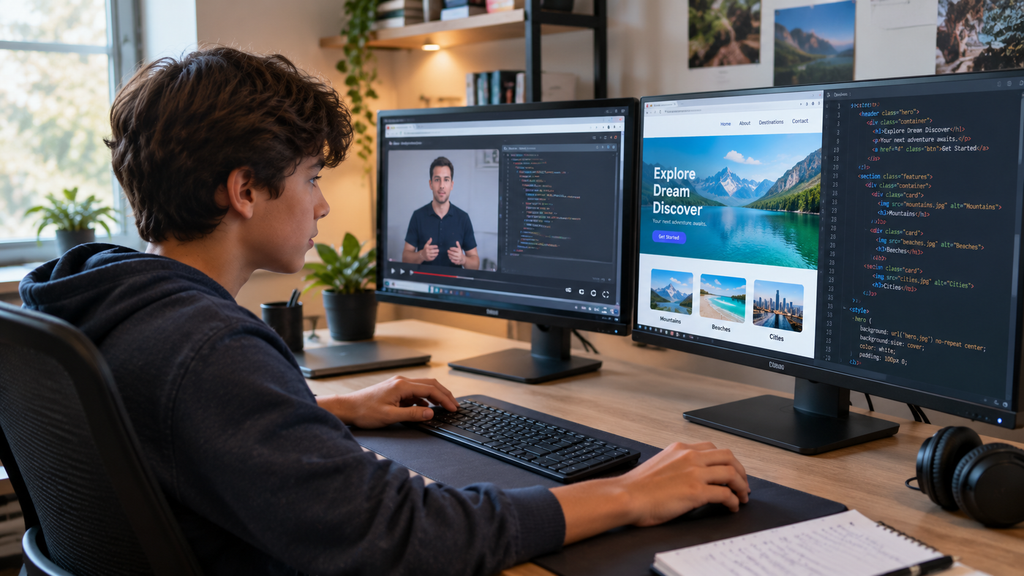
YouTube works best as a supplement.
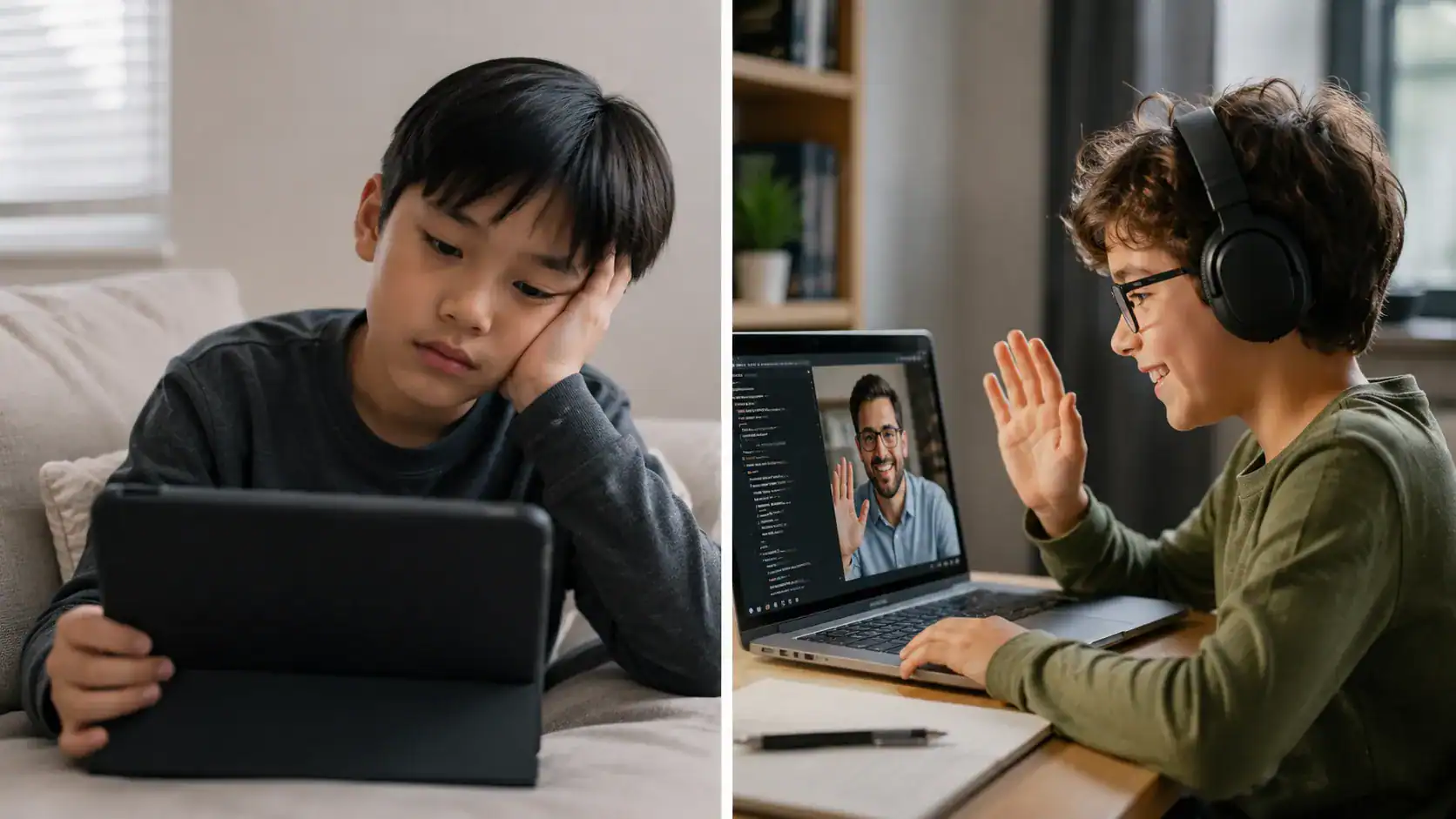
Most learners need projects and feedback to move beyond following along.
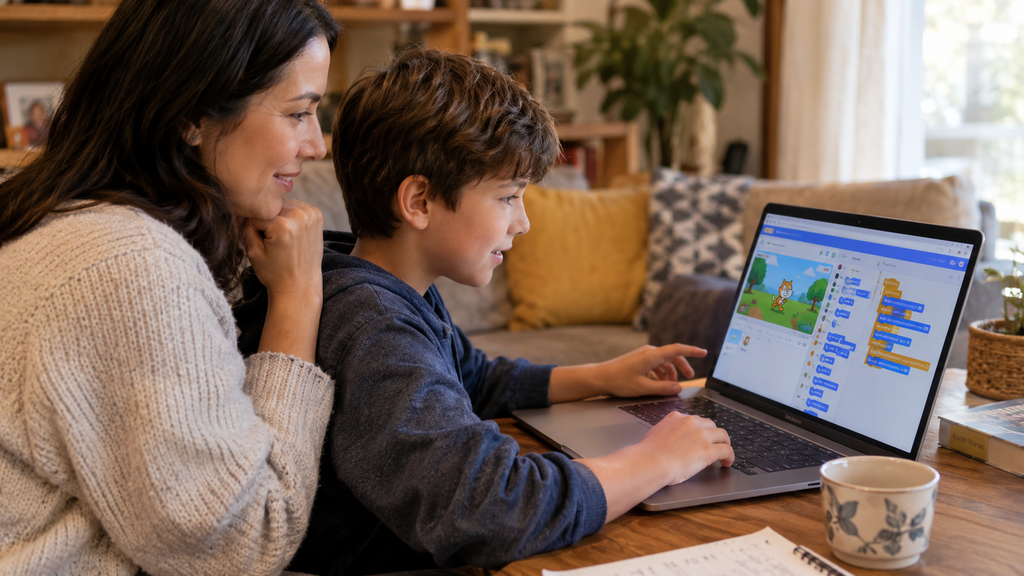
For kids under 13, use a supervised YouTube account or YouTube Kids, and watch together at first.
One language at a time.
Switching channels and languages every week is the #1 reason beginners stall.
Analytical thinking is the top core skill employers want, and coding builds it
(WEF, 2025).
Your child (or you) wants to learn coding, and YouTube seems like the obvious free place to start. The problem? There are millions of coding videos, and quality varies wildly.
Pick the wrong channel and you’ll hit “tutorial hell”: you can follow along, but you can’t build anything on your own. Months pass, and confidence drops.
Can You Really Learn Coding From YouTube?
Yes, for the basics and for specific topics. Many professional developers still use YouTube to learn new tools.
What YouTube does well:
Free, high-quality explanations from experienced teachers.
Learn at your own pace, and pause or rewind anytime.
Huge range of topics, from Scratch games to AI.
Visual demos that make abstract ideas click.
Where YouTube falls short:
No feedback on your own code.
No structured path unless you follow a full playlist.
Easy to get distracted by recommended videos.
Quality and freshness vary. Some tutorials use outdated versions.
YouTube teaches you how others code. Practice teaches you how to code.
The 15 Best YouTube Channels to Learn Coding
Here are all 15 channels in one place, each tagged by category so you can jump to what fits your child: kids, Python, web development, full courses, or Hindi.
Kids (ages 8–12)
1. griffpatch
Best for: Scratch games, ages 8–12
Why it’s great: Step-by-step Scratch tutorials for real games like platformers and scrolling shooters. Kids build alongside the video.
Why it’s great: Daniel Shiffman’s energetic, playful videos use p5.js to make art, games, and simulations. Great for creative kids moving beyond blocks.
Why it’s great: Jeff Delaney’s short, high-energy explainers help you understand what a tool does before diving in. Best for learners who already know the basics.
Why it’s great: Harvard’s famous intro computer science course, taught by David Malan, is free to watch. It’s challenging but brilliant for motivated teens.
YouTube is a great free supplement for learning to code.
Pick channels by age and goal: griffpatch for Scratch, Corey Schafer for Python, Traversy Media for web, CS50 for foundations.
Code along and build solo projects to avoid tutorial hell.
Kids need supervision and feedback that YouTube alone can’t give.
Combine YouTube with a structured class for the fastest progress.
Frequently Asked Questions
Can you really learn coding from YouTube?
Yes, especially the basics and specific topics. Many developers use YouTube to learn. The catch is that videos don’t give feedback or a structured path. Combine them with projects and, ideally, a mentor or class to build real skills.
What is the best YouTube channel to learn Python?
Corey Schafer is excellent for clear, in-depth Python. Programming with Mosh is great for fast beginner crash courses. Tech With Tim suits teens who learn best through projects and games.
What are the best coding YouTube channels for kids?
For ages 8–12, griffpatch is the top choice for Scratch game tutorials. Code.org has short, friendly concept videos. The Coding Train suits creative kids aged 11+. Always use a supervised account for kids under 13.
Which YouTube channel is best for complete beginners?
freeCodeCamp.org and Bro Code offer free full-length beginner courses. Programming with Mosh is great for short, structured introductions. Pick one and follow its playlist from the start.
Is YouTube better than a coding class?
They do different jobs. YouTube is free and flexible but gives no feedback. A live class gives structure, mentoring, and feedback on your code. Most kids progress fastest using both together.
How long does it take to learn coding from YouTube?
With 3–5 hours of practice a week, most beginners can build small projects within 3–6 months. Watching without coding along takes much longer, because real skill comes from practice.
Is YouTube safe for kids learning to code?
It can be, with supervision. Use YouTube Kids or a supervised account, turn on restricted mode, and watch together at first. Our guide to parental control software can help.
What is tutorial hell, and how do I avoid it?
Tutorial hell is when you can follow coding videos but can’t build anything on your own. Avoid it by coding along, changing every project, building solo projects, and getting feedback on your code.
Conclusion
The best YouTube channels to learn coding can teach almost anything, for free. But videos alone rarely turn into real skills.
Pick one or two channels, code along, build your own projects, and get feedback. Watch to learn, build to grow.