
What: A beginner robotics kit is a structured, hands-on learning tool that lets children build, program, and experiment with simple robots using physical components and guided instructions.
Who: Children aged 5–15 and parents looking for meaningful, skill-building screen time alternatives.
Why: Robotics kits introduce kids to engineering, logical thinking, and creativity — all through play.
When: Most children are ready to start with their first kit between ages 6 and 8.
How: Kits typically combine hardware components (motors, sensors, wheels) with a visual coding interface or simple programming language.
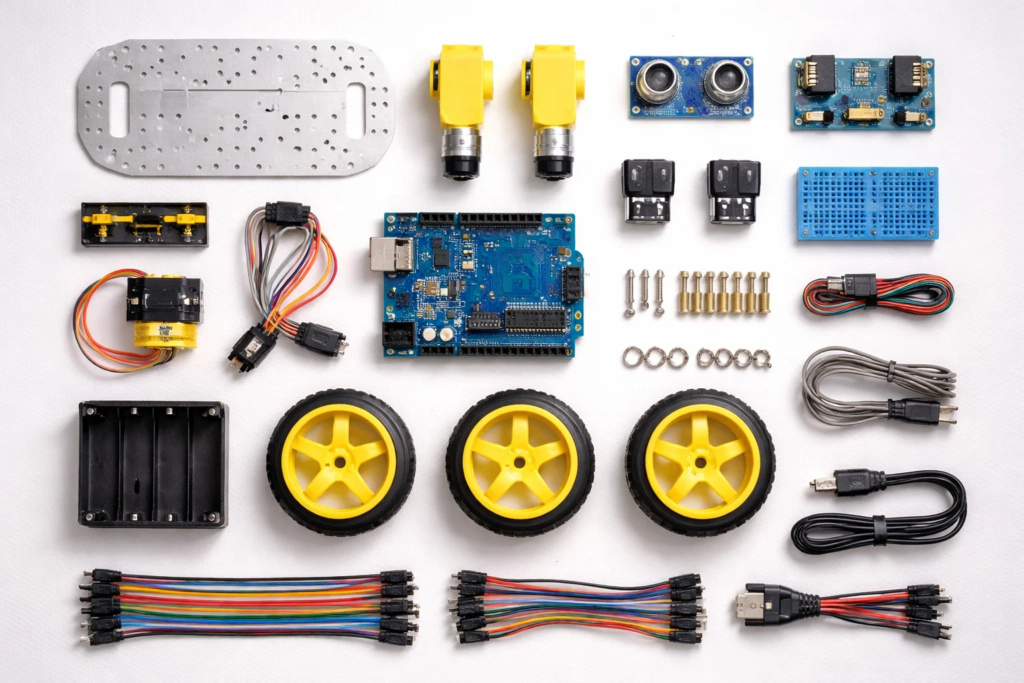
Not every robotics kit delivers the same experience. Pick the wrong one, and your child loses interest in 20 minutes. Pick the right one, and you’ll find them building at midnight, asking if they can make it “do more things.”
The best robotics kits for beginners strike a balance between challenge and accessibility. They grow with your child, connect to real STEM skills, and — most importantly — make the whole process feel exciting rather than frustrating.
This is the section most buying guides skip. Before you search for product names, you need to evaluate kits against the right criteria. Here’s exactly what to look for.
Every good robotics kit clearly states its target age range — and for good reason. A kit designed for a 12-year-old will overwhelm a 6-year-old. A kit built for 5-year-olds will bore a 10-year-old within days.
A good beginner kit shouldn’t be a one-time experience. Look for kits that can be rebuilt into different robot forms — or that accept add-on packs. This means your investment keeps paying off as your child’s skills grow.
Ask: Can this kit build more than one model? Are expansion packs available?
Does the kit connect to a visual programming environment? Can it scale toward text-based coding later? The best robotics kits for beginners start with drag-and-drop blocks and provide a clear path to real programming languages.
If you want your child to eventually learn Python or explore AI programming for kids, choose a kit that doesn’t dead-end at basic commands.
The assembly guide matters enormously. Look for:
Kids build confidence when they can follow along independently. Unclear instructions lead to frustration — and an abandoned kit.
For younger children (5–9), components should be large enough to handle safely, with no sharp edges or small choking hazards. For older children, check that electronic components are properly insulated.
Look for kits from brands that comply with CE or ASTM toy safety standards.
Expensive doesn’t always mean better. A £25 snap-together kit for a 6-year-old can deliver more genuine learning than a £150 kit they’re not ready for.
Evaluate on this basis: How many hours of genuine skill-building does this kit offer?
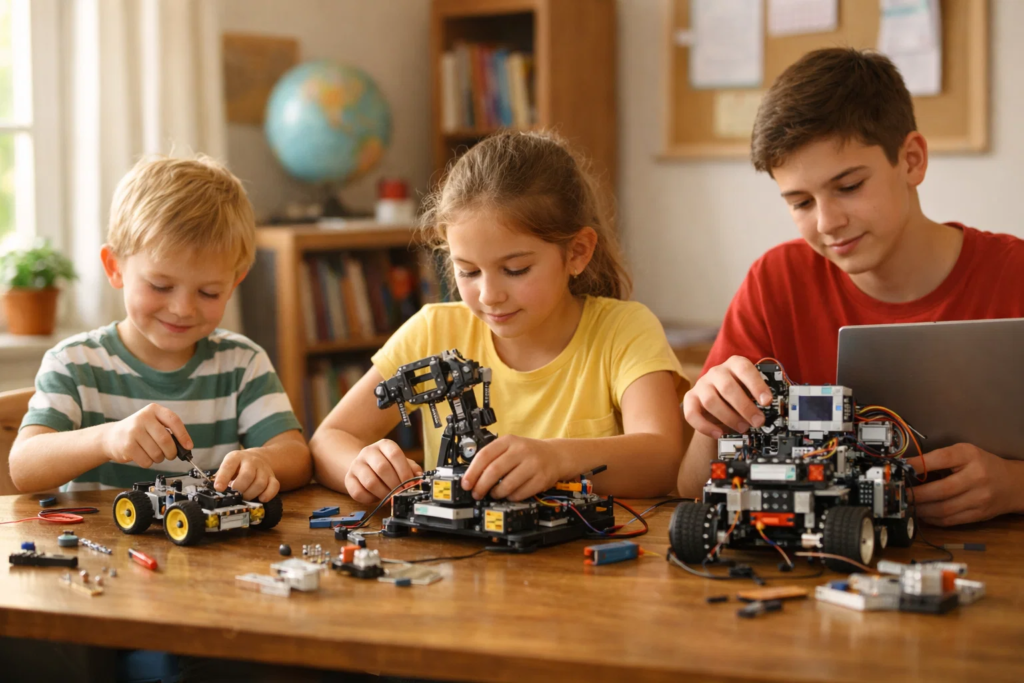
At this stage, the goal is curiosity — not precision. Kits in this range are typically:
These kits build fine motor skills, spatial thinking, and creative confidence. Don’t rush coding at this stage.
This is the sweet spot for most beginner kits. Children at this age can:
Look for kits that connect to Scratch or a similar environment. This is also the age where children enrolled in coding classes for kids begin to see real crossover between classroom skills and home projects.
At this level, your child is ready for:
If your teen is already curious about how AI works in robots, AI projects for kids is a useful next step alongside their kit.
Here’s a quick-reference checklist. A quality beginner kit should offer most of these:
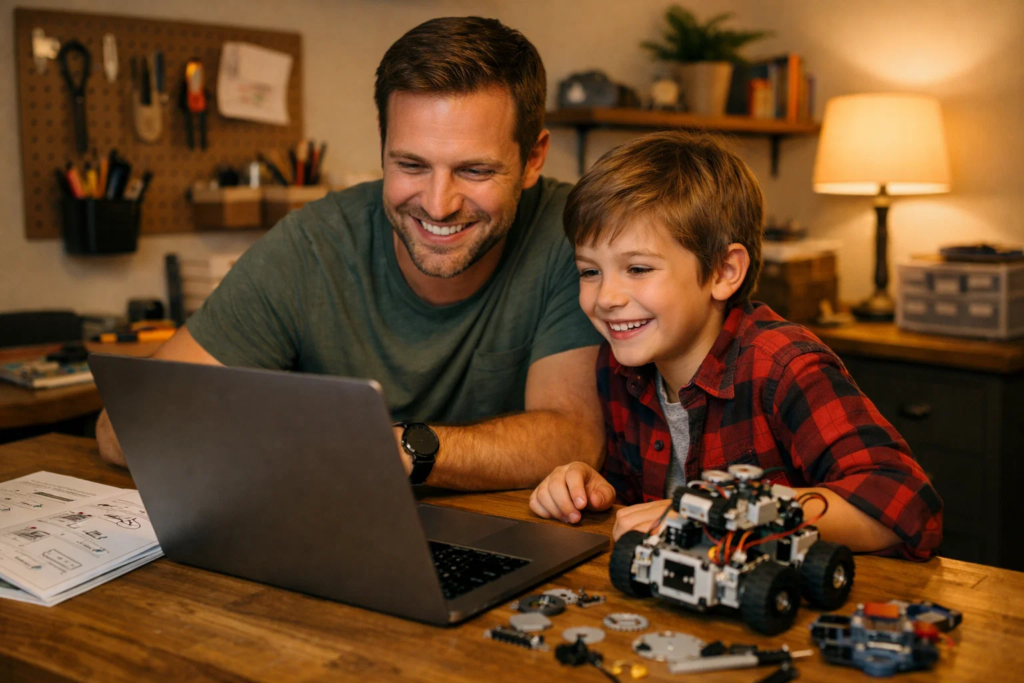
Choosing wrong is easy. Here’s what to avoid.
Big brand names attract attention — but a kit designed for a different age range or skill level will sit unused.
✅ Correct approach: Match the kit to your child’s current ability first. Brand reputation is secondary.
Parents often assume more features = better learning. In reality, overwhelmed kids stop engaging fast.
✅ Correct approach: Choose the simplest kit your child can succeed with on day one. Confidence builds from early wins.
A kit that only builds but doesn’t code misses half the learning. The best robotics kits for beginners include programming — because that’s where the real thinking happens.
✅ Correct approach: Prioritise kits with even basic coding integration. You can always build on it later with after-school coding programmes.
One-build kits lose their appeal once assembled. Children need the option to dismantle and rebuild.
✅ Correct approach: Choose kits with multiple build configurations or downloadable project packs.
A kit is a starting point — not a destination. Without a follow-on plan, your child’s momentum fades.
✅ Correct approach: Pair your kit purchase with a structured learning path. STEM robotics classes provide the guided progression a kit alone can’t offer.
Robotics kits spark curiosity. But curiosity grows best when it’s guided.
At ItsMyBot, we take the excitement a beginner kit creates and give it direction. Our personalised, industry-level courses are designed to meet children exactly where they are — whether they’ve been building kits for a week or a year.
Your child gets:
Whether your child loved snapping together their first robot or is now curious about writing the code that makes it move, we’re here to help them go further. Explore our junior age courses to find the right fit.
Most children are ready for their first beginner robotics kit at around age 6–7, when they can follow simple visual instructions. Snap-fit kits with picture guides work well at this stage. By age 8–9, children are ready to add basic coding and work with more complex builds.
A robotics kit focuses on physical assembly — building a robot from parts — and often includes a coding component. A coding toy typically leads with the programming side, using a tablet or computer interface. The best beginner kits combine both: you build it, then you code it.
No prior experience is needed for beginner-level kits. They’re designed to guide children through each step with visual instructions. That said, pairing a kit with a coding class for kids accelerates progress significantly.
Yes — when chosen correctly. Robotics kits build spatial reasoning, logical thinking, fine motor skills, and early coding foundations. Children who engage with hands-on STEM learning early are better equipped for the technology-driven world they’ll grow into.
Both work — but in different ways. A kit builds independent exploration and creativity at home. A structured class, like those offered at ItsMyBot, provides expert guidance, progression, and accountability. The most effective approach combines both.
Robotics kits introduce coding concepts in an engaging, practical way. However, a kit alone won’t build a complete coding foundation. It’s an excellent starting point — but structured after-school coding programmes take those early sparks and develop them into real skills.
Watch for these signs: your child finishes builds quickly, gets bored repeating the same project, starts asking “how does this actually work?”, or wants to modify the instructions. That curiosity is the signal — it’s time to level up.
Finding the best robotics kits for beginners isn’t about picking the most popular product on the shelf. It’s about matching the right kit to your child’s age, curiosity, and readiness — and then giving that curiosity somewhere to grow.
Here’s what to take away from this guide:
Your child’s curiosity about robots, circuits, and code is one of the most valuable things you can nurture right now. The world they’re growing into runs on exactly these skills — and it starts with one kit, one build, one small win.
When they’re ready to go further, we’re here.
At ItsMyBot, we turn screen time into skill time — with personalised, industry-level robotics and coding courses designed for children aged 5–15.
Your child gets:
Don’t let that first robotics kit be where their learning stops.
👉 Book a Free Demo Today — and discover what your child is truly capable of building.
Or explore our courses to find the perfect fit:
Want your child to go further? Explore ItsMyBot’s Robotics Courses — structured coding courses designed for kids!

Online coding, AI, and robotics classes that help kids ages 6–18 build real skills — and confidence — one project at a time.
No commitment · Live class with an expert teacher
© ItsMyBot 2026. All Rights Reserved.