

Your child spends hours on Roblox or Minecraft — but which one is actually building skills that matter?
Most parents worry that gaming is just wasted time. But Roblox and Minecraft have quietly become two of the most powerful learning platforms for kids today. Both spark creativity and problem-solving. But when it comes to real coding skills and future-ready outcomes, one platform pulls significantly ahead.
This guide breaks down Roblox vs Minecraft for kids — across coding, creativity, safety, and long-term learning value — so you can make the right call with confidence.
If you’ve already noticed your child showing curiosity about how games are made, check out 7 Signs Your Child Is Ready to Learn Coding — it’s a great place to start.
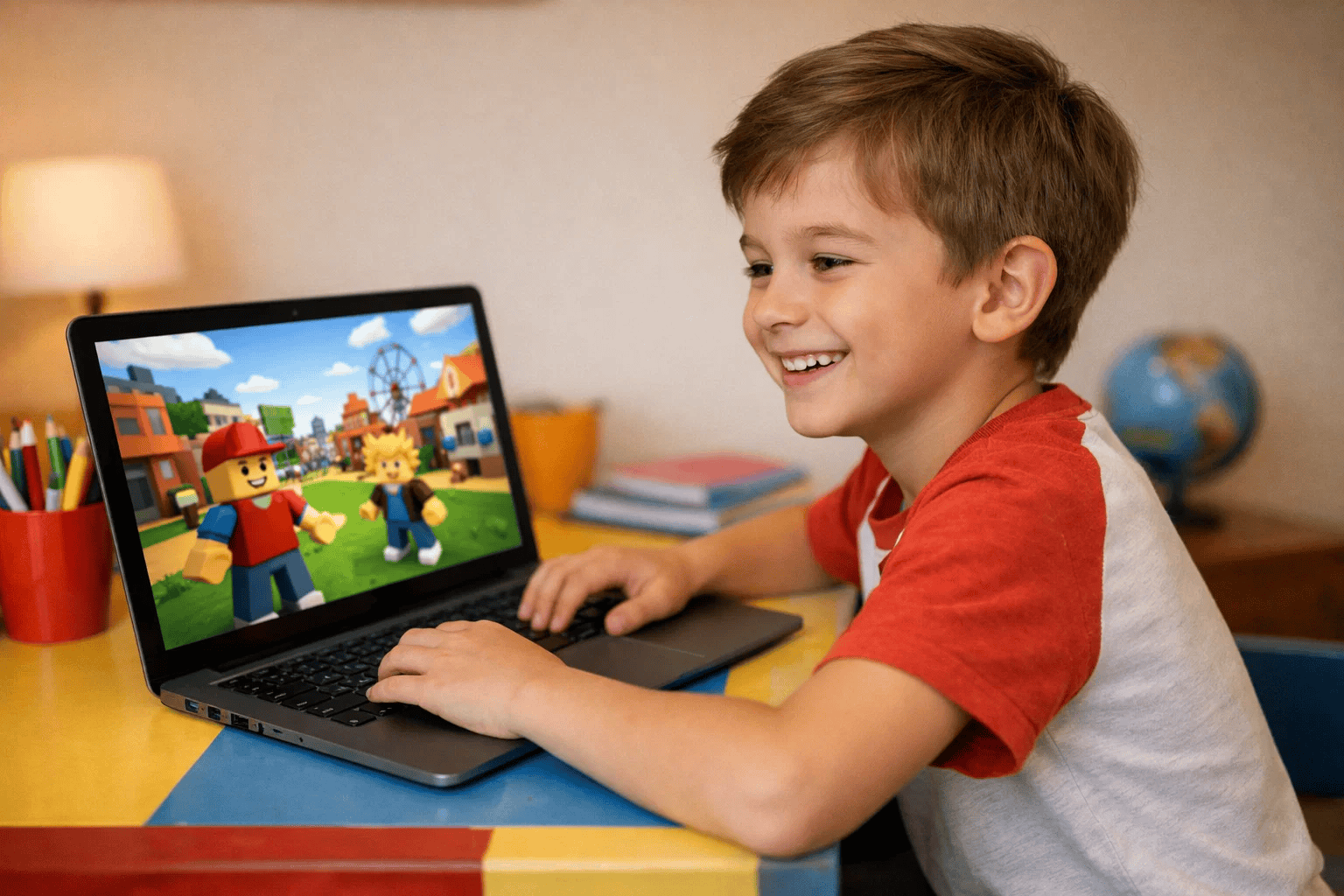
Before we compare them, it helps to understand what each platform actually is.
Roblox is an online gaming platform where players explore thousands of user-created games. Children can also use Roblox Studio to build and publish their own games from scratch using real code. It’s social, creative, and career-relevant — with over 80 million daily active users as of 2025.
Minecraft is a sandbox survival and creative game where players build structures, explore worlds, and solve challenges using blocks. Minecraft Education Edition is used in some classrooms, but the standard game requires significant add-ons to become a true coding tool.
Why does this comparison matter for parents?
For a broader look at where to start your child’s learning journey, our guide on the best age for kids to start coding is worth a read.
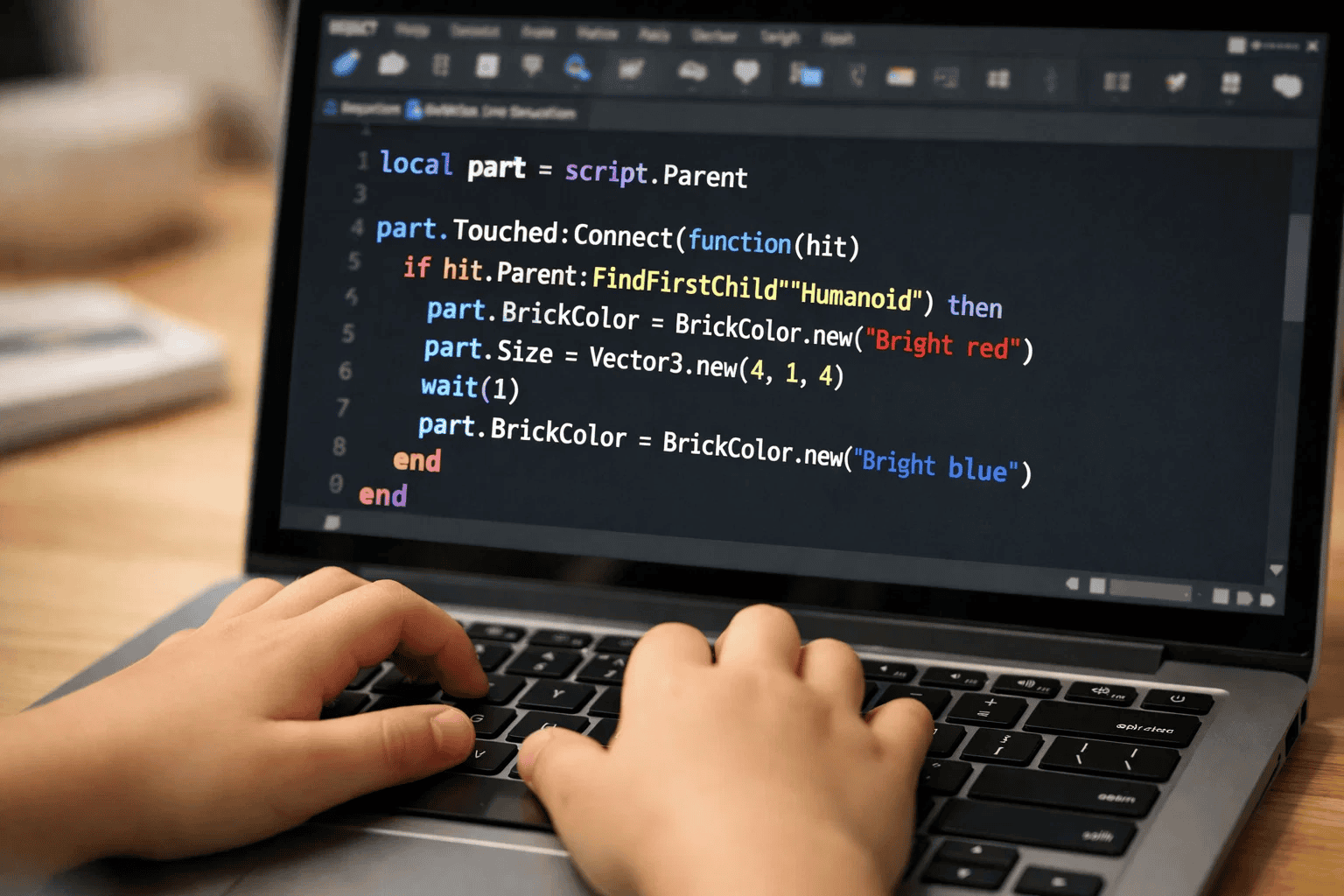
Roblox uses Lua — a lightweight, beginner-friendly scripting language built right into the platform.
Children use Lua inside Roblox Studio to add logic, interactivity, and game mechanics to their creations. It’s text-based, which means your child writes real code — not drag-and-drop blocks. That matters enormously when it comes to building transferable skills.
Why Lua is a great first coding language for kids:
What about Minecraft?
Minecraft doesn’t have a unified coding language. Options include Command Blocks, Redstone logic, MakeCode (block-based), and Java mods — but most require significant parental setup or school access to Education Edition.
The key difference: Roblox gives your child a single, focused, powerful coding environment from day one. Minecraft’s coding potential is real — but scattered and harder to access without extra tools.
If your child is curious about where coding languages fit into the bigger picture, our post on Python vs Java: Which Should Kids Learn First? offers helpful context.
Here’s an honest, side-by-side comparison across the skills that matter most.
| Skill Area | Roblox | Minecraft |
|---|---|---|
| Coding depth | ✅ High (Lua scripting) | ⚡ Moderate (MakeCode, Command Blocks) |
| Creativity & design | ✅ High (game creation) | ✅ Very high (open world building) |
| Problem-solving | ✅ High (game logic, debugging) | ✅ High (survival, redstone) |
| Maths & spatial reasoning | ✅ Moderate | ✅ High |
| Collaboration | ✅ Very high (social platform) | ✅ High (multiplayer servers) |
| Real coding transferability | ✅ High (Lua → professional scripting) | ⚡ Moderate (Java only via mods) |
| Age suitability | ✅ Best for 8–15 | ✅ Strong from 6–12 |
| Structured learning pathway | ✅ Clear (Roblox Studio + Lua) | ⚡ Requires extra tools |
Bottom line: Roblox delivers a stronger, more direct coding pathway. Your child doesn’t just play — they create, script, and publish. That combination of creativity and real code is hard to beat.
For a deeper look at how learning styles affect coding progress, explore our guide on block-based vs text-based coding for kids.
Both games teach real skills — but Roblox goes further.
Which delivers stronger educational value?
| Learning Outcome | Roblox | Minecraft |
|---|---|---|
| Coding fundamentals | ✅ Strong (Lua scripting) | ⚡ Moderate (MakeCode, Command Blocks) |
| Creative thinking | ✅ Strong | ✅ Very strong |
| Maths & spatial reasoning | ✅ Moderate | ✅ Strong |
| Collaboration skills | ✅ Very strong | ✅ Strong |
| STEM career readiness | ✅ High (game dev pathway) | ⚡ Moderate |
The honest answer: Roblox edges ahead on coding depth and career readiness. Minecraft is excellent for creative foundations — but it’s a starting point, not a destination. A child who moves from Minecraft’s creative thinking into Roblox’s scripting environment is on a genuinely powerful learning trajectory.
In 2025, both games remain hugely popular — but they appeal differently.
Roblox attracts kids who want to create and connect. With over 40 million user-created experiences, your child isn’t just playing games — they’re exploring worlds other kids built, which naturally inspires them to build their own. The social layer adds real motivation to keep creating.
Minecraft appeals to kids who love deep, immersive world-building. Open-ended, imaginative, and deeply satisfying — but largely solo. The creative ceiling is high, but the audience for your child’s creations is small.
What kids say they love:
The creativity edge? Roblox — because creation has an audience. Building a game that other kids play is far more motivating than building a world only you can see. That motivation is what keeps children learning, iterating, and growing. Pair that drive with how to create a game on Code.org as a beginner warm-up activity.
Understanding both sides helps you guide your child more confidently.
Pros:
Cons:
Pros:
Cons:
The smart parent’s takeaway: Minecraft is a wonderful creative starting point for younger children. But when your child is ready to go deeper — to actually code, create, and share — Roblox is the natural, powerful next step. And with ItsMyBot’s Roblox course, that transition becomes exciting rather than overwhelming.
For a broader look at how to pick the right learning platform for your child’s growth stage, our guide on how to choose the right coding course for your child walks you through the key questions to ask.
Online safety is every parent’s top concern. Here’s what you need to know about both platforms — and why Roblox, with the right setup, is completely safe for children.
Age rating: Roblox is rated 7+ with robust parental controls built in.
Built-in safety features:
Parent action checklist for Roblox:
Age rating: Minecraft is rated 7+ (PEGI) with offline play available.
Built-in safety features:
Parent action checklist for Minecraft:
Which is safer overall?
Both platforms are safe when set up correctly. Roblox’s social nature is actually one of its greatest educational strengths — it teaches children how to collaborate, communicate, and share their work responsibly in a digital world. That’s a skill they’ll need for life. The best way to keep your child safe on Roblox isn’t to avoid it — it’s to surround their play with structure and mentorship.
Explore our AI literacy for kids guide for more on helping your child build smart, safe digital habits alongside their coding journey.
Use this quick guide to decide:
Choose Roblox if your child:
Choose Minecraft if your child:
The progression most families find works best: Start with Minecraft’s creative freedom for younger children. Then move to Roblox — and pair it with ItsMyBot’s Roblox Game Development course — to channel that creativity into real, structured coding skills.
If your child already loves Scratch and is looking for a natural next step, our post on Scratch vs Code.org: Which Is Best for Your Child? will help you map the coding journey ahead.
Roblox is the stronger coding platform. It uses Lua scripting inside Roblox Studio — giving children a real, text-based coding environment. Minecraft’s coding tools require extra setup and aren’t available in the standard game.
Roblox uses Lua — a lightweight, beginner-friendly scripting language. Children use it inside Roblox Studio to add game mechanics, interactions, and logic to their creations.
Yes — with the right settings. Enable account restrictions, set a parental PIN, monitor friend requests, and control Robux spending. Enrolling your child in a structured programme adds another layer of guided, purposeful engagement.
Minecraft suits children aged 6–8 for its simplicity and offline options. From age 8–9 onwards, Roblox becomes the more powerful learning platform — especially when paired with structured coding guidance.
Absolutely. Roblox Studio and Lua teach real programming concepts — variables, loops, functions, conditionals, and debugging.
Roblox teaches Lua — a real scripting language used in professional game development. Children who build games in Roblox Studio develop portfolio-worthy projects, problem-solving habits, and collaboration skills that translate directly into tech careers.
Roblox vs Minecraft for kids isn’t really a competition — it’s a progression.
Minecraft sparks creativity and introduces logic-based thinking beautifully for younger children. But when your child is ready to go deeper — to code, build, publish, and grow — Roblox is the more powerful platform. And with the right guidance, it becomes one of the best learning environments available to children today.
Whether your child loves Roblox, Minecraft, or is just getting started — the right guidance makes all the difference. At ItsMyBot, we turn your child’s curiosity into confidence through personalised, industry-level coding courses built for children aged 5–15.
👉 Explore ItsMyBot Courses — Start Your Child’s Journey Today


